

NZXT免费使用说明书 – 在线阅读、下载和打印
12 手册
手册
39 Pages

2 Pages
2 Pages
2 Pages
36 Pages
62 Pages
35 Pages

29 Pages
29 Pages
2 Pages
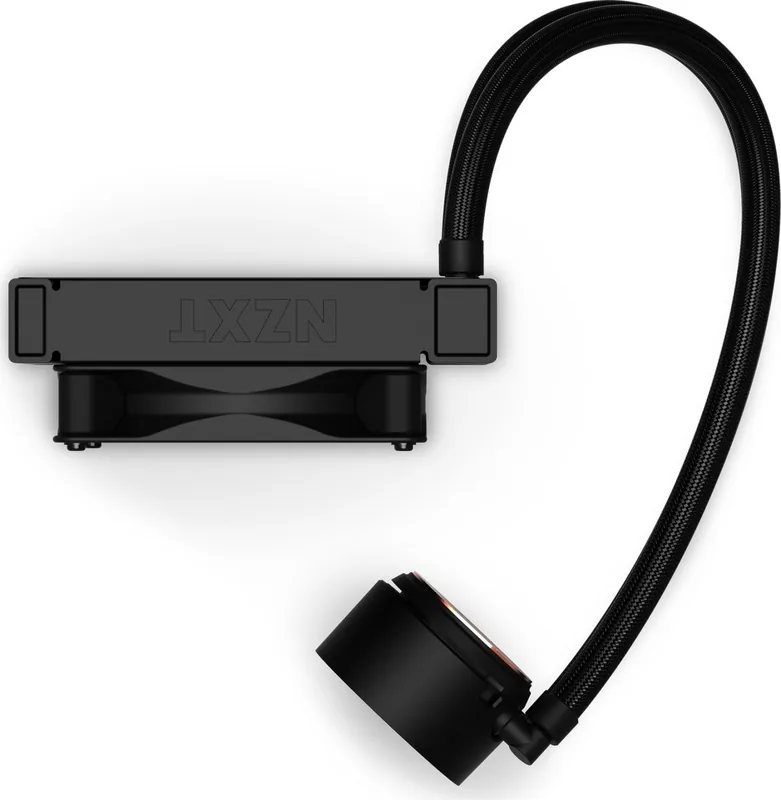
2 Pages
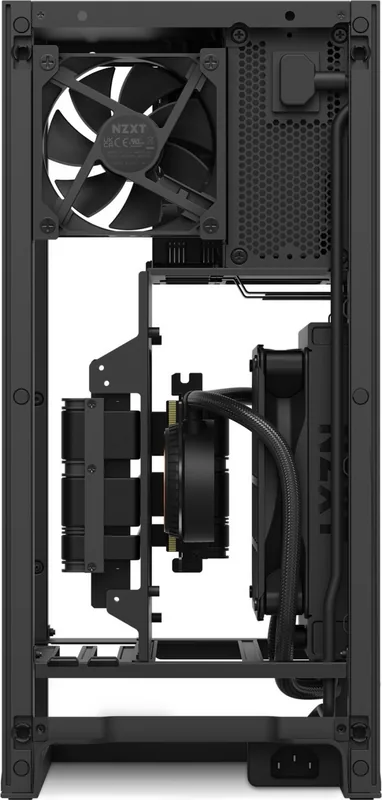
2 Pages
分类


NZXT Manuals: The Complete Guide to Understanding, Installing, and Optimizing Your NZXT Hardware
Introduction to NZXT Manuals
What Are NZXT Manuals?
NZXT manuals are step-by-step, brand-authored guides that help you install, configure, maintain, and troubleshoot NZXT products. From PC cases and cooling solutions to power supplies, accessories, and RGB ecosystems, these manuals ensure a smooth build experience whether you are assembling your first PC or optimizing a high-performance setup.
Why They Matter
Manuals minimize guesswork, reduce build errors, and protect your components. They offer precise dimensions, part lists, cable routes, BIOS and software notes, recommended airflow guidelines, and safety instructions. With concise diagrams and part labels, NZXT manuals bridge the gap between concept and completion.
Product Categories Covered in NZXT Manuals
PC Cases
NZXT case manuals guide you through panel removal, motherboard standoff placement, radiator and fan compatibility, cable channels, and drive mount locations. They often include exploded views, fan orientation diagrams, and smart cable routing suggestions.
CPU Coolers and Liquid Cooling (Kraken Series)
These manuals explain bracket selection for Intel and AMD sockets, pump orientation, thermal paste application, radiator placement, fan push/pull options, and NZXT CAM integration for lighting and pump curves.
Case Fans and Fan Hubs
Manuals cover fan sizes, airflow direction indicators, proper header connections (3-pin DC vs 4-pin PWM), hub power sourcing via SATA, and recommended fan curves.
Power Supplies (C Series)
PSU manuals detail modular cable types, wattage guidelines, rail distribution, EPS and PCIe connectors, safety protections, and installation clearances. They also include efficiency, safety, and certification notes.
RGB and Lighting Ecosystems (HUE, RGB Controllers)
These manuals walk through daisy-chaining, channel limits, voltage requirements, addressing order, and CAM lighting presets.
Motherboard Accessories and AIO Brackets
Documentation covers mounting points, retention mechanisms, compatibility with varied socket generations, and torque or pressure considerations where applicable.
Key Sections Typically Found in NZXT Manuals
Safety and Compliance
- Electrical handling and ESD precautions
- Liquid cooling handling guidelines
- Operating temperature ranges and certifications (where applicable)
Parts List and Diagrams
- Labeled images of screws, brackets, standoffs, cables
- Exploded chassis diagrams and radiator compatibility charts
Step-by-Step Installation
- A sequential build process with callouts for critical steps
- Clear differentiation of motherboard sizes (ATX, mATX, ITX)
- Cable management pathways and tie-down points
Configuration and Software
- CAM software installation and setup
- Lighting profiles, fan and pump curve creation
- Firmware updates and troubleshooting prompts
Maintenance and Care
- Dust filter access and cleaning cycles
- Coolant loop support for AIOs (checking pump operation, re-mounting)
- Fan bearing care and replacement guidelines
Troubleshooting and FAQs
- No-POST checks, power sequencing, and cable reseating
- Noise diagnosis: fan rattles, pump hum, coil whine
- Thermal troubleshooting: mounting pressure, paste application, airflow direction
How to Use NZXT Manuals Effectively
Before You Start
- Inventory all components and fasteners
- Verify motherboard, GPU, and cooler clearances
- Plan airflow (intake vs exhaust) and radiator placement before assembly
During Installation
- Follow the recommended order: PSU and cables, motherboard and CPU, cooler, storage, GPU, then cable management
- Use the manual’s torque or pressure guidance for cooler mounting to ensure even contact
- Observe fan arrows for airflow direction as shown in manual diagrams
After Assembly
- Double-check every power cable: 24-pin ATX, EPS 8-pin(s), PCIe for GPU, SATA for hubs and storage
- Use the manual to confirm RGB wiring order for consistent addressing
- Update firmware or device profiles via CAM per the manual’s steps
Best Practices Highlighted in Manuals
Cable Management
- Route high-current cables (EPS/PCIe) along dedicated channels to avoid fan blades
- Use included Velcro straps and tie-down loops mapped in the manual
- Keep front intake paths unobstructed for optimal GPU and CPU temps
Airflow Design
- Follow case manual recommendations for intake-heavy or balanced airflow
- Match radiator and case fan directions to avoid pressure conflicts
- Leave clearance at front and top panels as specified
Compatibility Checks
- Confirm AIO radiator thickness and fan stack height vs RAM and motherboard heatsinks
- Ensure GPU length fits within drive cage configurations per manual diagrams
- Verify PSU length vs shroud space and cable bend radius
Common Manual Tips That Save Time
Standoffs and Shorting Prevention
- The manual shows which standoff holes match your motherboard size; extra standoffs can cause shorts
Front Panel Connectors
- Manuals provide pinout diagrams for power switch, reset, HDD LED, and power LED; follow the polarity indicators
Thermal Paste and Contact
- Most NZXT AIO manuals specify a pea-sized application and cross-tightening pattern
Fan Curves and Noise Control
- CAM configuration guidance in manuals helps reduce ramping and oscillation; use a gentle curve and hysteresis (if available)
Troubleshooting Using NZXT Manuals
System Won’t Power On
- Check PSU switch and wall connection
- Reseat 24-pin and EPS cables as manual diagrams show
- Test with minimal components
High CPU Temperatures
- Reconfirm pump header connection (AIO_PUMP or CPU_FAN as advised)
- Verify radiator fan direction matches manual airflow diagrams
- Reapply paste and tighten evenly
RGB Not Lighting
- Ensure correct channel, daisy-chain order, and power to the controller
- Check CAM device detection and firmware per manual
Odd Noises
- Compare to manual’s normal operating sound guidance
- Inspect for cable contact with fan blades per routing diagrams
Digital and Print Access
Finding the Right Manual
- Search the product page for “Downloads” or “Support” to get the exact revision
- Match your product’s model number and revision code
Updates and Revisions
- Manuals may be updated with new compatibility or CAM instructions
- Always use the latest revision to avoid outdated steps
Learning From Manual Diagrams
Exploded Views
- Reveal panel latches, hidden screws, and direction of removal
Compatibility Tables
- Quickly verify radiator sizes (120/240/280/360), fan placement, and GPU/PSU clearances
Wiring Maps
- Detail hub channels, header names, voltage, and cable polarity
Safety and Warranty Notes
Handling Liquids and Electronics
- Follow the manual’s guidelines for safe AIO installation and leak inspections
Warranty Conditions
- Manuals outline proof-of-purchase requirements and install practices affecting coverage
Advanced Tips Often Referenced in Manuals
Push/Pull Radiator Configurations
- Manual diagrams show screw lengths to avoid radiator fin damage
Custom Fan and Pump Curves
- Use CAM’s manual curve tools as referenced to balance temps and acoustics
Drive Mount Flexibility
- Manuals show alternate locations for 2.5-inch and 3.5-inch drives to improve airflow
Accessibility and Ease of Use
Clear Icons and Labels
- NZXT manuals leverage iconography for screw types, airflow, polarity, and safety
Multilingual Support
- Manuals are often available in multiple languages with consistent diagrams
When to Contact Support
Manual-Based Escalation
- If a step fails, follow the manual’s diagnostic checklists first
- Provide logs, photos, and model numbers referenced in the manual when contacting support
Conclusion
Why NZXT Manuals Are Essential
NZXT manuals guide builders through every phase—from planning and assembly to optimization and maintenance. With precise diagrams, compatibility data, and CAM configuration steps, they reduce errors, improve airflow and thermals, and help you unlock the full potential of your NZXT ecosystem.
Final Recommendation
Always download the latest manual for your exact model and revision before starting, follow the sequence and diagrams closely, and use the troubleshooting sections to resolve issues efficiently. With the manual as your roadmap, your NZXT build becomes more reliable, quieter, and easier to maintain.
搜索:67,706 在线手册


输入品牌或型号