
Audio & HiFi Manuals
Manuals
40 Pages

42 Pages
89 Pages
18 Pages
2 Pages

16 Pages
40 Pages
8 Pages
2 Pages

64 Pages
56 Pages
46 Pages
27 Pages
12 Pages
48 Pages
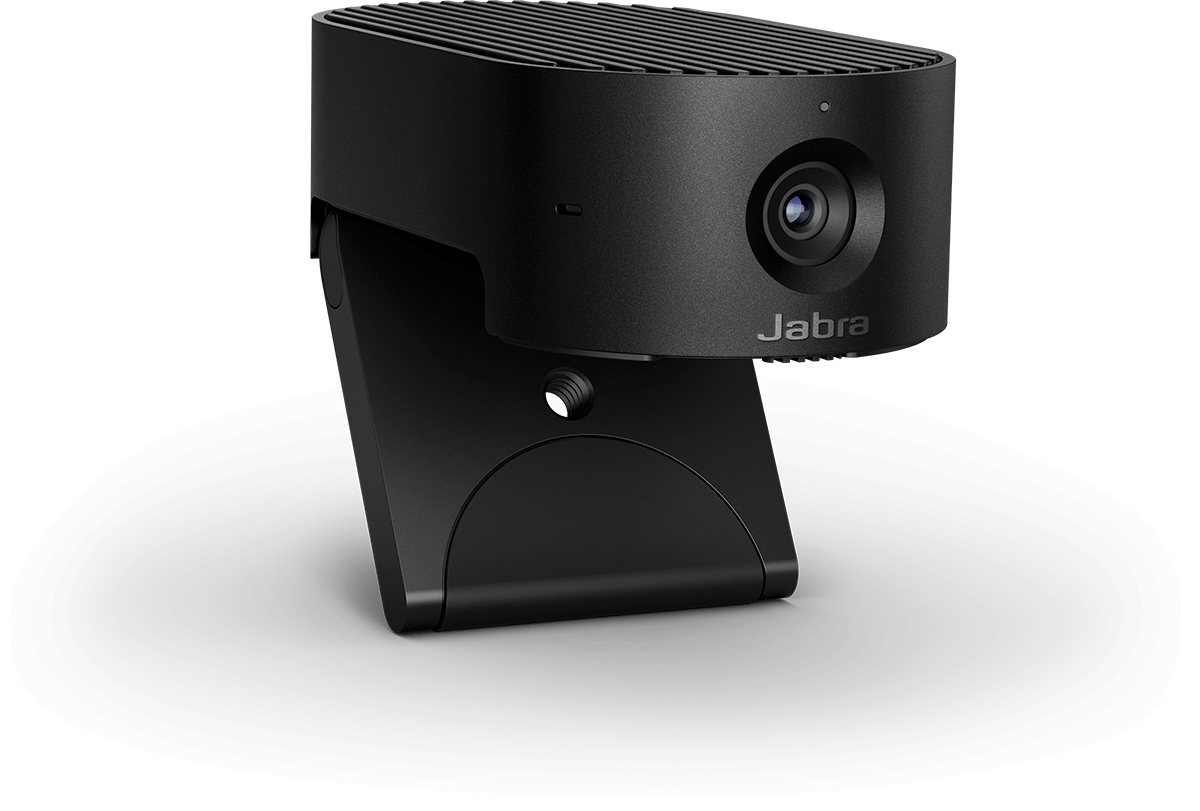
15 Pages
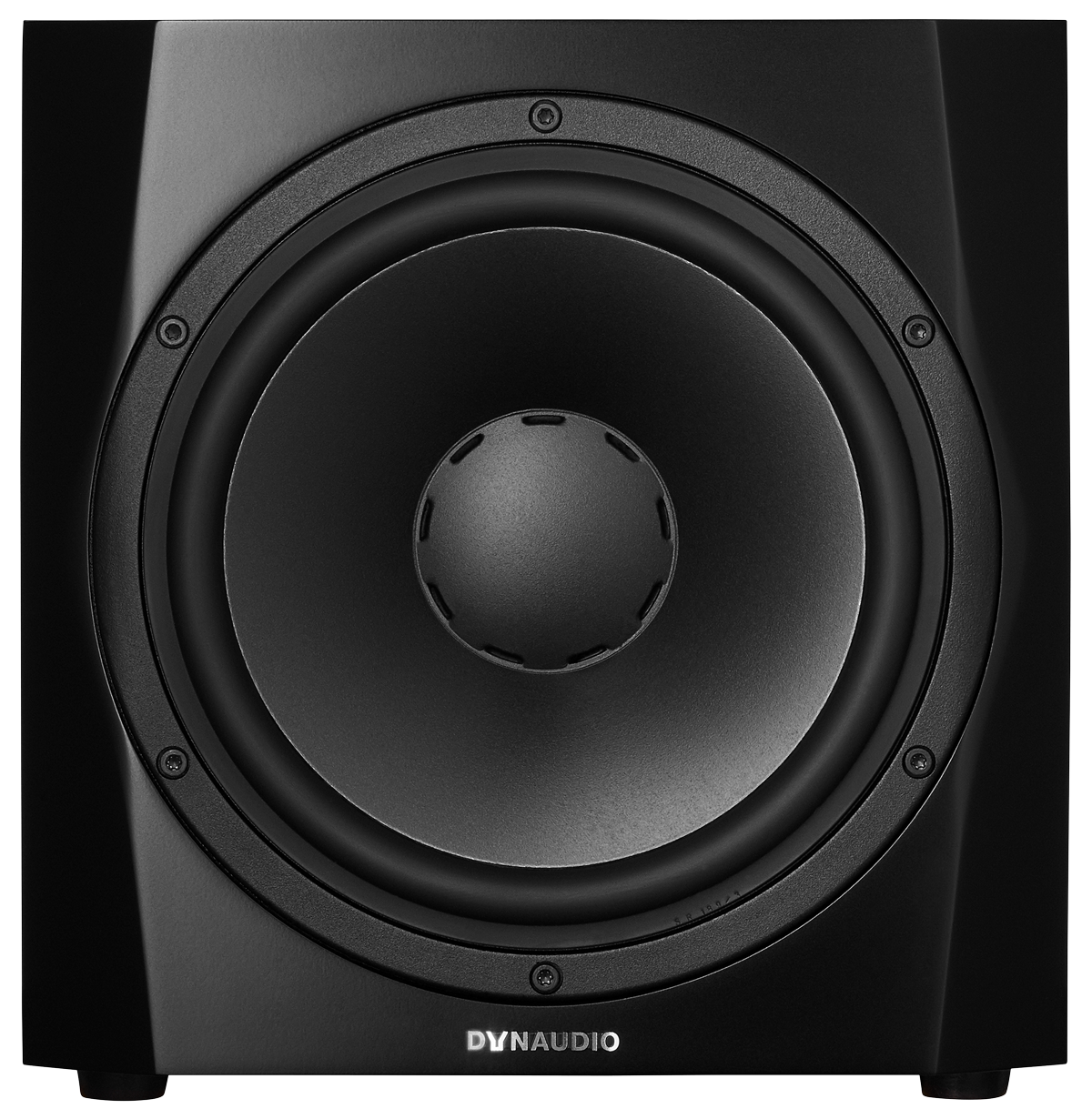
17 Pages
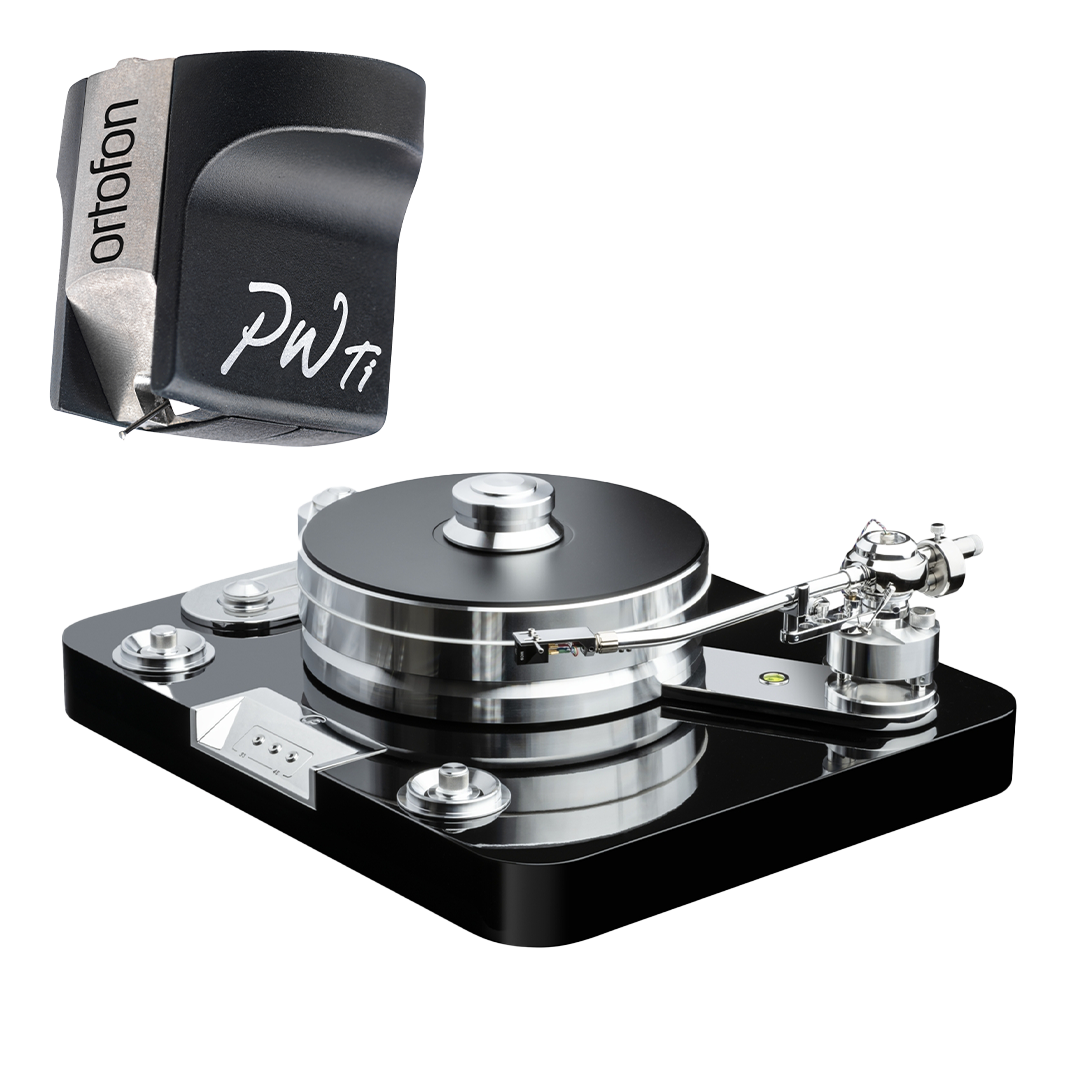
19 Pages
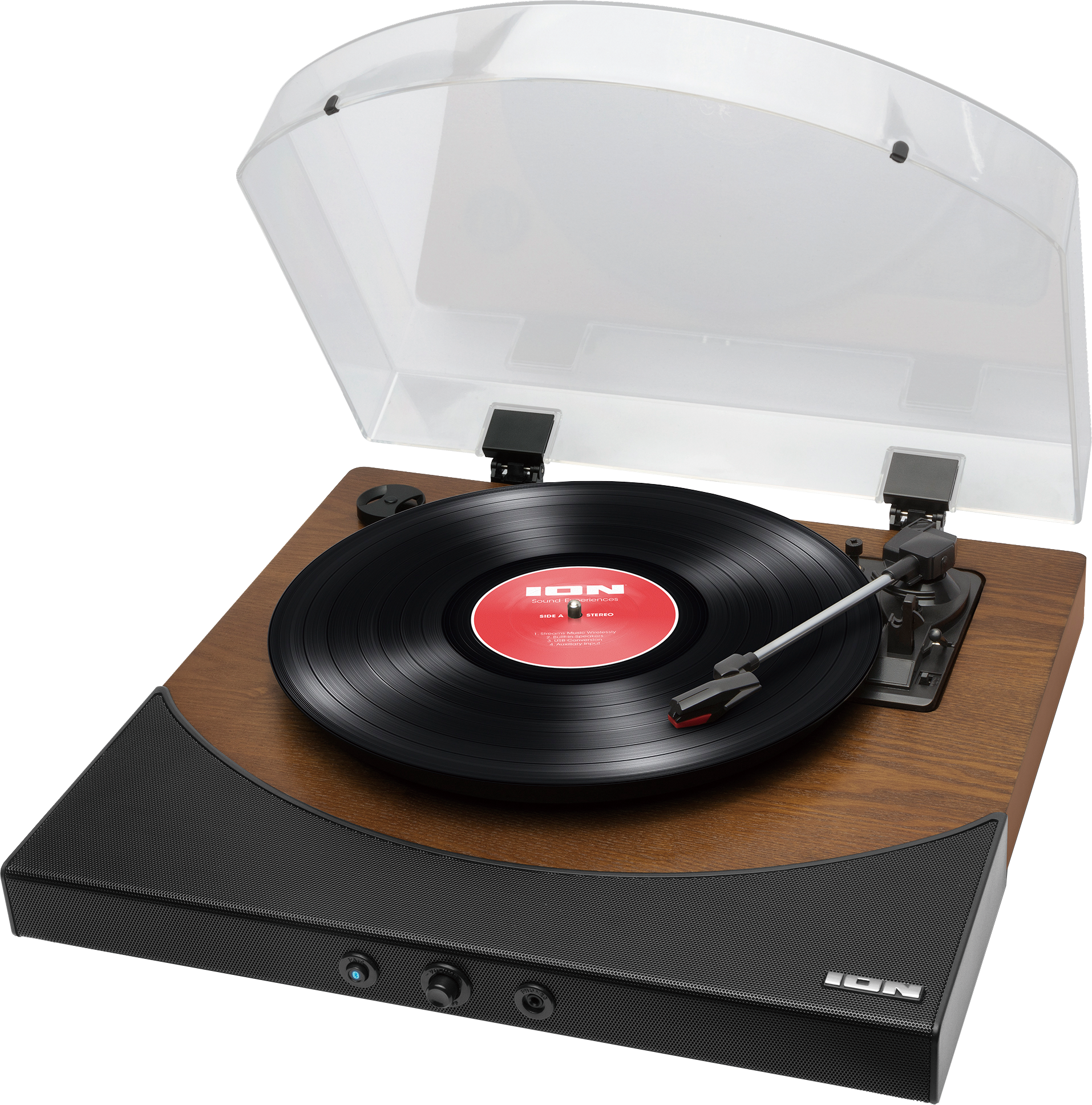
40 Pages
56 Pages
22 Pages

24 Pages
30 Pages
Audio & HiFi Manuals: The Definitive Guide to Understanding, Setting Up, and Mastering Your Sound System
Why Audio & HiFi Manuals Matter
The Foundation of Great Sound
Audio & HiFi manuals are the blueprint to achieving the performance your equipment was designed to deliver. From amplifiers and DACs to turntables, receivers, speakers, and headphones, manuals provide step-by-step guidance on setup, calibration, connectivity, and maintenance. They help you unlock advanced features, avoid common mistakes, and protect your investment.
Avoiding Costly Errors
Incorrect wiring, improper gain staging, mismatched impedances, and poor placement can degrade audio quality or even damage components. Manuals provide critical specifications—impedance, sensitivity, load ratings, voltage requirements, supported codecs, firmware compatibility—that ensure safe, optimal use.
Maximizing Features and Value
Modern HiFi gear often includes DSP profiles, room correction, streaming integration, multi-zone control, phono stage options, and balanced signal paths. Manuals explain these features and how to configure them so you get more from your system.
Core Components Covered in Audio & HiFi Manuals
Amplifiers and Integrated Amplifiers
Manuals detail power ratings (RMS/continuous vs. peak), minimum load impedance, input sensitivity, gain structure, speaker terminals, pre-out/main-in loops, and protection circuits. They explain bridging, bi-wiring/bi-amping, home-theater bypass, and balanced XLR vs. unbalanced RCA inputs.
AV Receivers and Stereo Receivers
Expect guidance on channel assignments, speaker patterns (2.0 to 11.2+), room EQ setup (Audyssey, Dirac Live, YPAO, MCACC), HDMI/ARC/eARC connections, lip-sync, decoding formats (Dolby Atmos, DTS:X), and network features (AirPlay, Chromecast, DLNA, Roon readiness).
Speakers and Subwoofers
Manuals cover placement, toe-in, stand height, isolation, and subwoofer crossover settings (LPF), phase alignment, auto room correction, sealing vs. port plugging, boundary reinforcement, and recommended amplifier power. They may include frequency response graphs and dispersion patterns.
Turntables and Cartridges
Setup sections include platter leveling, anti-skate adjustment, counterweight balancing, tracking force, overhang/alignment (Baerwald, Stevenson, Lofgren), VTA/azimuth, cartridge loading, and phono stage selection (MM vs. MC). Manuals also address speed calibration and belt replacement.
DACs and Streamers
You’ll find instructions on sample rate support, bit depth, filters, MQA handling, DSD vs. PCM paths, USB class drivers, clocking, jitter control, network configuration, and streaming platform integration. Manuals also explain digital inputs (USB, optical, coaxial, AES/EBU) and output level settings.
Headphone Amps and Headphones
Manuals outline impedance matching, gain settings for IEMs vs. planars, balanced outputs (2.5/4.4 mm, XLR), maximum SPL warnings, and EQ or crossfeed options. They often include care instructions for pads, cables, and headbands.
Setup and Installation Essentials
Unboxing and Safety
Manuals stress ventilation, surge protection, correct voltage selection, power sequencing, and heat management. They include warnings about stacking gear, covering vents, and cable strain relief.
Connectivity and Signal Flow
Common diagrams show source-to-preamp-to-amp-to-speaker paths, as well as digital chains (transport → DAC → preamp). Manuals define input types, output voltages, and recommended cable lengths. They clarify grounding and hum mitigation.
Speaker Placement and Room Interaction
Guidance often includes equilateral triangle listening geometry, tweeter height alignment, first reflection control, subwoofer crawl tests, crossover and phase tuning, and time alignment. Manuals may list ideal room dimensions and acoustic treatment tips.
Calibration and Gain Staging
You’ll find procedures for setting preamp gain, adjusting trim levels, calibrating subwoofer level, and using pink noise/test tones. Manuals for AVRs walk you through microphone placement for room correction and target curve selection.
Understanding Specifications
Power and Sensitivity
Manuals define continuous power, dynamic headroom, and the impact of speaker sensitivity on achievable SPL. They help you match amplifier power to speaker demands to avoid clipping or distortion.
Impedance and Load Handling
Learn how speakers vary in impedance with frequency, what “difficult loads” mean, and how to confirm your amplifier’s stability at 4 ohms or lower. Manuals caution against parallel connections that drop total impedance too far.
Frequency Response and THD
Manuals provide response ranges and tolerances, plus distortion metrics at various power levels. They explain SNR, dynamic range, crosstalk, and damping factor and their practical impact on sound.
Digital Specs
For DACs, manuals list supported PCM/DSD rates, filter types (fast/slow, minimum/linear phase), clock modes, and USB compatibility. They outline MQA behavior, resampling, and bit-perfect verification.
Advanced Features and How to Use Them
Room Correction and DSP
Step-by-step instructions cover mic placement, sweep execution, multiple measurement positions, target curves, and manual EQ adjustments. Manuals explain limitations—over-correction, bass management boundaries, and phase considerations.
Bass Management
AVR and processor manuals define crossover selection for each speaker, LFE routing, double bass controls, phase and polarity, and multi-sub optimization strategies.
Balanced vs. Single-Ended
Manuals clarify when to use XLR connections for long runs or noise rejection and how to avoid ground loops. They explain pin configuration and compatibility with adapters.
Firmware and App Control
You’ll find procedures for updating via USB/network, rollback options, and troubleshooting failed updates. Manuals also cover app-based control, streaming services, multiroom synchronization, and voice assistant integration.
Troubleshooting and Maintenance
Common Issues and Fixes
- No sound: check input selection, mute states, protection mode, and connections.
- Hum/buzz: verify grounding, isolate sources, use cheater plugs only as directed, and separate power and signal cables.
- Dropouts: confirm Wi‑Fi strength, firmware versions, and buffer settings; try wired Ethernet.
- Distortion: reduce gain, check clipping indicators, inspect cables and drivers, and verify load compatibility.
- Skewed imaging: correct speaker placement, phase, and room symmetry.
Protection and Care
Manuals recommend dust management, ventilation clearance, gentle cleaners, stylus care, bearing lubrication schedules, belt and pad replacements, and proper power-down/up sequencing. They list authorized service centers and warranty terms.
How to Read and Use Manuals Effectively
Start with the Quick Start, Then Dive Deep
Quick start guides help you power on safely and get audio output. The full manual provides detailed configuration, tweakable options, and safety notes.
Follow Diagrams Closely
Wiring diagrams and placement illustrations are crucial. Manuals often use standardized icons; refer to legends for clarity.
Keep Specifications Handy
Flag pages with input/output specs, impedance charts, and recommended settings. These are essential when adding new components.
Use the Index and Search
PDF manuals are searchable—use them to find terms like “crossover,” “ground,” or “firmware.” For printed manuals, bookmark key sections.
Sourcing Audio & HiFi Manuals
Manufacturer Websites
Most brands host current and legacy manuals as PDFs. Look under Support, Downloads, or Product Pages. Ensure the manual version matches your hardware revision.
Community Archives and Forums
Enthusiast forums, archival sites, and user groups often host rare or discontinued manuals. Cross-check authenticity and model numbers to avoid mismatches.
Retailers and Service Centers
Authorized dealers may provide service manuals or calibration guides on request. Service manuals can contain schematics, parts lists, and diagnostic procedures beyond user manuals.
Upgrading and System Integration
Planning for Compatibility
Manuals help you verify whether new components—streamers, amps, cartridges, or speakers—match existing gear in voltage levels, impedance, connectivity, and control protocols (CEC, IP, RS‑232, triggers).
Multiroom and Home Theater Expansion
Learn how to assign zones, configure pre-outs, and integrate external amplification. Manuals guide speaker mapping, bass management, and lip-sync settings when adding displays or projectors.
Best Practices and Pro Tips
Document Your Settings
Record crossover points, trim levels, EQ curves, and distances. If you reset firmware or move gear, you can quickly restore optimal settings.
Cable Management
Label inputs and outputs, avoid parallel power and signal runs, and use appropriate lengths. Manuals often suggest ideal cable types for specific ports.
Environmental Considerations
Ensure stable power, humidity control, and adequate ventilation. For turntables, minimize vibration using isolation platforms per manual guidance.
Glossary Highlights Found in Manuals
Key Terms
- RMS Power: Continuous power output without clipping.
- Sensitivity: dB output at 1W/1m; affects loudness with given power.
- Impedance: Electrical resistance the amplifier sees; varies by frequency.
- SNR: Signal-to-noise ratio; higher is cleaner.
- THD: Total harmonic distortion; lower is better.
- Crossover: Frequency where bass is redirected to subwoofers.
- Gain: Amplification factor influencing headroom and noise.
- Balanced: Differential signal path reducing noise over long runs.
The Payoff: Superior Performance, Reliability, and Enjoyment
Confidence in Every Connection
By following your Audio & HiFi manuals, you’ll wire correctly, match components safely, and prevent damage. You’ll understand how each feature contributes to a cohesive, high-performance system.
Measurable and Audible Gains
Proper setup guided by manuals yields tighter bass, clearer mids, improved imaging, and reduced distortion. Room correction, crossover tuning, and gain staging translate directly into better sound.
Longevity and Value Retention
Maintenance schedules, firmware updates, and safe operating practices extend equipment life and preserve resale value. When issues arise, the manual remains your first and best resource.
A Better Listening Experience
Whether you’re spinning vinyl, streaming hi-res, or enjoying immersive cinema, manuals help you realize the full potential of your gear—turning a collection of components into a finely tuned system that delivers consistent, inspiring sound.
Search for 1 Mio. Manuals online


Type-in Brand or Model