
Seagate Manuals
Manuals
Categories

Seagate Manuals: The Definitive Guide to Documentation, Support, and Setup
Introduction
Seagate Manuals are the official documentation resources that guide users through the installation, configuration, operation, maintenance, and troubleshooting of Seagate storage products. Whether you are setting up an external backup drive, deploying enterprise-grade hard drives, managing NAS environments, or optimizing performance with Seagate utilities, these manuals offer structured, up-to-date instructions designed for both beginners and advanced users. This guide explains what Seagate Manuals include, how to find and use them effectively, and what to expect for different product lines and use cases.
What Seagate Manuals Cover
Product Overviews
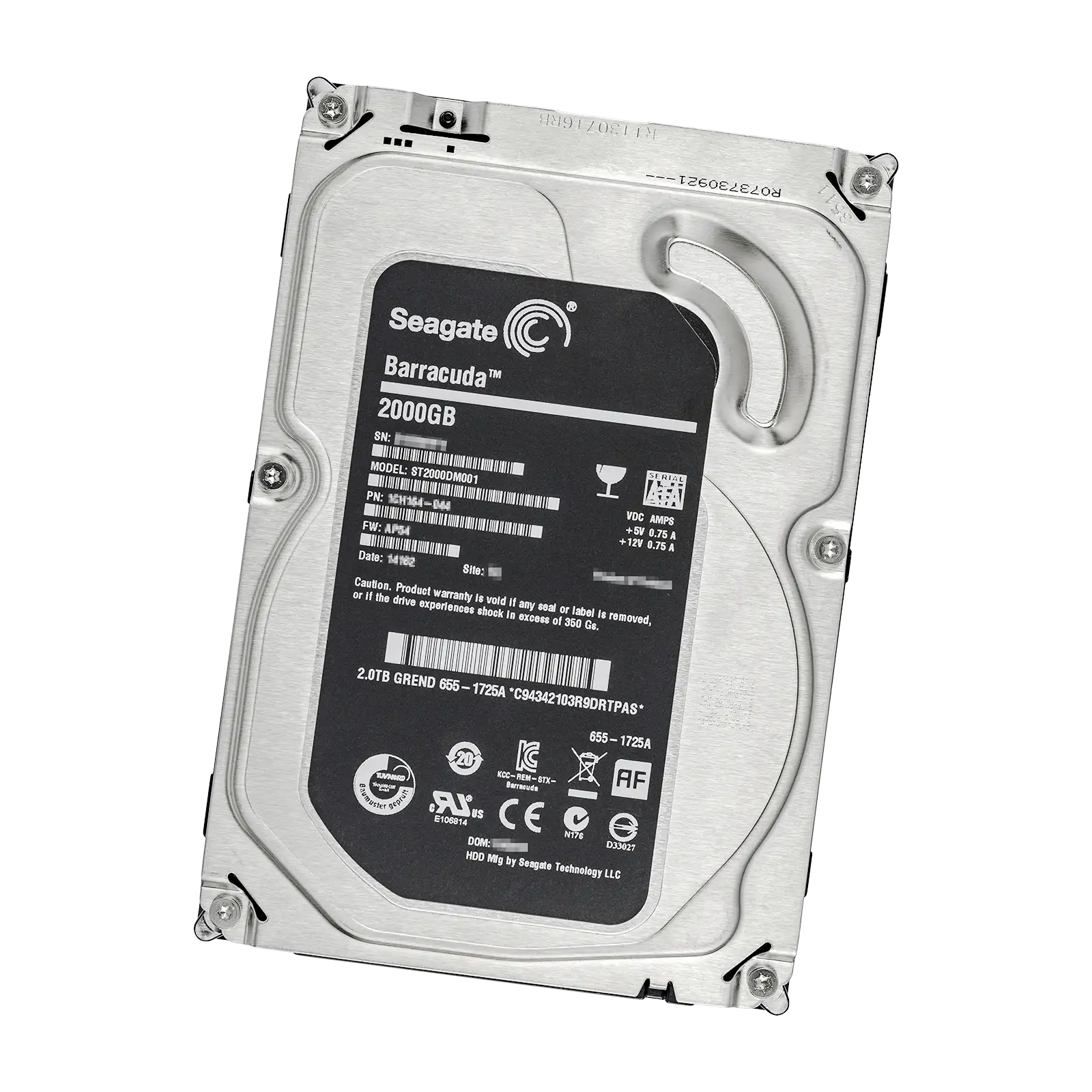
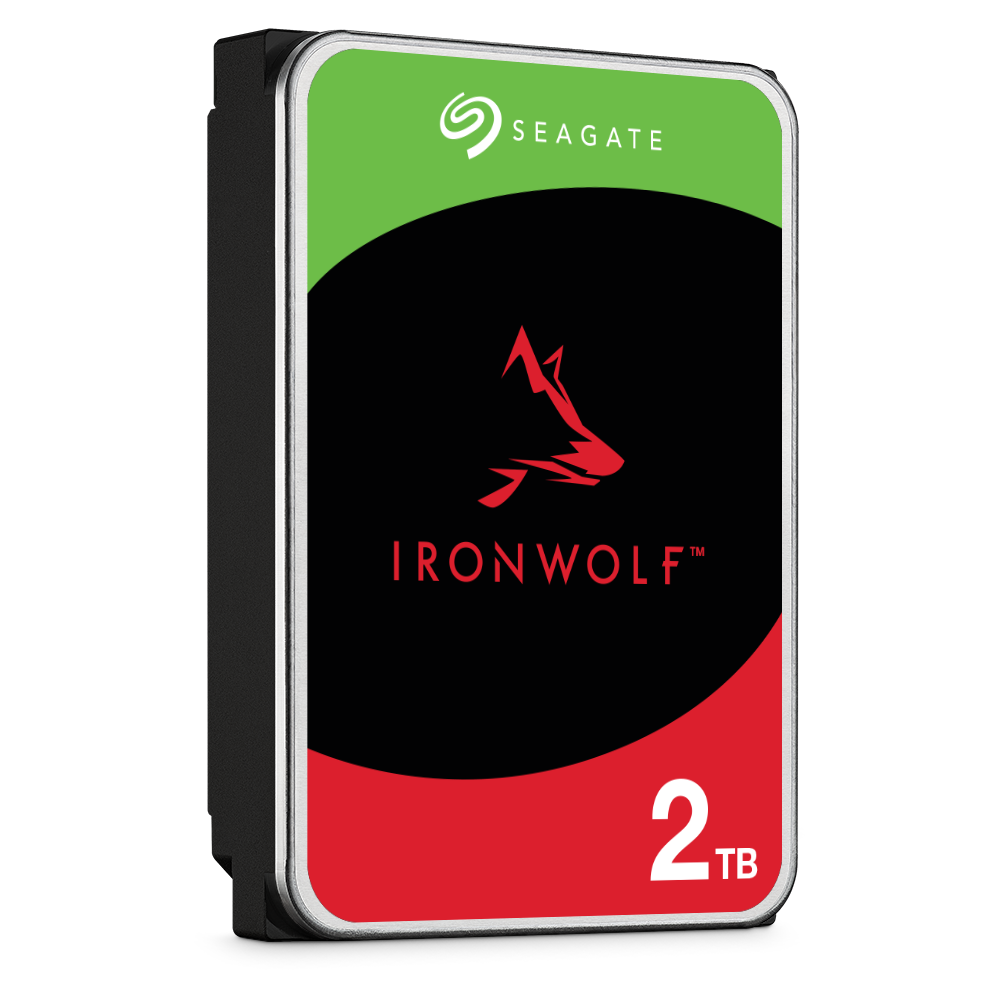
Seagate Manuals typically begin with a concise product overview. This section provides model identifiers, capacity options, supported interfaces, intended use cases, and compatibility notes. You will find quick references for distinguishing similar models (for example, Barracuda vs. IronWolf vs. SkyHawk) and understanding which devices are optimized for desktops, NAS, surveillance, or enterprise data centers.
Safety and Compliance Information
Each manual outlines electrical safety, handling precautions, shock and vibration tolerances, and ESD (electrostatic discharge) guidance. Compliance statements for regional certifications (such as CE, FCC, RCM, and UKCA) are usually included, along with disposal and recycling instructions under WEEE guidelines. These details are critical for ensuring safe operation and regulatory adherence.
Installation and Setup
Manuals provide step-by-step instructions for physical installation in desktops, laptops (where supported), NAS enclosures, and server racks. They describe mounting procedures, recommended screws and torque, and best practices for cable routing. For external drives, you will find guidance on connecting via USB, Thunderbolt, or external power adapters, along with LED indicator explanations.
Configuration and Initialization
Post-installation steps usually include initializing the drive, creating partitions, formatting volumes, and selecting file systems appropriate for your operating system (NTFS, exFAT, APFS, ext4, etc.). Manuals often include screenshots or menus for Windows Disk Management, macOS Disk Utility, and Linux command-line guidance, as well as links to Seagate utilities that automate these tasks.
Performance Optimization
Seagate documentation addresses firmware updates, caching behaviors, power profiles, and interface settings (SATA speeds, NVMe modes). For NAS and enterprise products, you will find best practices for RAID levels, workload profiles, and drive health monitoring. Manuals sometimes reference workload rate limits, sustained transfer rates, and optimization tips for specific scenarios such as surveillance write streams or mixed-read/write virtualization workloads.
Maintenance and Care
Manuals recommend environmental operating ranges, proper ventilation, vibration isolation, and backup strategies. You will learn how to interpret SMART attributes, schedule diagnostics, and maintain optimal performance over time. Some drives include recommendations for duty cycles and 24/7 operation, particularly in NAS and surveillance lines.
Troubleshooting Guides
Diagnostic steps cover common issues like drive not recognized, slow performance, clicking sounds, or file system errors. Manuals often provide decision trees, error codes, and references to Seagate diagnostic tools such as SeaTools. They also detail steps for data recovery options, warranty checks, and support contact procedures.
Specifications and Technical Data
Detailed technical tables list capacity points, cache size, interface versions, form factors (2.5-inch, 3.5-inch, M.2), dimensions, weight, power consumption, acoustics, reliability metrics (MTBF/AFR), and workload ratings. Enterprise manuals include rotational vibration tolerance, sustained workloads, and advanced format sector details (e.g., 4Kn, 512e).
Types of Seagate Manuals
Quick Start Guides
Short, visual overviews for rapid setup and initial use. Ideal for external portable and desktop drives, these guides focus on connections, LEDs, and basic formatting.
User Manuals
Comprehensive documents covering installation, configuration, maintenance, and troubleshooting. They are the main reference for most consumer and prosumer products.
Product Manuals for Specialized Lines
- Barracuda: Desktop performance and general-purpose storage
- FireCuda: Gaming and creative workloads, hybrid and NVMe options
- IronWolf/IronWolf Pro: NAS-optimized drives with workload and reliability guidance
- SkyHawk: Surveillance-optimized drives for continuous recording
- Exos: Enterprise drives for data centers, with advanced specifications and environmental requirements
- Nytro: Enterprise SSDs with NVMe/SAS interfaces and performance tuning details
Software and Utility Guides
Manuals often accompany tools like SeaTools, DiscWizard, and Toolkit. These guides explain installation, drive health tests, backup/migration workflows, encryption management, and firmware update procedures.
OEM and Integration Guides
For system builders and IT admins, these manuals include integration checklists, recommended configurations, thermal guidelines, and interoperability testing notes.
How to Find Seagate Manuals
Official Support Website
The primary source is the Seagate support portal. Search by model number, serial number, or product family to access PDFs, knowledge base articles, and firmware downloads. Each product page typically provides the latest manual, quick start guide, and software links.
Packaging and QR Codes
Many products include a printed quick start leaflet with a QR code that links directly to the most current online manual and support resources.
Model and Serial Numbers
Locate the model identifier on the drive label or in your OS’s device properties. Accurate model details ensure you download the correct manual version and firmware.
Installing and Using Seagate Drives: Manual Highlights
External Portable and Desktop Drives
- Connect using the provided USB or Thunderbolt cable; avoid hubs for initial setup.
- Verify LED states to confirm power and activity.
- Use Seagate Toolkit or system utilities to initialize and format for your OS.
- Enable automatic backups and schedule health checks.
Internal Desktop and NAS Drives
- Mount securely with the correct screws and avoid excessive torque.
- Use SATA data and power cables rated for your enclosure.
- For NAS, follow vendor-specific drive compatibility lists and recommended RAID levels.
- Enable vibration mitigation and adequate cooling for multi-bay setups.
SSDs and NVMe
- Insert M.2 NVMe modules at the correct angle and secure the standoff.
- Ensure PCIe lane support and update BIOS/UEFI if needed.
- Enable NVMe drivers and check for firmware updates for optimal performance.
Enterprise and Data Center Environments
- Consult Exos or Nytro manuals for workload limits, RV tolerance, and rack airflow.
- Plan RAID, caching tiers, and monitoring with SMART/telemetry integrations.
- Validate firmware baselines across large fleets for consistency.
Using Seagate Software with Manuals
SeaTools
Diagnostic utility for Windows, Linux, and bootable environments. Manuals explain short and long tests, SMART checks, and interpreting pass/fail states. Use these tests before RMA or data recovery steps.
Seagate Toolkit
Enables backup schedules, folder mirroring, sync, and drive encryption management. Manuals include restore workflows, password management, and safe ejection procedures.
DiscWizard
Provides disk cloning, full-system backup, and migration utilities (commonly used when installing a new drive). Manuals guide you through cloning source to destination, resizing partitions, and boot verification.
Troubleshooting Essentials from the Manuals
When the Drive Is Not Detected
- Try a different cable and port. Avoid unpowered hubs.
- Check Disk Management or Disk Utility for uninitialized drives.
- Update USB, SATA, or NVMe drivers and check BIOS/UEFI storage modes.
- Run SeaTools diagnostics; review SMART.
Performance Issues
- Confirm connection speed (USB 3.x, SATA III, PCIe lanes).
- Disable background indexing or heavy antivirus scanning during transfers.
Noise or Vibrations
- For HDDs, slight operational noise is normal. Persistent clicking may indicate failure.
- Ensure drive mounting is secure and the chassis is isolated from vibration.
Data Protection and Recovery
- Keep verified backups. If data loss occurs, stop writes and consult Seagate recovery services or third-party specialists.
Best Practices Emphasized in Seagate Manuals
Backup and Redundancy
Use 3-2-1 backup principles: three copies of data, two media types, one offsite. Combine external drives with cloud or NAS replication.
Thermal and Power Management
Maintain ambient temperatures within specified ranges, ensure airflow, and use reliable power supplies and surge protection. For portable drives, avoid hot surfaces and direct sunlight.
Firmware and Software Updates
Regularly check for updates via the support site or Toolkit. Apply updates during low-usage windows and back up critical data beforehand.
Handling and Transport
Power down safely before moving drives. Use anti-static bags and cushioned packaging. Avoid sudden shocks, especially during operation.
Accessibility and Localization
Seagate Manuals are often available in multiple languages and accessible formats. Icons, diagrams, and indexed sections help non-technical users follow procedures. PDF bookmarks and searchable text make navigation faster.
Warranty and Support
Manuals explain how to verify warranty status using the drive’s serial number. They outline the RMA process, packaging requirements for returns, and how diagnostic logs support warranty claims. Links to support chat, forums, and knowledge base articles provide additional help for niche configurations.
Security and Encryption
Many Seagate drives support hardware encryption or software-based security. Manuals describe enabling password protection, managing recovery keys, and ensuring compatibility with OS-level encryption (BitLocker, FileVault). For enterprise products, documentation may cover TCG Opal, SED management, and secure erase procedures.
Environmental and Sustainability Notes
Seagate documentation often highlights energy efficiency features, power-save modes, and guidance on responsible recycling. Look for details on RoHS compliance, material disclosures, and suggestions for prolonging device lifespan through proper use.
Choosing the Right Manual for Your Needs
- External Drives: Quick start + Toolkit guide
- Desktop HDDs/SSDs: User manual + firmware notes
- NAS Drives: IronWolf manual + NAS vendor guides
- Surveillance: SkyHawk manual with write-optimized settings
- Enterprise: Exos/Nytro manuals with integration and telemetry details
Final Tips for Using Seagate Manuals Effectively
- Bookmark your product’s support page for the latest revisions.
- Read the safety and handling section before installation.
- Follow configuration steps precisely and document your settings.
- Schedule periodic diagnostics and review SMART attributes.
- Keep firmware and software current and maintain reliable backups.
Conclusion
Seagate Manuals are comprehensive, practical resources that span the entire lifecycle of your storage solution—from unboxing and installation to performance tuning, diagnostics, and long-term maintenance. By leveraging these manuals alongside Seagate’s software tools and support ecosystem, you can deploy drives with confidence, safeguard your data, and maintain optimal performance for home, professional, and enterprise environments.
Search for 1 Mio. Manuals online


Type-in Brand or Model