
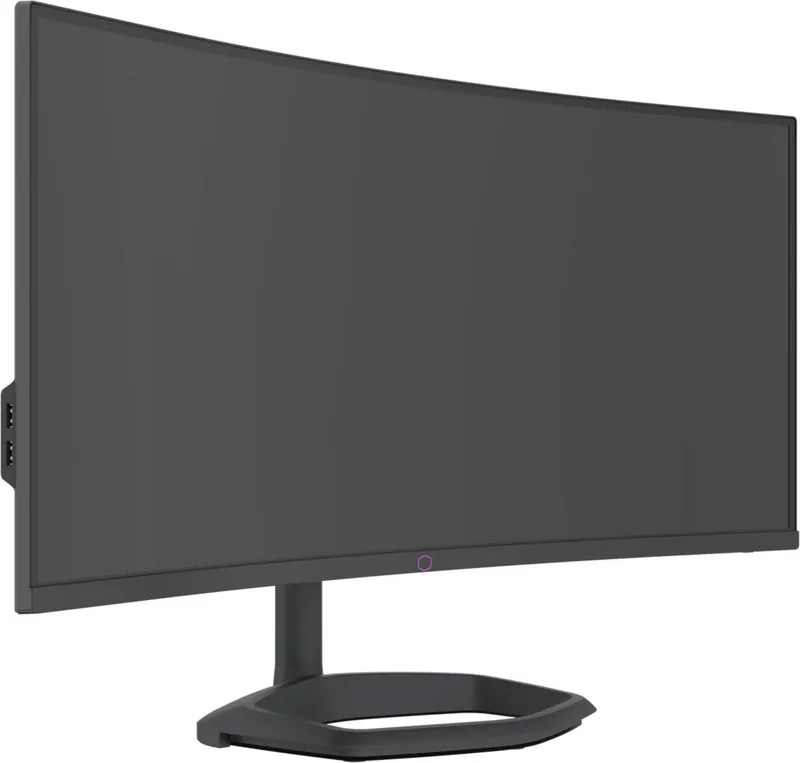
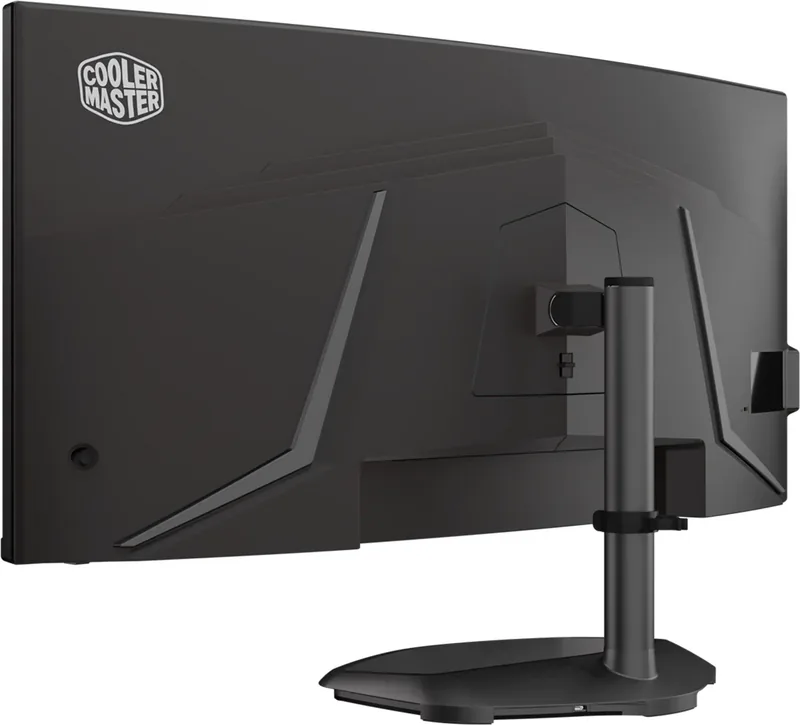
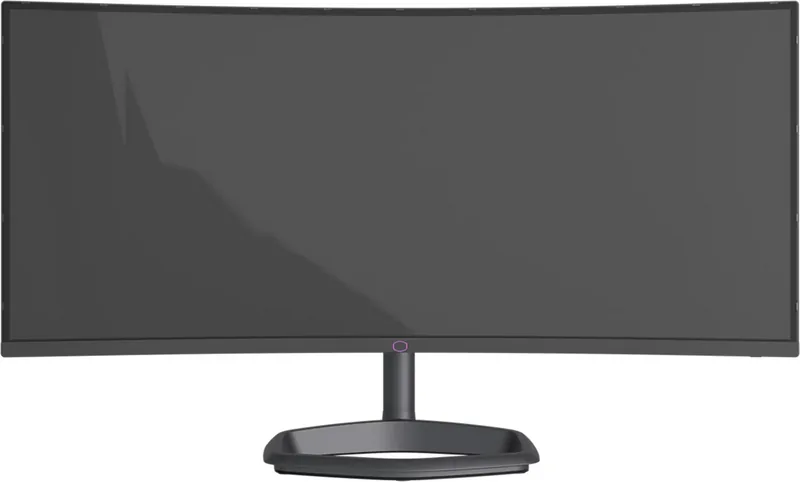
Cooler Master GM34-CWQ ARGB Shiyong-Shuomingshu
PDF 手册 · 19 Pages
中文



快速检查
答案不正确,请重试。
使用 AI 与您的 Cooler Master GM34-CWQ ARGB 手册聊天
从您的 Cooler Master GM34-CWQ ARGB 手册中获取即时 AI 答案
询问有关 Cooler Master GM34-CWQ ARGB 的任何问题。答案来自本手册及其所依据的页面。
提问 问题
您会推荐 GM34-CWQ ARGB 吗?
是 否常见问题 问题
The monitor reaches 144 Hz at 3440 x 1440 through DisplayPort. USB-C can also reach 144 Hz at native resolution when Type-C 3.0 mode is disabled. HDMI supports up to 100 Hz at 3440 x 1440.
此回答有帮助吗?
Yes. Adaptive-Sync and FreeSync Premium can be enabled through the on-screen settings. Compatibility depends on the connected graphics hardware and its configuration.
此回答有帮助吗?
It provides two HDMI inputs, one DisplayPort input, one USB-C port, one USB-B upstream port, two USB-A ports, and a headphone output. It also includes built-in 2 x 5 W speakers.
此回答有帮助吗?
Yes. Connect the stand lighting using the Micro-USB to USB Type-A cable, then use Cooler Master MasterPlus+ software to configure the integrated Halo ARGB lighting.
此回答有帮助吗?
Yes. It supports 100 x 100 mm VESA mounting. Use M4 x 10 mm screws and follow appropriate mounting safety practices for the display's size and weight.
此回答有帮助吗?
The stand offers 0 to 80 mm height adjustment, -5 to 15 degrees of tilt, and -15 to 15 degrees of swivel. Adjust it while holding the stand rather than pressing on the screen.
此回答有帮助吗?
優勢 和 劣勢
优势

- 3440 x 1440 ultrawide resolution and up to 144 Hz over DisplayPort or USB-C deliver an immersive, high-speed desktop experience.
- Adaptive-Sync and FreeSync Premium support can help reduce screen tearing with compatible graphics hardware.
- Extensive connectivity includes 2 x HDMI, DisplayPort, USB-C power delivery, USB hub ports, headphone output, and 2 x 5 W speakers.
- Adjustable stand, 100 x 100 mm VESA support, gaming presets, HDR controls, crosshair tools, and customizable Halo ARGB lighting add versatility.
缺点

- HDMI is limited to 100 Hz at 3440 x 1440, so 144 Hz requires DisplayPort or USB-C.
- Enabling Type-C 3.0 mode limits the native 3440 x 1440 resolution to 60 Hz.
- Motion Clearness can cause flickering or unwanted visual effects in certain conditions.
- The 80 mm height adjustment and -15 to 15 degree swivel range may be limited for some ergonomic desk setups.
产品 规格
功能
显示器(桌面型)
对角线尺寸
86.36 cm
分辨率
3440x1440 (UWQHD), 21:9, 110 ppi
面板
VA, 量子点, 制造商: Samsung
背光
LED, 蓝光滤镜, 无闪烁
亮度
320 cd/m2 (典型值)
对比度
4,000:1 (静态)
HDR
VESA DisplayHDR 400
响应时间
2 ms (GtG), 0.5 ms (MPRT)
刷新率
165 Hz (180 Hz 超频, 3440x1440)
可变同步
Adaptive Sync, AMD FreeSync, NVIDIA G-Sync Compatible
接口
2x HDMI 2.0 (100 Hz@3440x1440), 1x DisplayPort 1.4 (180 Hz@3440x1440), 1x USB-C 3.0 带 DisplayPort 1.4 (上行, 5 Gb/s, PD 65 W, 180 Hz@3440x1440), 1x USB-B 3.0 (上行, 5 Gb/s), 2x USB-A 3.0 (下行, 5 Gb/s), 1x 3.5 mm 插孔 (线路输出), 1x AC-in C13 (电源连接)
形状
曲面, 1500R/150 cm
可视角度
178度/178度
涂层
防眩光(哑光)
色深
10位(10.7亿色)
FRC
是(8位+2位)
DCI-P3
95%
扬声器
扬声器(2x 5 W)
控制方式
摇杆
人体工学
带支架, 高度可调(8 cm), 不支持旋转, 左右旋转(+/-15度), 倾斜(+15度/-5度)
VESA
100x100 (已占用)
功耗
158 W (最大值), 30 W (典型值), 0.5 W (待机)
SDR能效(A至G)
31 kWh/1000 h (F)
HDR能效(A至G)
52 kWh/1000 h (G)
功能特性
安全锁(Kensington 安全锁槽), KVM 切换器, 画中画, 窄边框
屏占比
91.07% (计算值)
尺寸
80.65x43.46x27.38 cm (宽x高x深), 支架最低高度, 80.65x36.17x12.47 cm (宽x高x深), 不含支架
颜色
黑色(显示边框) / 黑色(下边框) / 黑色(支架) / 黑色(背面)
重量
8.05 kg (含支架)
电源
内置
保修
两年
USB标识
连接
产品 描述
Cooler Master GM34-CWQ ARGB 34 手册:超宽屏游戏性能
Cooler Master GM34-CWQ ARGB 34 是一款超宽屏游戏显示器,专为希望拥有宽敞 34 英寸工作空间和细致 WQHD 画面的玩家与创作者而设计。其 3440 x 1440 分辨率提供宽广的 21:9 视野,非常适合沉浸式游戏、多窗口办公、视频播放和创意应用。凭借 400 尼特典型亮度、4000:1 典型对比度和 178 度可视角度,该显示器旨在为各种日常使用场景提供清晰画面。
高刷新率连接
为实现流畅动态画面,DisplayPort 和 USB Type-C 连接支持最高 3440 x 1440 @ 180 Hz。HDMI 在相同原生分辨率下最高支持 100 Hz。Adaptive-Sync 和 FreeSync Premium 可帮助显示器刷新率与兼容的显卡输出相匹配,减少快节奏游戏中的画面撕裂。Cooler Master GM34-CWQ ARGB 34 手册中的设置还包括超频响应控制和 Motion Clearness 选项,用户可针对不同游戏类型和偏好调整响应表现。
图像和色彩控制
屏幕显示菜单提供丰富的图像调整选项,包括亮度、对比度、锐度、宽高比、黑色稳定、伽马、色温和低蓝光滤镜。SDR 预设涵盖标准、文本、MOBA、图形、电影、RTS 和 FPS 模式,以及可自定义的用户配置文件。启用 HDR 时,可使用独立的用户、游戏和电影图像模式。色彩设置包括可选的 sRGB、Adobe RGB、DCI-P3 和 BT.2020 等色彩空间,以及六轴色相和饱和度控制。
游戏和多任务功能
该显示器配备实用的游戏工具,例如屏幕计时器、可选准星样式,以及可调整屏幕位置的 FPS 计数器。画中画和并排画面模式可显示多个信号源的内容,而 KVM 选项支持在已连接系统之间便捷切换。输入接口包括两个 HDMI 端口、DisplayPort 和 USB Type-C。Type-C 供电最高额定为 20 V/3.25 A,可帮助兼容设备在连接时保持供电。
ARGB 支架和人体工学
ARGB 版本在 Halo 支架中集成了灯效,可通过 Cooler Master MasterPlus+ 软件自定义。它还在支架上提供 USB 连接以支持相关功能。可调节支架支持 -5 至 15 度俯仰、-15 至 15 度旋转,以及最高 80 mm 高度调节。100 x 100 mm VESA 安装孔提供另一种安装方式。
注意事项
请使用 DisplayPort 或 USB Type-C 以获得最高 180 Hz 原生刷新率。Motion Clearness 可改善感知动态清晰度,但在某些情况下可能引入闪烁。请使用屏蔽线缆,且避免通过支架抬起显示器。
搜索:67,706 在线手册


输入品牌或型号