
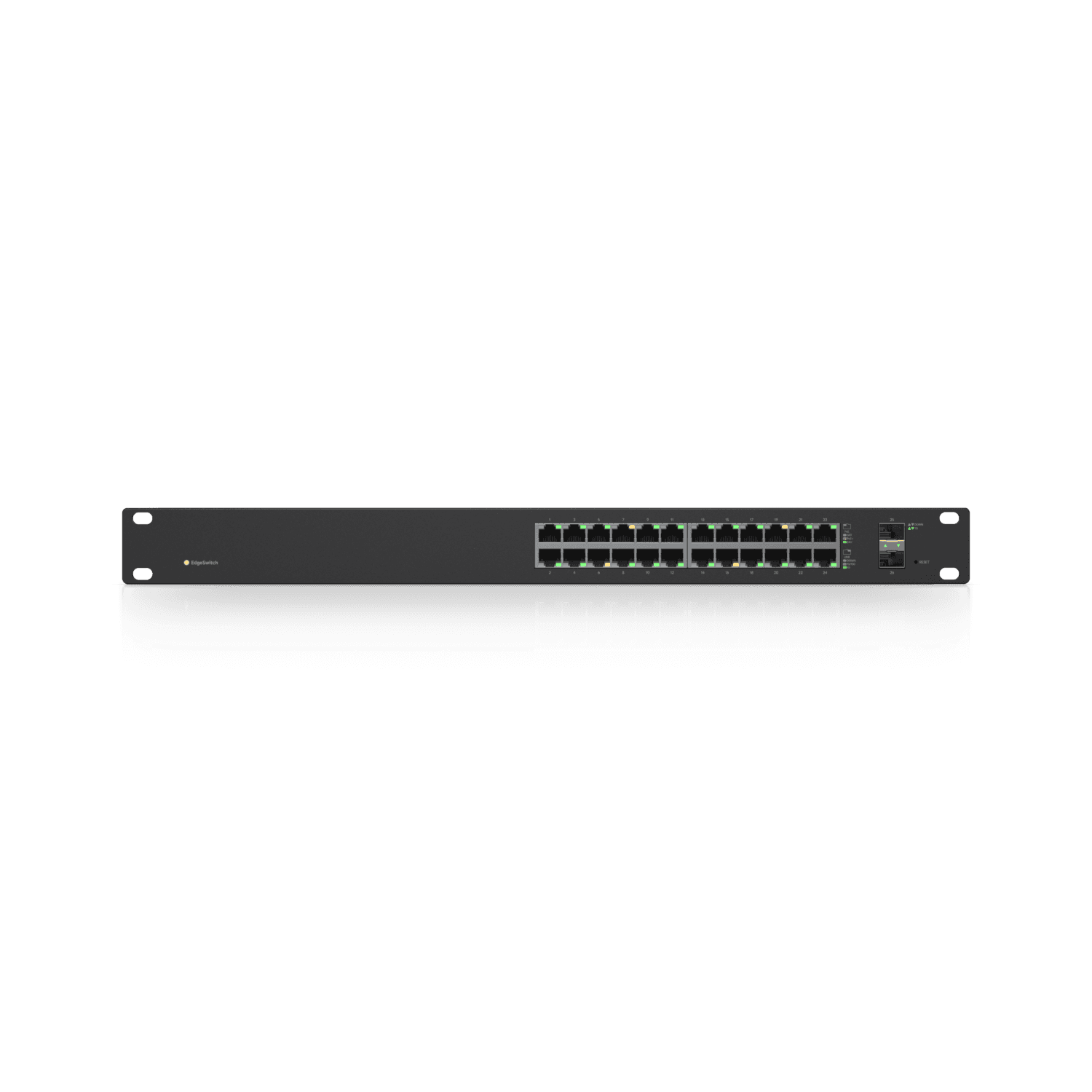
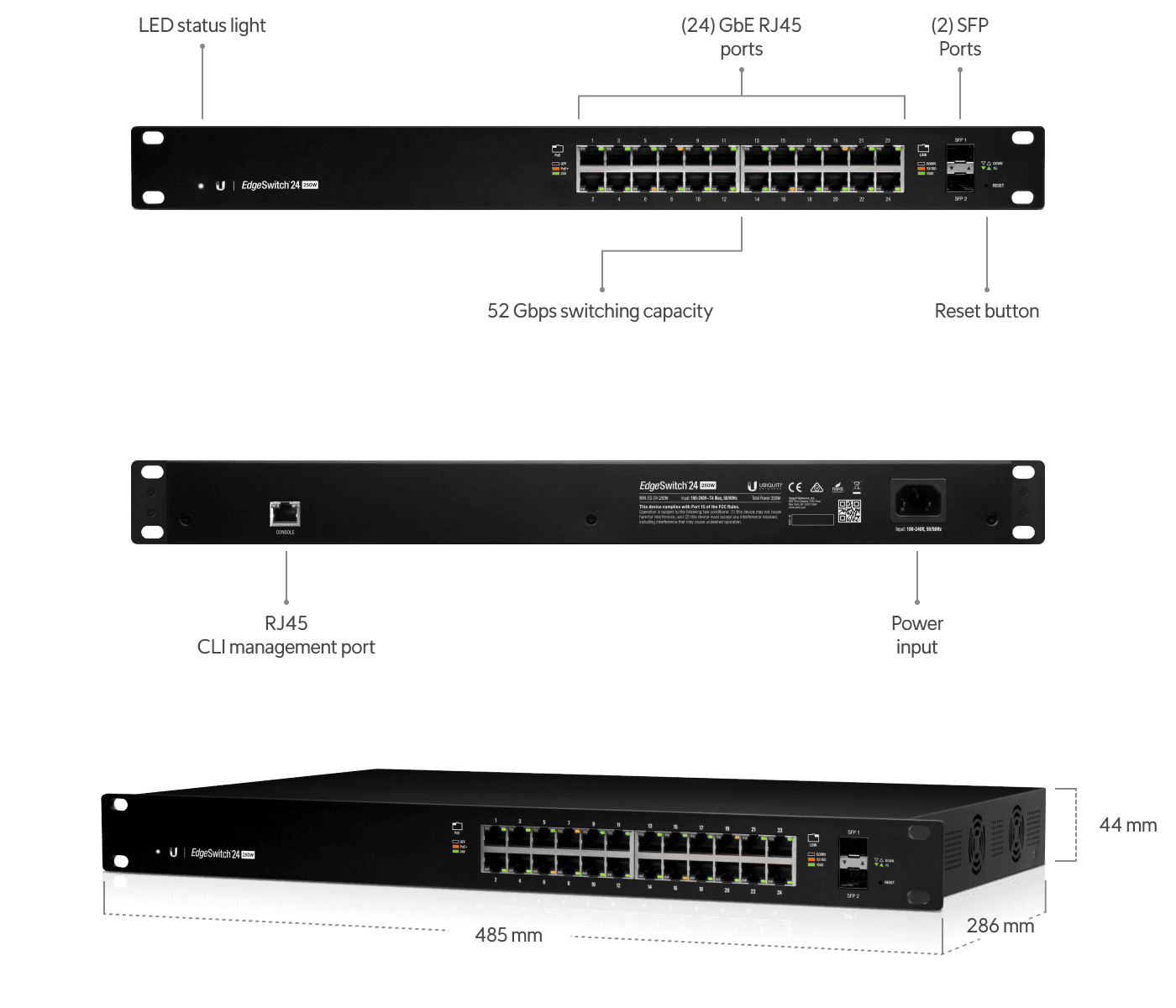
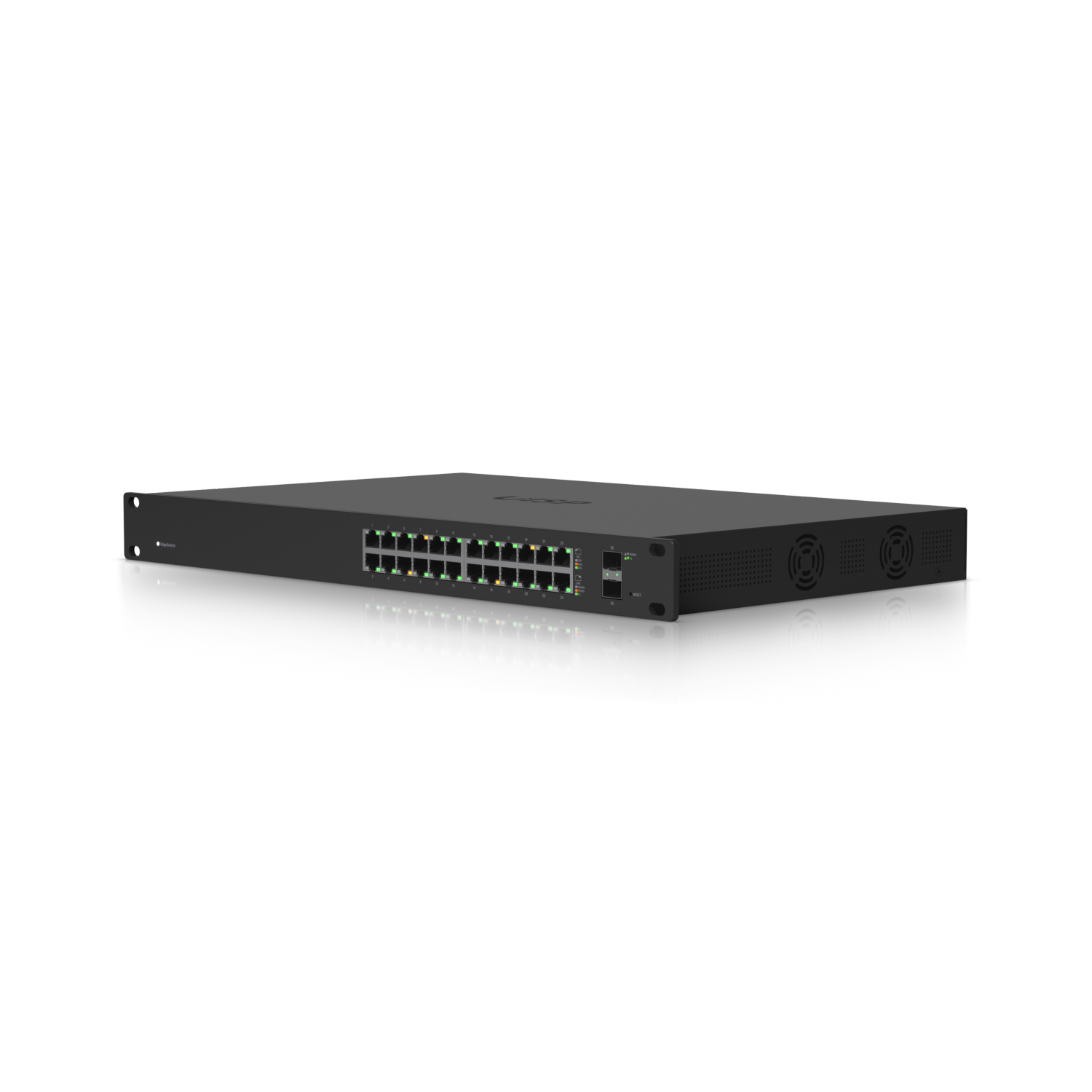
Ubiquiti EdgeSwitch 24 Rackmount Gigabit Managed Switch 24x RJ-45 2x SFP 250W PoE+ Manual
PDF manual · 24 Pages
English



Advantages and Disadvantages
Advantages

- 24x Gigabit RJ‑45 and 2x SFP offer flexible copper and fiber connectivity
- Up to 250W PoE+ with per‑port control, plus optional 24V passive PoE
- Non‑blocking 26 Gbps switching for smooth, high‑density traffic
- DHCP with fallback IP and web UI for fast, predictable setup
- Enterprise safety, ESD protection, and 1U rackmount design
Disadvantages

- Active cooling requires proper ventilation and may add noise
- Class A device may not suit residential environments
- 24V passive PoE requires careful device compatibility checks
- No 10G SFP+; limited to 1 Gbps fiber uplinks
- 250W budget may constrain very dense PoE deployments
Ask a Question
Frequently Asked Questions
It supports IEEE 802.3af/at PoE+ devices such as access points, VoIP phones, and security cameras, and can optionally power 24V passive PoE devices when configured per port.
Is this answer helpful?
Connect a host to any port. The switch uses DHCP by default; if unavailable, use 192.168.1.2. Log in via a browser, then customize network, VLAN, and PoE settings. A console port is available for CLI.
Is this answer helpful?
Yes, there are two hot‑swappable SFP ports supporting 1 Gbps modules for fiber uplinks or inter‑switch links. Use compatible SFP modules and fiber cabling.
Is this answer helpful?
The ES‑24‑250W model provides up to 250W shared across PoE ports. Maximum per‑port PoE+ draw is up to 34.2W, subject to total budget and device requirements.
Is this answer helpful?
It’s designed for -5 to 40°C and 5–95% non‑condensing humidity. The switch must be installed indoors with proper ventilation; use shielded cabling for outdoor runs.
Is this answer helpful?
Yes. PoE is configurable per port. You can set Off, PoE+ auto (802.3af/at), or 24V passive per interface to match connected device requirements.
Is this answer helpful?
It’s a 1U rackmount switch measuring approximately 485 x 43.7 x 285.4 mm and includes mounting hardware for standard 19-inch racks.
Is this answer helpful?
Product Description
Ubiquiti EdgeSwitch 24: Power, Control, and Reliability
Built for Versatile, High‑Density Networks
The Ubiquiti EdgeSwitch 24 Rackmount Gigabit Managed Switch 24x RJ-45 2x SFP 250W PoE+ Manual is a dependable choice for small to mid-sized deployments that demand performance and flexibility. With 24 Gigabit RJ‑45 ports and 2 SFP slots for fiber uplinks, it delivers a total non‑blocking throughput of 26 Gbps while maintaining low latency and enterprise-grade stability.
PoE+ Power Where You Need It
This model provides up to 250W of PoE+ power across its 24 ports, supporting 802.3af/at as well as optional 24V passive PoE. That makes it ideal for powering access points, VoIP phones, cameras, and edge devices without separate injectors. Default PoE+ auto simplifies first-time setup, while per‑port PoE mode control lets you optimize power delivery for mixed environments.
Simple Management, Pro Features
Getting started is straightforward: the switch will use DHCP by default, with a fallback IP for quick access. The web-based configuration interface enables intuitive management of VLANs, PoE profiles, and link settings. A console port supports CLI access for advanced workflows and scripted maintenance.
Enterprise-Ready Hardware
Housed in a 1U rackmount chassis, the EdgeSwitch 24 includes active cooling, robust ESD/EMP protection, and broad electrical safety compliance. It’s designed for continuous operation in demanding conditions, with an operating temperature range of -5 to 40°C and humidity tolerance up to 95% non‑condensing. The SFP slots enable reliable fiber uplinks for aggregation or long-distance runs.
Ideal Use Cases
- Office floors consolidating APs, phones, and cameras
- Retail sites needing centralized PoE with fiber uplinks
- Education and hospitality deploying dense edge connectivity
Notes:
- Maintain at least 20 mm clearance for ventilation
- Use CAT5 or higher cabling; shielded cable for outdoor runs
- Verify device compatibility before enabling 24V passive PoE\nNo reviews were provided to analyze. There is no available feedback to identify positive or negative highlights or to generate a descriptive summary.
Search for 1 Mio. Manuals online


Type-in Brand or Model