
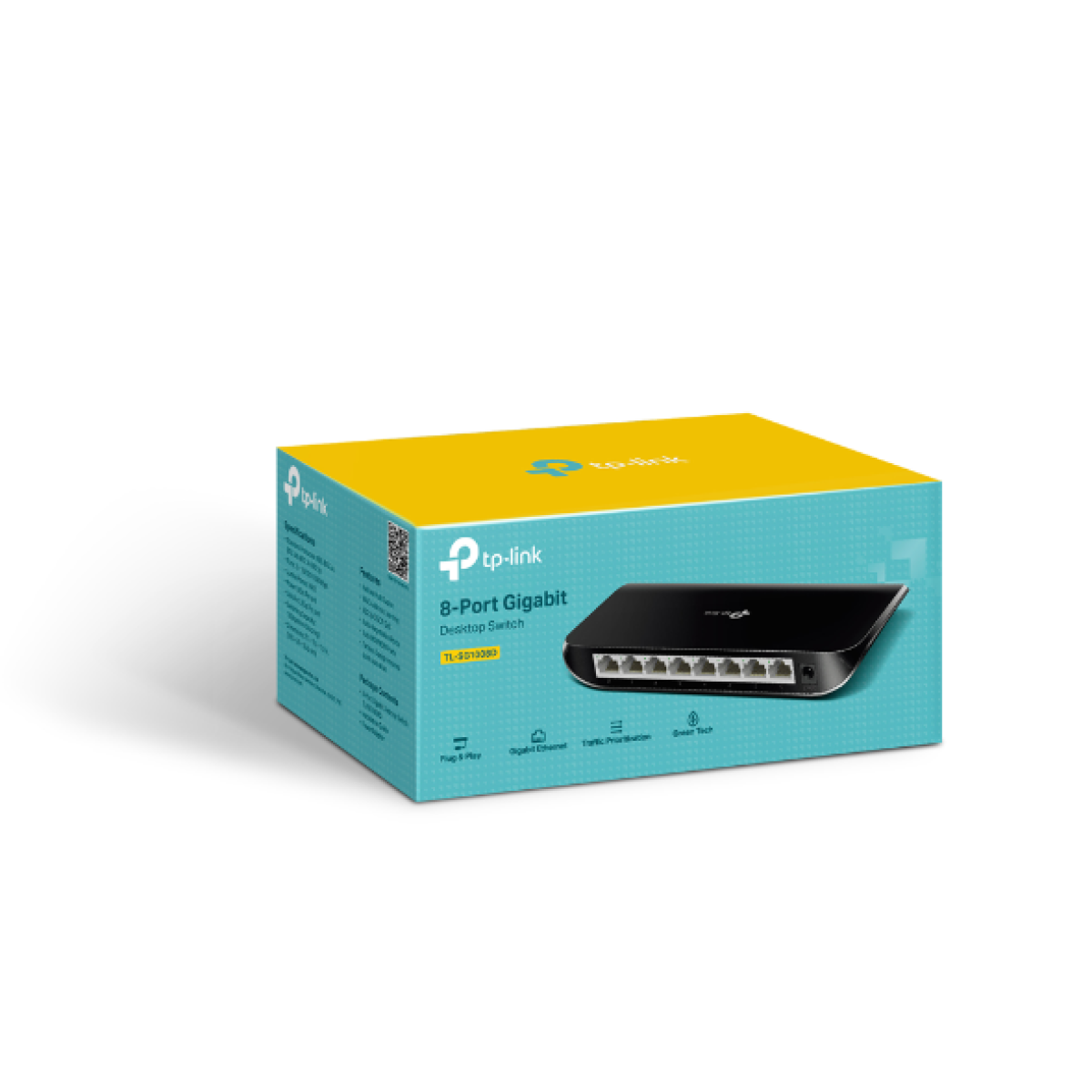
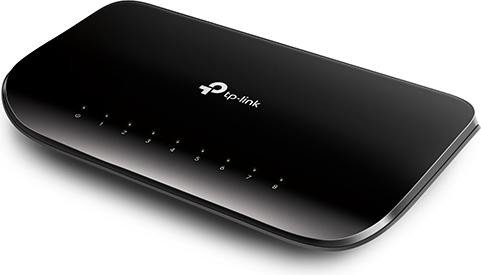
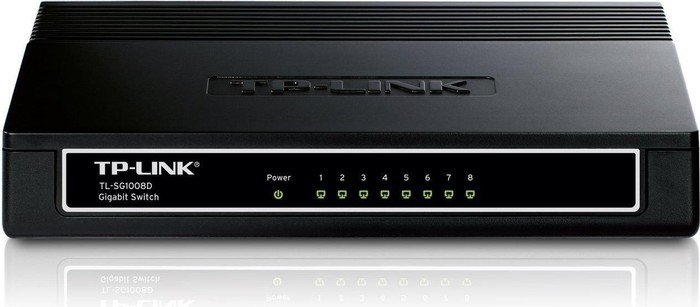
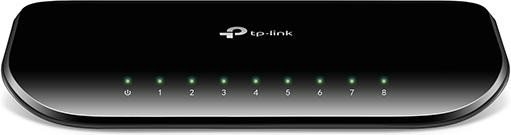
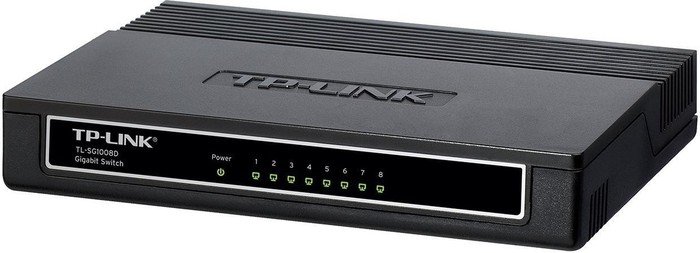
TP-Link TL-SG1008D Desktop Gigabit Switch, 8x RJ-45 Manual
PDF manual · 2 Pages
English



Advantages and Disadvantages
Advantages

- Eight auto-negotiating Gigabit ports for flexible expansion
- True plug-and-play with no configuration required
- QoS (802.1p/DSCP) prioritizes time‑sensitive traffic
- Store-and-Forward switching improves reliability
- Clear LED indicators simplify basic diagnostics
Disadvantages

- No web UI or managed features for advanced control
- Requires Cat5e+ for stable Gigabit speeds
- Limited operating temperature range (0–40°C)
- No PoE support for powering devices
Ask a Question
Frequently Asked Questions
It’s ideal for expanding wired networks in homes or small offices, connecting PCs, NAS, printers, and media devices with reliable Gigabit performance and zero-configuration setup.
Is this answer helpful?
No. The TL-SG1008D is an unmanaged switch, offering plug-and-play connectivity without web interfaces, VLANs, or advanced management functions.
Is this answer helpful?
Check that the device is powered, cables are firmly seated, and the cable length is under 100 meters. Try a known-good cable and port to isolate the issue.
Is this answer helpful?
Use Cat5e or higher (Cat6/Cat6a recommended) up to 100 meters per link to ensure stable 1000Base‑T performance.
Is this answer helpful?
Yes. It supports QoS (802.1p/DSCP), enabling priority handling for latency-sensitive traffic such as voice and video.
Is this answer helpful?
No software is required. Simply connect the power adapter and plug in Ethernet cables to begin using the switch immediately.
Is this answer helpful?
No. The TL-SG1008D does not provide PoE. Devices must use their own power adapters or be connected to a separate PoE injector or switch.
Is this answer helpful?
Product Description

TP-Link TL-SG1008D Desktop Gigabit Switch, 8x RJ-45 Manual
Streamlined Gigabit for Home and Small Offices
The TP-Link TL-SG1008D Desktop Gigabit Switch, 8x RJ-45 Manual inspires confidence for anyone upgrading a wired network. With eight auto-negotiating Gigabit ports, it delivers high-speed, full‑duplex connectivity for PCs, NAS, printers, and smart TVs. Its plug-and-play setup means no configuration headaches—just connect your devices and enjoy reliable throughput up to 2000 Mbps per port.
This switch supports QoS (802.1p/DSCP), helping prioritize latency-sensitive traffic like video calls or streaming. Store-and-Forward switching ensures accurate packet delivery, while automatic MAC learning optimizes performance as devices join or leave the network. LED indicators for Power and Link/Act make basic diagnostics easy at a glance.
Engineered for stability, the TL-SG1008D works with standard Ethernet cabling up to 100 meters, supporting Cat5e and above for Gigabit. Operating within 0–40°C and 10–90% non‑condensing humidity, it suits most indoor environments. The compact desktop form factor keeps your workspace tidy without sacrificing port density.
Simple Setup and Practical Troubleshooting
Installation is straightforward—connect power, then plug in Ethernet cables. If the Power LED is off, verify the adapter, voltage, and power source. If a Link/Act LED is dark, ensure the device is on, the cable is seated, and the run is under 100 meters. These quick checks resolve most setup snags.
Compliance with major standards (IEEE 802.3/802.3u/802.3ab/802.1p) and Class B emissions gives peace of mind for residential and office use. Safety guidelines recommend using the original power adapter, ensuring ventilation, and avoiding moisture or storms during operation.
Notes
- Best performance achieved with Cat5e or better for 1000Base‑T.
- Keep vents clear to prevent overheating.
- Use surge protection in areas prone to lightning or interference.
- LEDs: Power (system status), Link/Act (per-port activity).
Search for 1 Mio. Manuals online


Type-in Brand or Model