
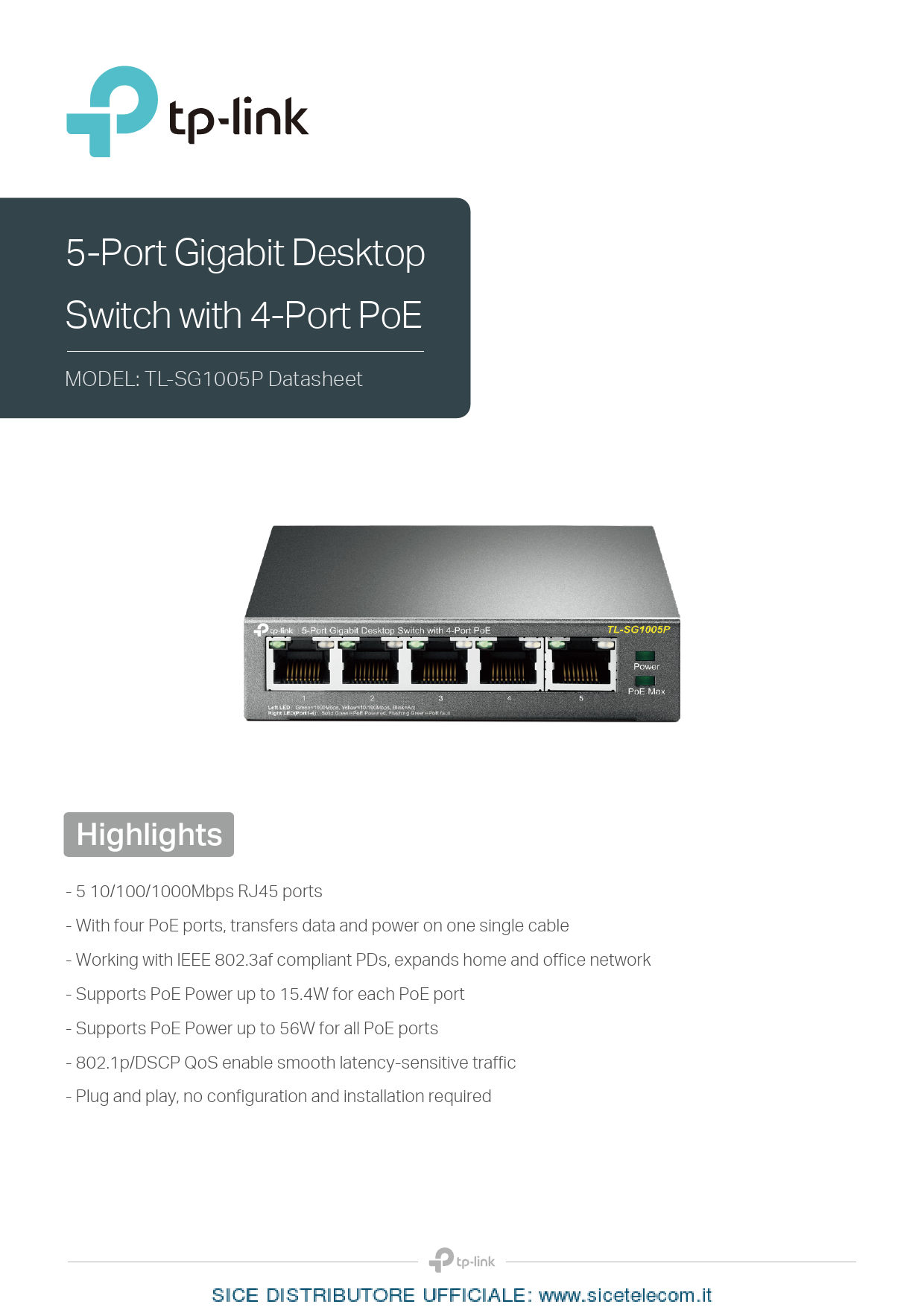
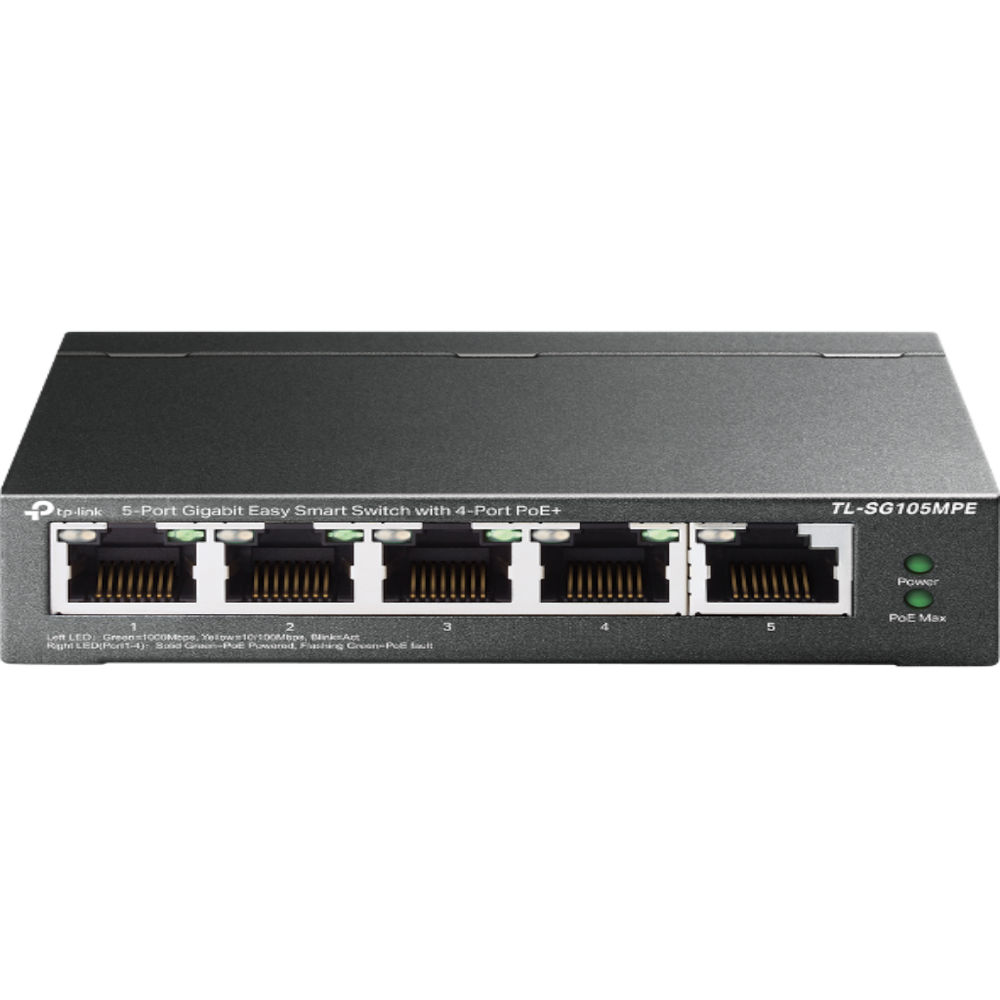
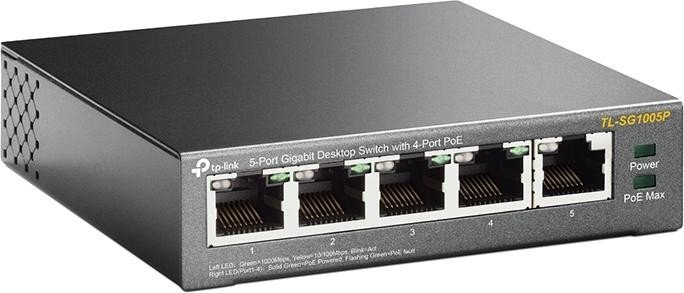
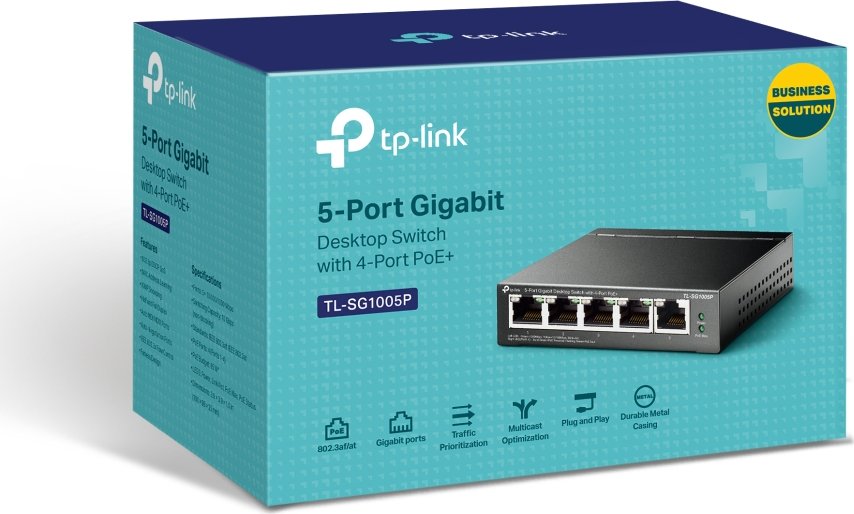
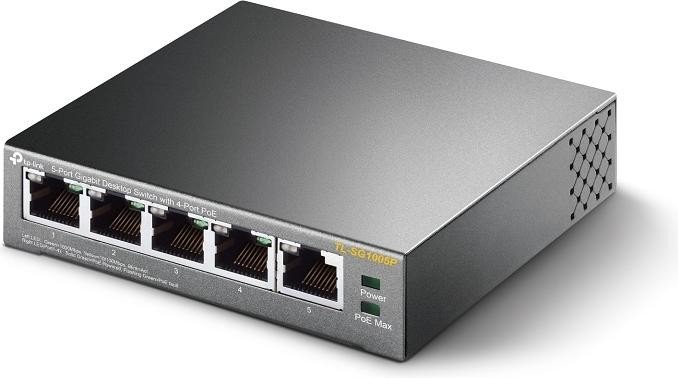
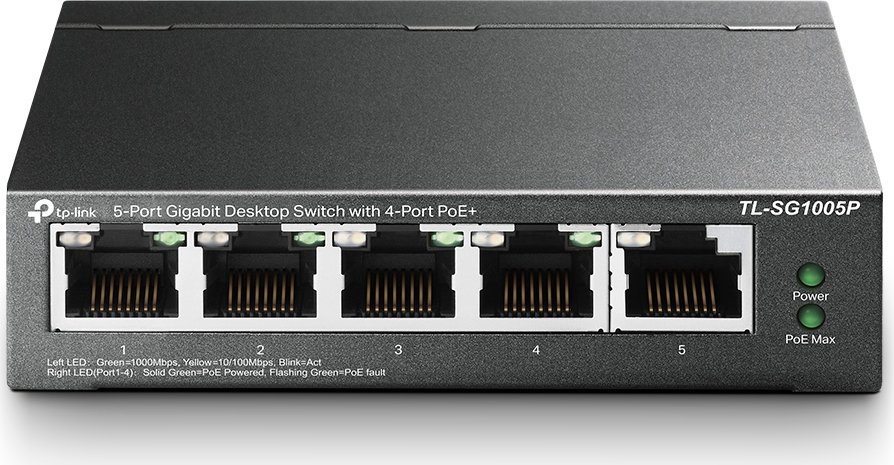
TP-Link TL-SG1005P Desktop Gigabit Switch 5x RJ-45 PoE Manual
PDF manual · 2 Pages
English



Advantages and Disadvantages
Advantages

- Four PoE ports simplify powering cameras, APs, and phones
- 10 Gbps switching capacity for smooth Gigabit traffic
- Auto MDI/MDIX and plug-and-play setup reduce complexity
- LEDs provide clear PoE and link/activity visibility
- Wall-mountable compact design suits tight spaces
Disadvantages

- Fixed PoE budget may limit total powered devices
- Unmanaged design lacks VLAN or advanced controls
- 2K MAC table may constrain dense device networks
- External power adapter adds an extra component
Ask a Question
Frequently Asked Questions
It can power IEEE 802.3af/at-compatible devices such as IP cameras, wireless access points, and VoIP phones on ports 1–4, subject to the available PoE power budget.
Is this answer helpful?
When power demand exceeds the PoE budget, lower priority ports (higher port numbers) are shut off first to maintain power on higher priority ports (lower port numbers).
Is this answer helpful?
Use Cat5e or higher for 1000BASE-T links and PoE stability. Keep cable runs within 100 meters to maintain link quality and power delivery.
Is this answer helpful?
No. It is an unmanaged, plug-and-play device with Auto-Negotiation and Auto MDI/MDIX, so it works out of the box without configuration.
Is this answer helpful?
Use the front-panel LEDs. PoE indicators show normal, warning, or overload states, helping you identify when the power budget is near or above limits.
Is this answer helpful?
Yes. It supports wall mounting with predefined mounting hole spacing, allowing flexible placement for tidy, secure installations.
Is this answer helpful?
It operates from 0°C to 40°C with 10–90% non-condensing humidity, making it suitable for typical office, retail, and home setups.
Is this answer helpful?
Product Description

TP-Link TL-SG1005P Desktop Gigabit Switch 5x RJ-45 PoE Manual
Compact Power and PoE Simplicity for Small Networks
The TP-Link TL-SG1005P Desktop Gigabit Switch 5x RJ-45 PoE Manual highlights a practical, plug-and-play solution for offices, studios, and smart homes needing both fast data and reliable power delivery over Ethernet. With five 10/100/1000 Mbps ports and four PoE-enabled ports, it streamlines deployments for IP cameras, VoIP phones, and access points without additional power bricks or messy cabling.
Designed for Efficiency and Reliability
This 5-port Gigabit switch delivers a 10 Gbps switching capacity, store-and-forward processing, and automatic MAC learning for smooth, stable traffic. Auto-Negotiation and Auto MDI/MDIX remove manual configuration hassles, while PoE prioritization ensures essential devices stay powered when demand peaks. LED indicators make status checks easy, including PoE budget alerts, so you can avoid overloads.
Practical Hardware, Flexible Placement
The TL-SG1005P includes an external power adapter, runs quietly with desktop form factor, and supports wall mounting for tidy installs. It’s built for typical office environments with robust operating temperature and humidity tolerances. Pair the switch with Cat5e or better cabling up to 100 meters to maximize performance and placement flexibility.
Who It’s For
- Small businesses deploying IP surveillance or VoIP
- Home users needing PoE for access points and cameras
- IT pros wanting a reliable, unmanaged PoE switch with clear status feedback
Final Thoughts
If you’re seeking a dependable, compact PoE switch that balances performance, simplicity, and safety, the TP-Link TL-SG1005P Desktop Gigabit Switch 5x RJ-45 PoE Manual points to a proven choice for powering your edge devices while keeping your network agile.
Notes:
- PoE budgets vary by environment and device draw.
- Use high-quality Cat5e or better for Gigabit and PoE stability.
- Monitor LED PoE status to manage load during peak usage.
Search for 1 Mio. Manuals online


Type-in Brand or Model