
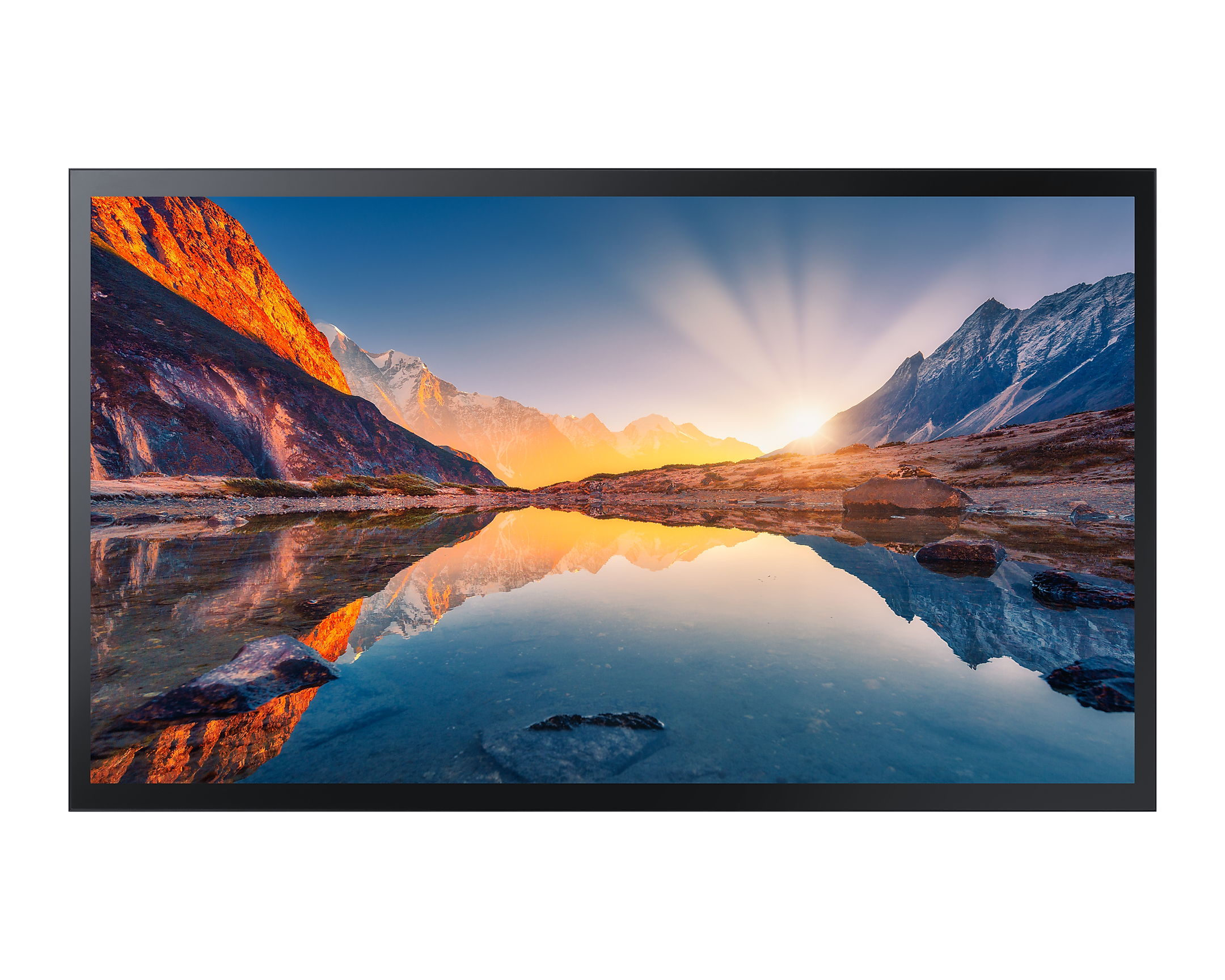
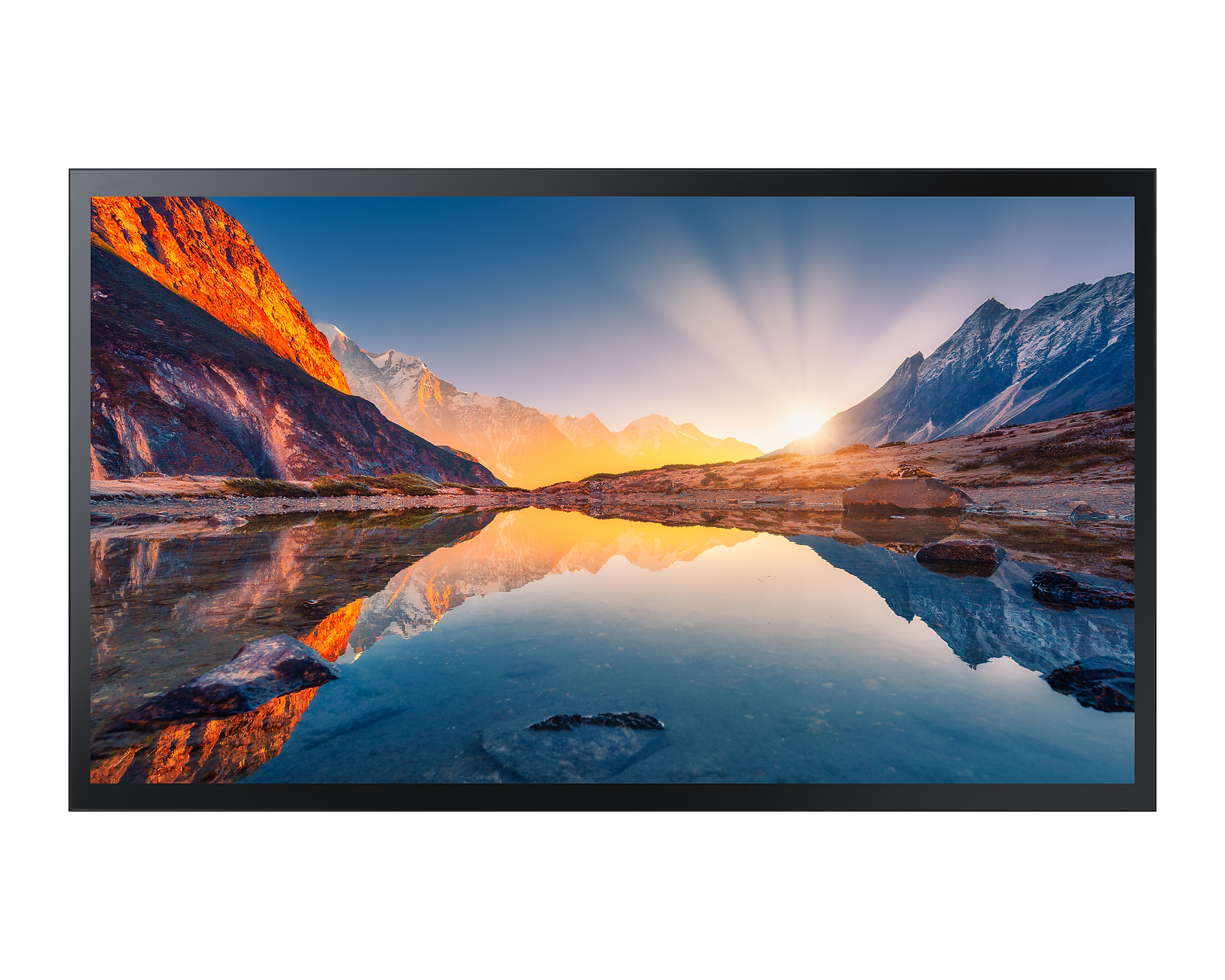
Samsung QMB Series Manual
PDF manual · 99 Pages
English



Advantages and Disadvantages
Advantages

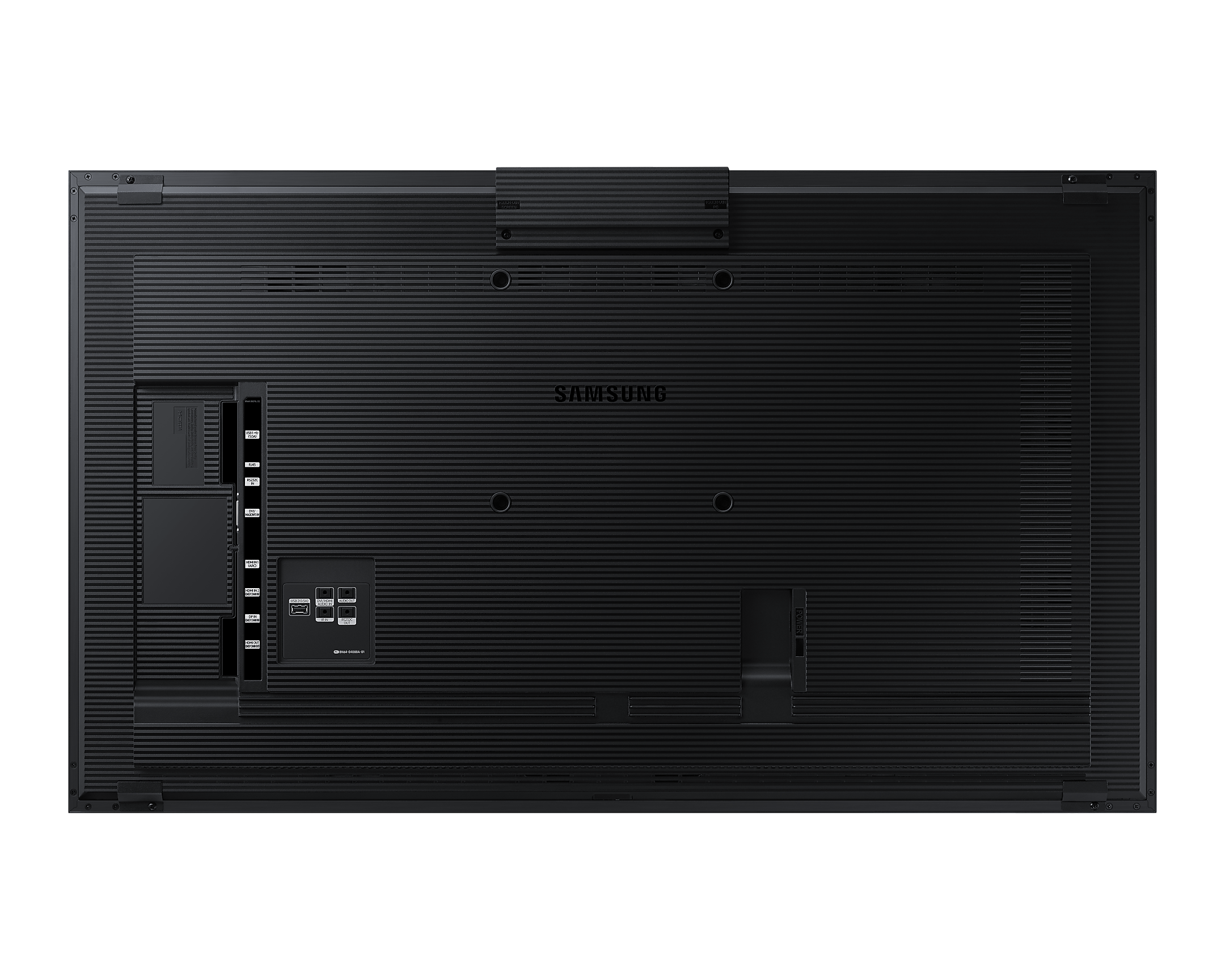
- Extensive connectivity: HDMI, DP, USB, RS232C, RJ45
- Robust multi-display and video wall controls
- Wide codec support including HEVC, VP9, AV1
- MDC software enables centralized management
- Workspace, DeX, and 365 boost productivity
Disadvantages

- Web Browser lacks downloads, Flash, ActiveX
- Some features vary by model and region
- Strict ventilation and mounting requirements
- Limited simultaneous audio outputs
- Advanced setup may need a technician
Ask a Question
Frequently Asked Questions
Professional signage in retail, corporate, education, and hospitality. It offers UHD visuals, reliable 24/7 operation, flexible inputs, and centralized fleet management via MDC.
Is this answer helpful?
Use Samsung MDC over LAN or RS232C. You can schedule power, switch inputs, adjust volume, manage video walls, and apply settings across devices using control codes or the MDC app.
Is this answer helpful?
Yes. Configure matrices up to 15×15, assign screen positions, and choose Full or Natural display formats for seamless multi-screen layouts.
Is this answer helpful?
Common containers like MP4, MKV, TS, and WebM with codecs such as H.264, HEVC, VP9, and AV1 are supported. Image formats include JPEG, PNG, BMP. FAT32 and NTFS are supported.
Is this answer helpful?
Yes. Use SMARTVIEW+, Screen Mirroring, and Workspace for remote PC access, screen sharing, Microsoft 365, VMware Horizon, and Samsung DeX integrations.
Is this answer helpful?
Use Cat7 shielded twisted pair (STP) for stable 10/100 Mbps LAN connections when managing displays or using network features.
Is this answer helpful?
Follow ventilation clearances, VESA wall-mount standards, and electrical safety steps. Professional installation is recommended for wall mounting and large video walls.
Is this answer helpful?
Product Description
Samsung QMB Series Manual: Your Guide to Smarter Signage
Powerful 4K Displays Built for Business
The Samsung QMB Series brings crisp UHD visuals and pro-grade reliability to retail, corporate, education, and hospitality environments. Designed for continuous operation, these displays balance premium image quality with flexible connectivity, making content deployment effortless.
Seamless Setup and Smart Control
From HDMI, DisplayPort, USB, and RS232C to RJ45 LAN, the QMB lineup integrates smoothly with PCs, media players, and audio systems. With Samsung’s MDC software and built-in control codes, administrators can manage power, volume, input sources, safety locks, and video wall settings across multiple screens.
Video Wall Mastery and Content Playback
Create striking multi-screen experiences using Video Wall features: configure 1×1 to 15×15 matrices, set screen positions, and choose Natural or Full formats. The Player feature supports schedules, templates, and a wide range of codecs (H.264, HEVC, VP9, AV1) and file systems (FAT32/NTFS), enabling reliable playback from internal memory, USB, or network channels.
Productive Tools for Modern Workflows
Workspace enables remote PC access, screen sharing, and integration with Microsoft 365, VMware Horizon, and Samsung DeX. SMARTVIEW+ and Screen Mirroring let you present multiple sources at once, while Web Browser provides quick access to online content with customizable refresh and homepage settings.
Dependable Design, Safer Operation
The Samsung QMB Series Manual emphasizes best practices for installation, ventilation, electrical safety, and cleaning to ensure longevity. Wall-mounting follows VESA standards with professional guidance recommended. Timers, holiday management, and cloning streamline deployment across large fleets.
Notes
- Supported resolutions include up to UHD; codec support varies by container.
- For stable network control, use Cat7 STP cables.
- For portrait installations, follow rotation guidance and temperature limits.\nNo reviews were provided to analyze. There is no available feedback to identify positive or negative highlights, recurring themes, or notable sentiments.
Search for 1 Mio. Manuals online


Type-in Brand or Model