
Samsung Galaxy Buds FE Manual
PDF manual · 48 Pages
English



Advantages and Disadvantages
Advantages

- Active Noise Cancelling with quick ambient mode
- Customizable touch controls and EQ presets
- Secure fit with multiple ear and wing tips
- Galaxy Wearable app with fit test and accessibility
- Seamless switching between Samsung devices
Disadvantages

- Some features limited to Android and Samsung ecosystem
- Moisture can affect touch and charging contacts
- Magnets may interfere with sensitive items
- Requires app for full control customization
- Charging via USB-C only; charger sold separately
Ask a Question
Frequently Asked Questions
Place both earbuds in the charged case, open it, and follow the on-screen prompt on your Android phone. If no prompt appears, enable Bluetooth and use the Galaxy Wearable app to complete pairing.
Is this answer helpful?
Active Noise Cancelling reduces external noise for focus, while Ambient Sound lets outside audio through so you can hear surroundings or conversations. Switch modes via touch-and-hold or the Galaxy Wearable app.
Is this answer helpful?
Yes. In the Galaxy Wearable app, enable Touch controls, then assign Touch and hold to noise control, Bixby, or volume. Selecting volume on one side sets the other side to the complementary volume control.
Is this answer helpful?
Try different ear tips and wing tips, then run the Earbud fit test in the app. A tight seal enhances bass and ANC. Clean the speaker mesh and mics to maintain volume and clarity.
Is this answer helpful?
Open the Galaxy Wearable app to see earbud and case levels. Case LEDs indicate charge and temperature states. If fully drained, charge at least 10 minutes before use.
Is this answer helpful?
Restart by placing earbuds in the charged case, closing it for 7+ seconds, then removing them. Ensure Touch controls are enabled in the app and keep the touch area clean and dry.
Is this answer helpful?
Yes. Use SmartThings Find from the Galaxy Wearable app to locate them on a map or play a sound. Lost Mode and offline finding must be enabled on a supported device.
Is this answer helpful?
Product Description
Samsung Galaxy Buds FE Manual: A Practical Guide to Everyday Sound
Meet Samsung’s Budget-Friendly ANC Buds
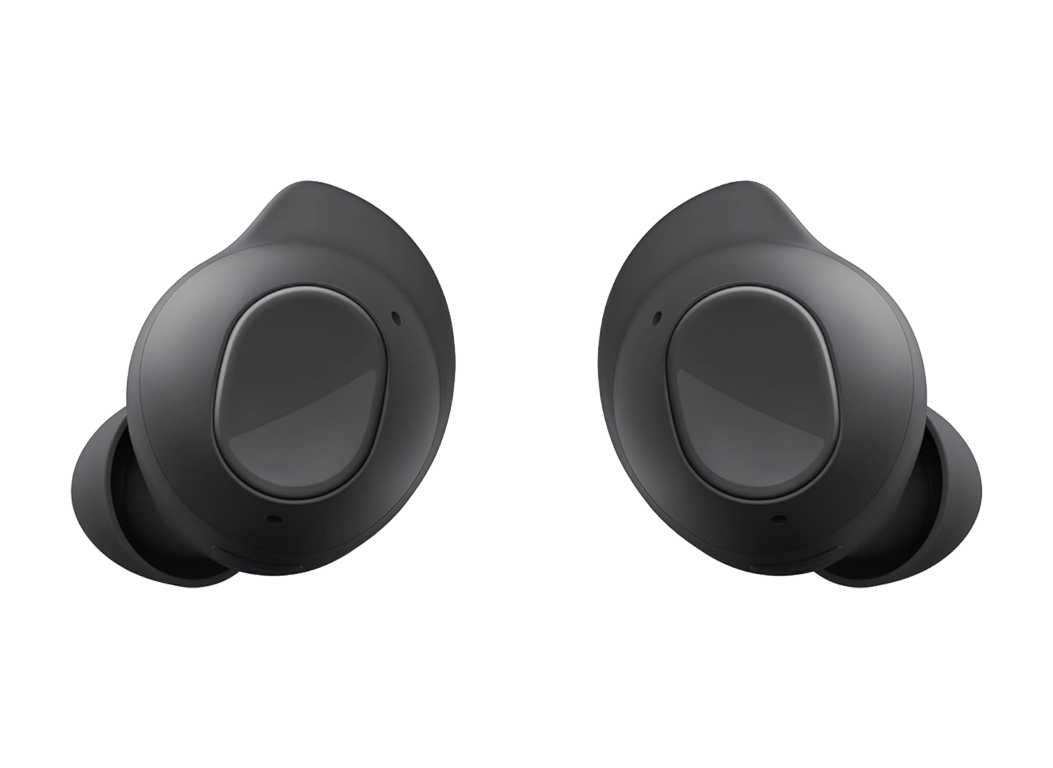
Samsung Galaxy Buds FE deliver a refined blend of comfort, control, and clarity for daily listening. With Active Noise Cancelling and Ambient Sound, you can switch from immersive focus to situational awareness with a touch. Designed for secure fit, the included ear tips and wing tips improve seal, comfort, and stability for workouts or commutes.
Setup, Control, and Personalization
Pairing is simple via the Galaxy Wearable app on Android (8.0+). The app unlocks touch controls, equalizer presets, earbud fit test, notifications read-aloud, and accessibility tools like left/right balance and one-ear noise control. Touch gestures handle playback, calls, volume, and mode switching; Bixby support adds hands-free help on compatible phones. The seamless connection feature can switch audio between Samsung devices signed into the same account.
Power, Charging, and Indicators
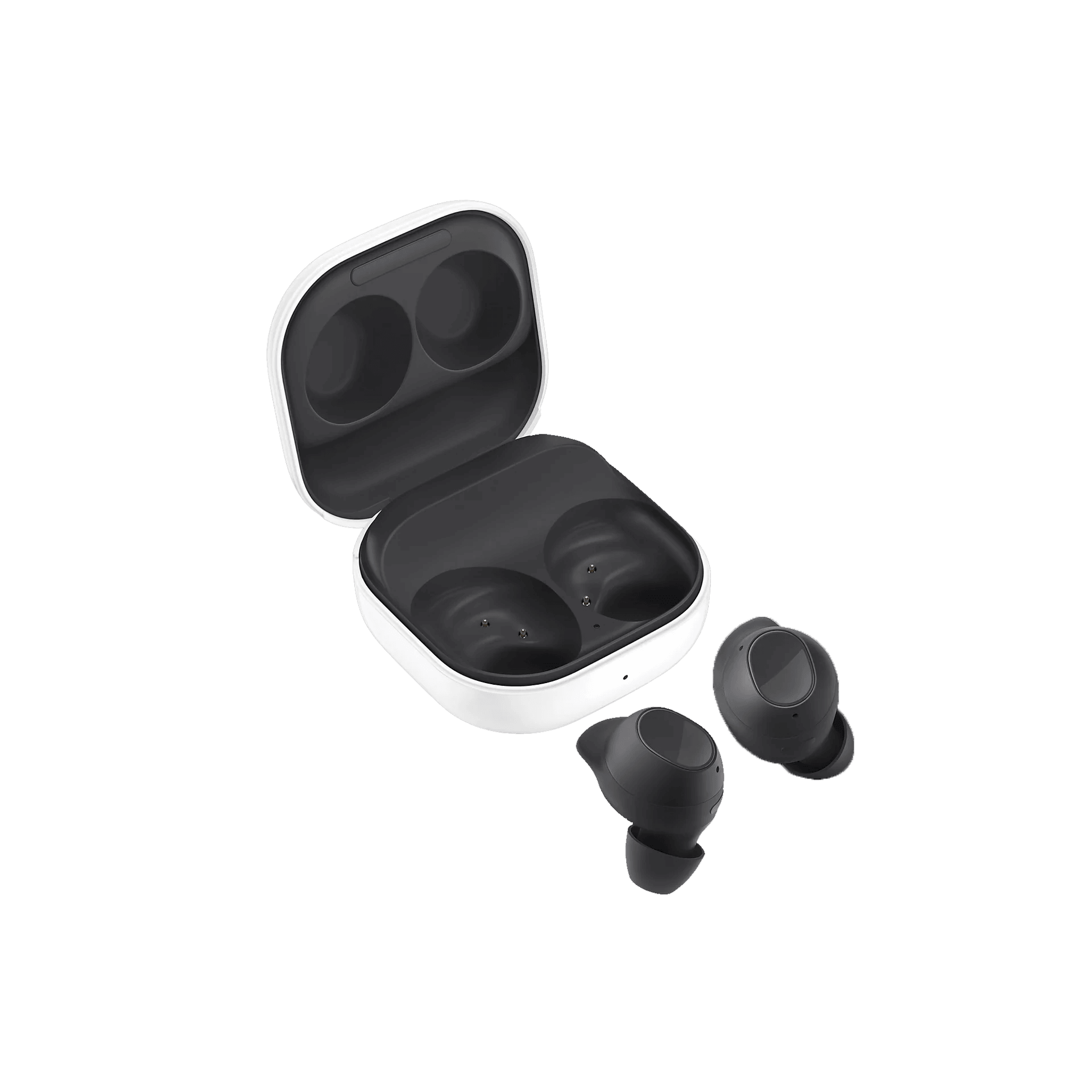
The USB-C charging case powers both earbuds and itself, with LED indicators that signal case and earbud battery status and temperature-related charging blocks. A quick 10-minute top-up gets you going when fully drained. To conserve power, store the earbuds in the case when not in use.
Fit, Care, and Reliability
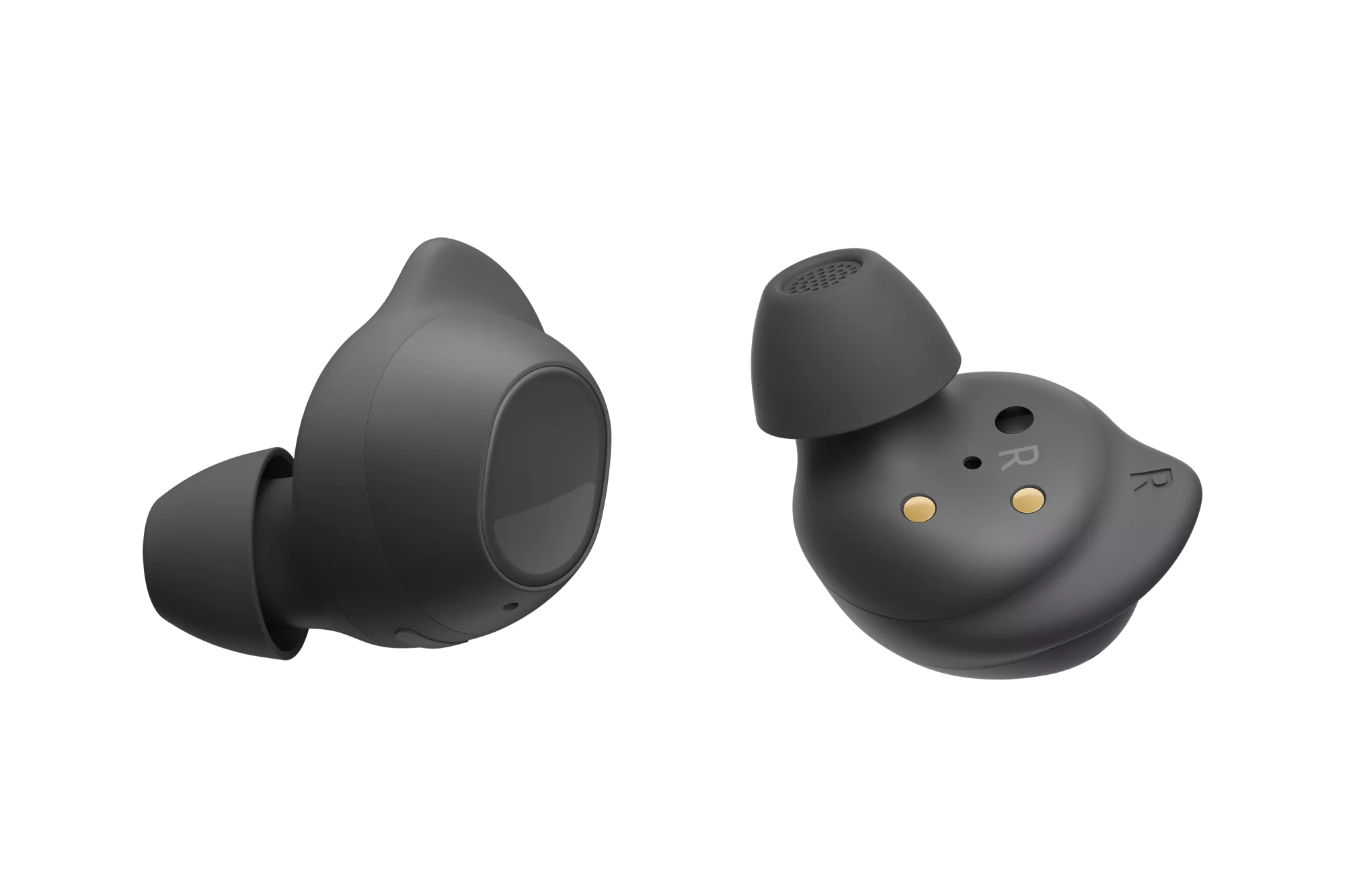
A proper fit boosts sound and noise cancelling—use the fit test and try different tips. Keep microphones, speaker mesh, and charging contacts clean for consistent performance. If touch becomes unresponsive, a quick restart from the case helps. SmartThings Find can assist if you misplace the earbuds.
Notes
- For best results, use Samsung-approved chargers and the supplied USB-C cable.
- Moisture on contacts can cause corrosion; dry thoroughly before charging.
- Magnets are built-in—keep away from cards and medical implants.
Search for 1 Mio. Manuals online


Type-in Brand or Model