
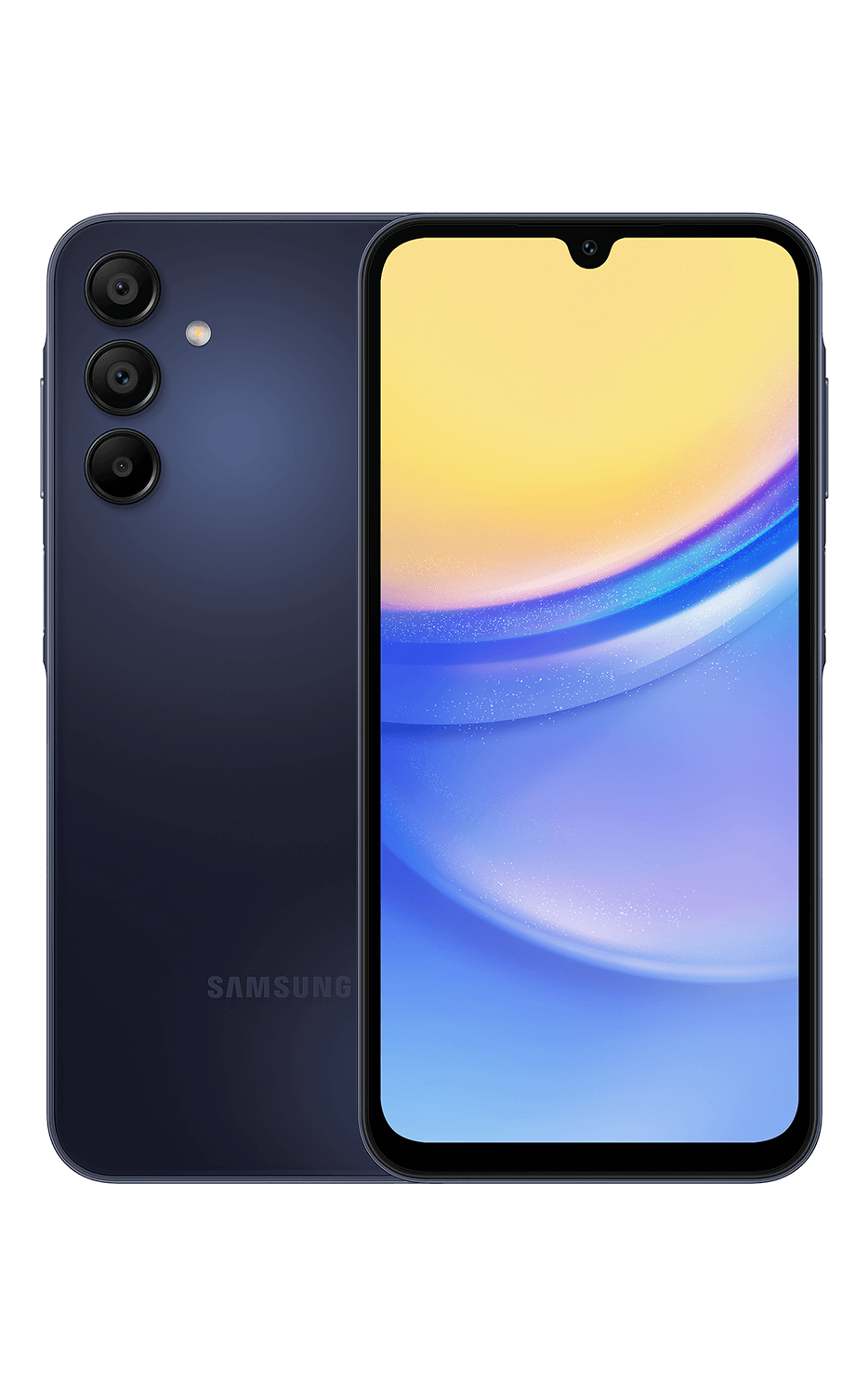
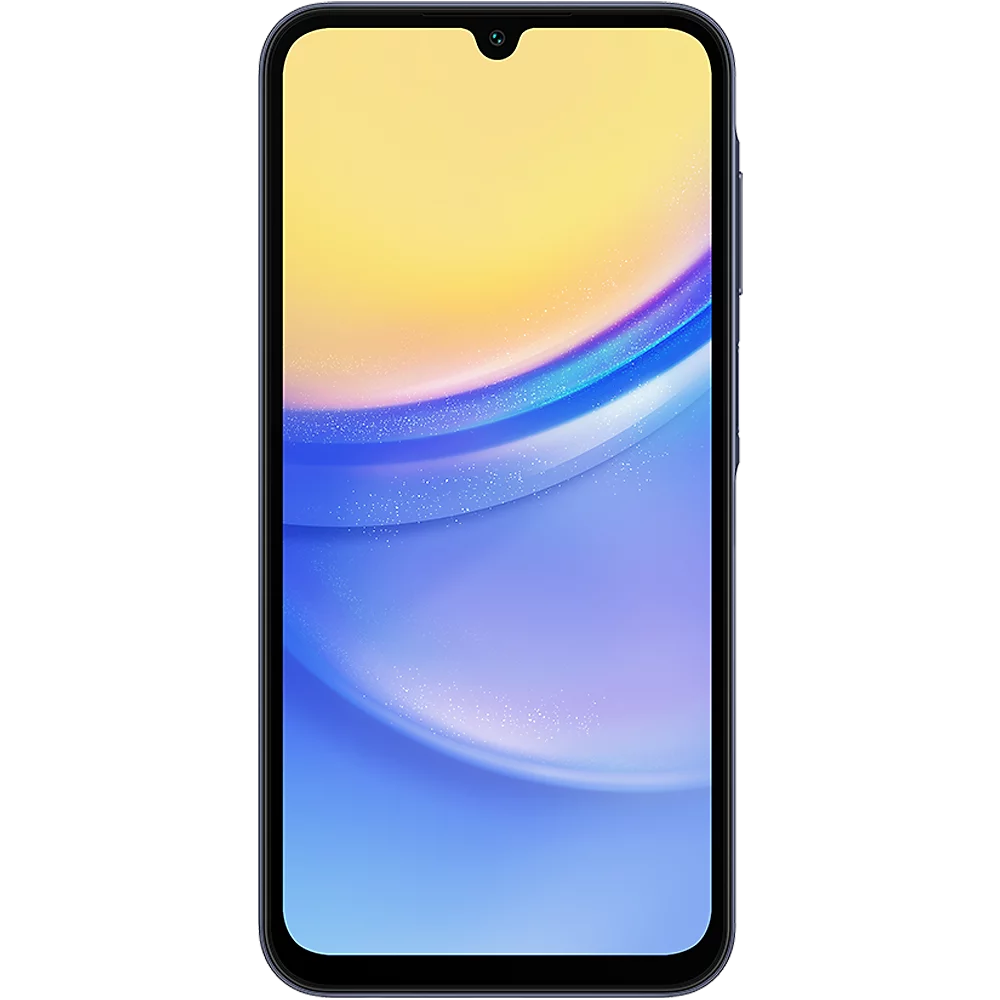
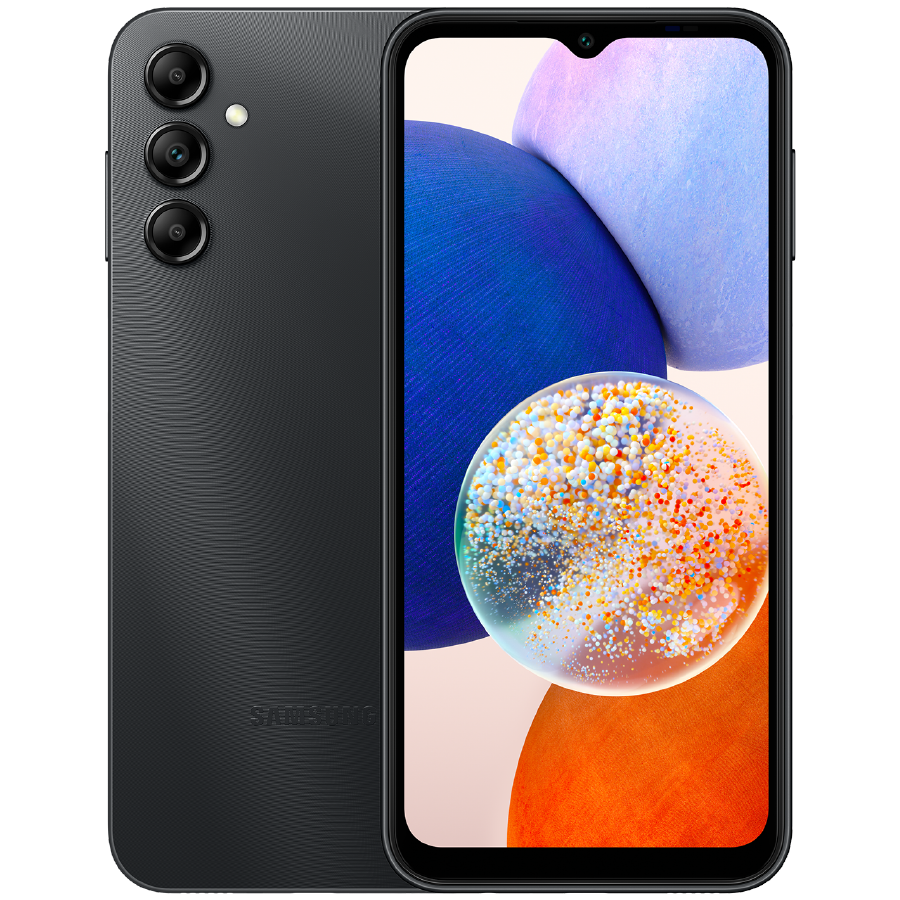
Samsung Galaxy A15 5G Manual
PDF manual · 139 Pages
English



Advantages and Disadvantages
Advantages

- 5G connectivity with broad core features (dual SIM on supported models) for modern network speeds.
- Versatile camera system with multiple modes (Pro, Night, Portrait, Macro, Hyperlapse) and AF/AE locking.
- Expandable storage via microSD plus cloud sync options for Gallery and backups.
- Comprehensive software ecosystem: Smart Switch, Samsung Wallet, SmartThings, Samsung Health and Notes.
- Good battery management with fast charging support, charging precautions and power-saving options.
Disadvantages

- Some advanced camera and software features may be limited by carrier, region, or specific model variants.
- HEVC/HEIF formats may not be compatible with all devices or services when sharing or playback.
- Using two SIMs can reduce mobile data speeds in some regions compared to a single-SIM setup.
- Device performance and features may be affected if accessories (metallic covers/stickers) interfere with antennas.
- Certain apps or features may be unavailable on some carriers or models, requiring workarounds or downloads.
Ask a Question
Frequently Asked Questions
Use the ejection pin to open the tray, place the Nano‑SIM and/or microSD card with gold contacts facing upwards, press them into the tray, and fully reinsert the tray. Ensure the tray and cards are dry and the ejection pin is perpendicular to avoid damage.
Is this answer helpful?
Use Smart Switch via USB cable, wireless (Wi‑Fi Direct), external storage (microSD), or a computer. Open Settings → Accounts and backup → Bring data from old device, follow on‑screen steps, and keep devices connected until transfer completes. Limitations may apply by device type.
Is this answer helpful?
Use Samsung‑approved USB Type‑C chargers and cables, avoid charging with a wet multipurpose jack, and unplug chargers when not in use. Enable fast charging in Battery settings if supported, and allow a fully depleted battery to charge a bit before powering on the device.
Is this answer helpful?
Press Side + Volume Down or use Palm swipe (enable in Advanced features). After capture, use the toolbar to scroll capture, crop, draw, tag, or share screenshots. Enable the Show toolbar after capturing option in Settings if it doesn’t appear.
Is this answer helpful?
Modes include Photo, Video, Portrait, Pro (manual controls), Night (low light), Macro (close range), Panorama, Slow Motion, and Hyperlapse (model dependent). Choose Photo for automatic shots, Pro for manual control, Night for low light, and Portrait for blurred backgrounds.
Is this answer helpful?
Set screen lock (pattern, PIN, password), enable fingerprint or face recognition, use Secure Folder for sensitive content, manage app permissions in Settings → Apps → Permissions, and review Privacy Notice in camera and app settings.
Is this answer helpful?
Yes—use Smart View from the notification panel to mirror to compatible TVs. For nearby sharing, use Quick Share, Wi‑Fi Direct, or Bluetooth; Quick Share also supports Private sharing with encrypted transfers and contact‑based visibility.
Is this answer helpful?
Product Description

Samsung Galaxy A15 5G Manual — Overview and Product Description
The Samsung Galaxy A15 5G blends essential smartphone features with modern connectivity and practical tools for everyday users. Designed for those who want reliable performance without premium pricing, the A15 5G offers 5G network support, a versatile camera system, expandable storage via microSD, and an intuitive One UI experience. This model emphasizes battery longevity, useful software features like Smart Switch and Samsung Wallet, and safety-focused options including Secure Folder and biometric unlock.
Key features and user experience
The device features a clear device layout with accessible hard and soft buttons, a Side button that can be customised to launch apps, and familiar navigation options (soft buttons or gestures). Battery management is central: the phone supports wired fast charging, quick charging settings, and practical tips to extend battery life such as power saving modes and app management through Device care. Charging other devices via USB and precautions for safe charging are included.
Connectivity is comprehensive: dual Nano-SIM support on compatible models, a microSD slot for expanded storage, robust Wi-Fi and Bluetooth functions, NFC for contactless payments, and options like Mobile Hotspot, Wi‑Fi Direct, and Smart View for screen mirroring. The SIM manager and connection settings let users prioritise data and control network behaviour.
Cameras are flexible with multiple shooting modes: Photo, Video, Portrait, Pro, Night, Macro, Panorama, Slow Motion and model-specific Hyperlapse. Camera settings cover AF/AE locking, filters, HEIF/HEVC efficiency options, video stabilisation, and privacy controls. The Gallery app helps manage photos and stories, syncs with cloud services, and supports a recycle bin.
Software features reinforce daily utility: Samsung account integration for cloud and services, Smart Switch for seamless data migration, Samsung Wallet for payments and tickets, Samsung Health, Samsung Notes, AR Zone for emojis and stickers, Game Booster and Gaming Hub, and SmartThings for IoT control. Security and accessibility are addressed with fingerprint and face recognition, Secure Folder, privacy notices, and emergency features.
Practical tips and usability
The manual places emphasis on safe handling—avoiding water exposure, protecting camera sensors from strong light, and not using damaged glass bodies. It also details step-by-step guidance for initial setup, inserting SIM/microSD cards, capturing screenshots, using multi-window mode, managing apps and permissions, and optimising device performance and storage.
Notes
- Supports multiple safety and charging precautions: use Samsung-approved chargers and dry the multipurpose jack before charging.
- Some features vary by carrier, region, or specific model variant.
- Smart Switch offers multiple transfer methods (USB, wireless, external storage, PC) with some limitations depending on source device.
Search for 1 Mio. Manuals online


Type-in Brand or Model