
Samsung Manuals
Manuals
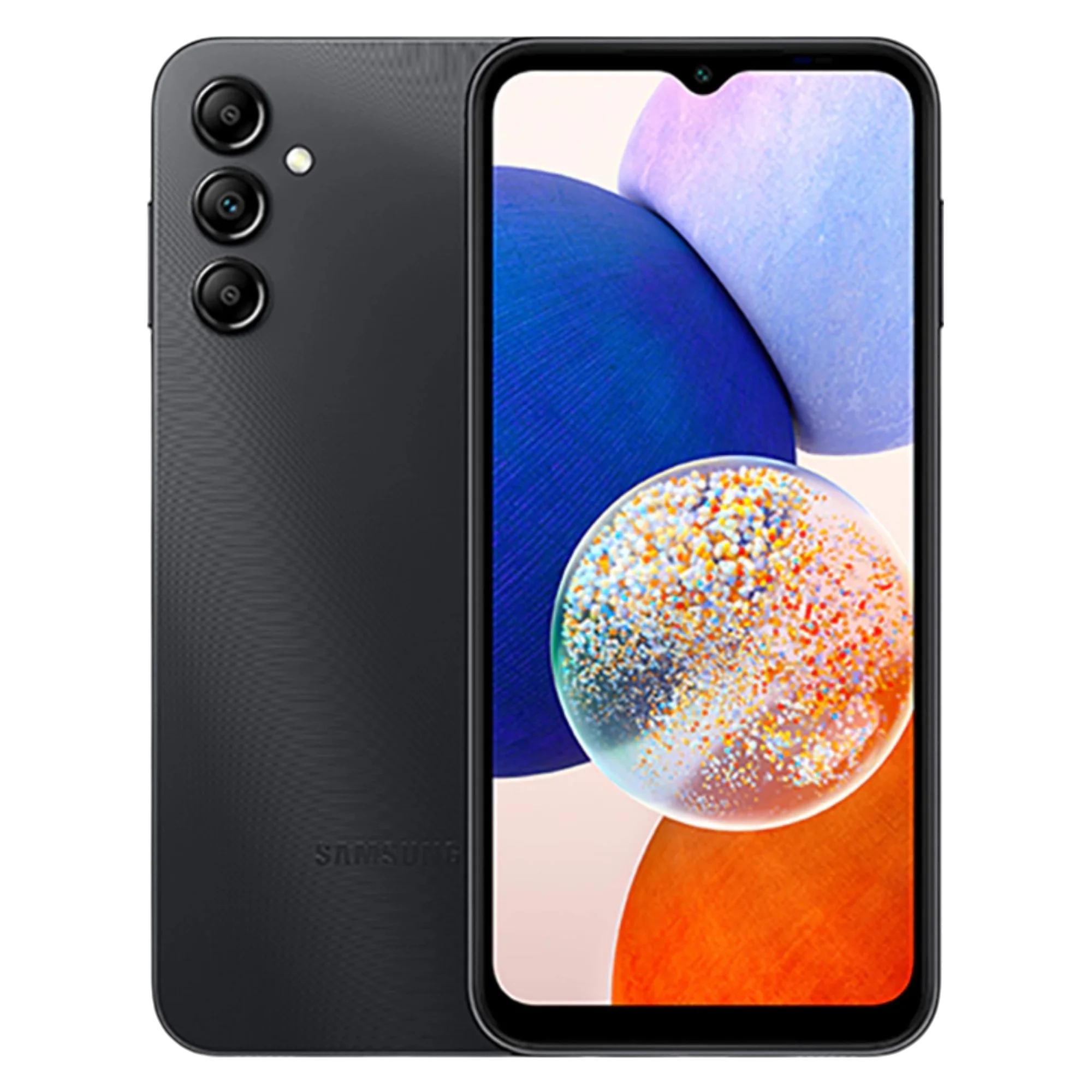
118 Pages
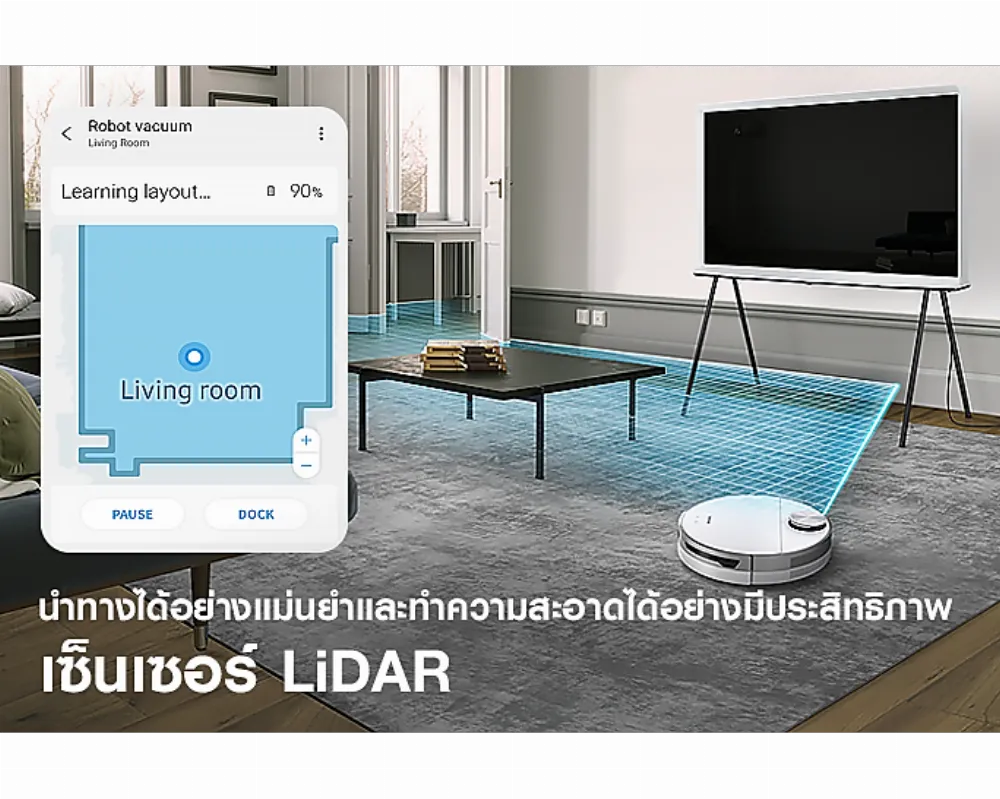
46 Pages
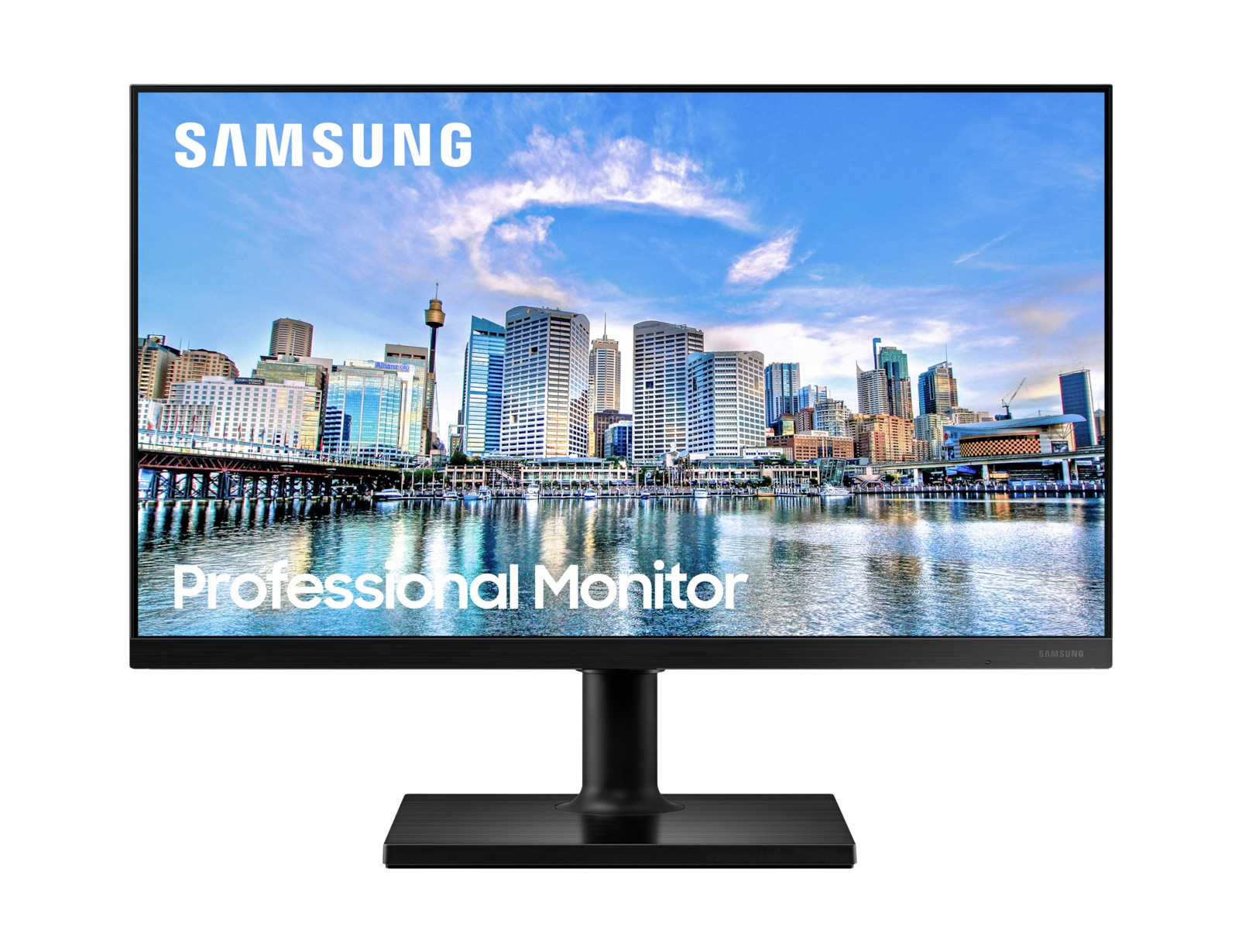
38 Pages
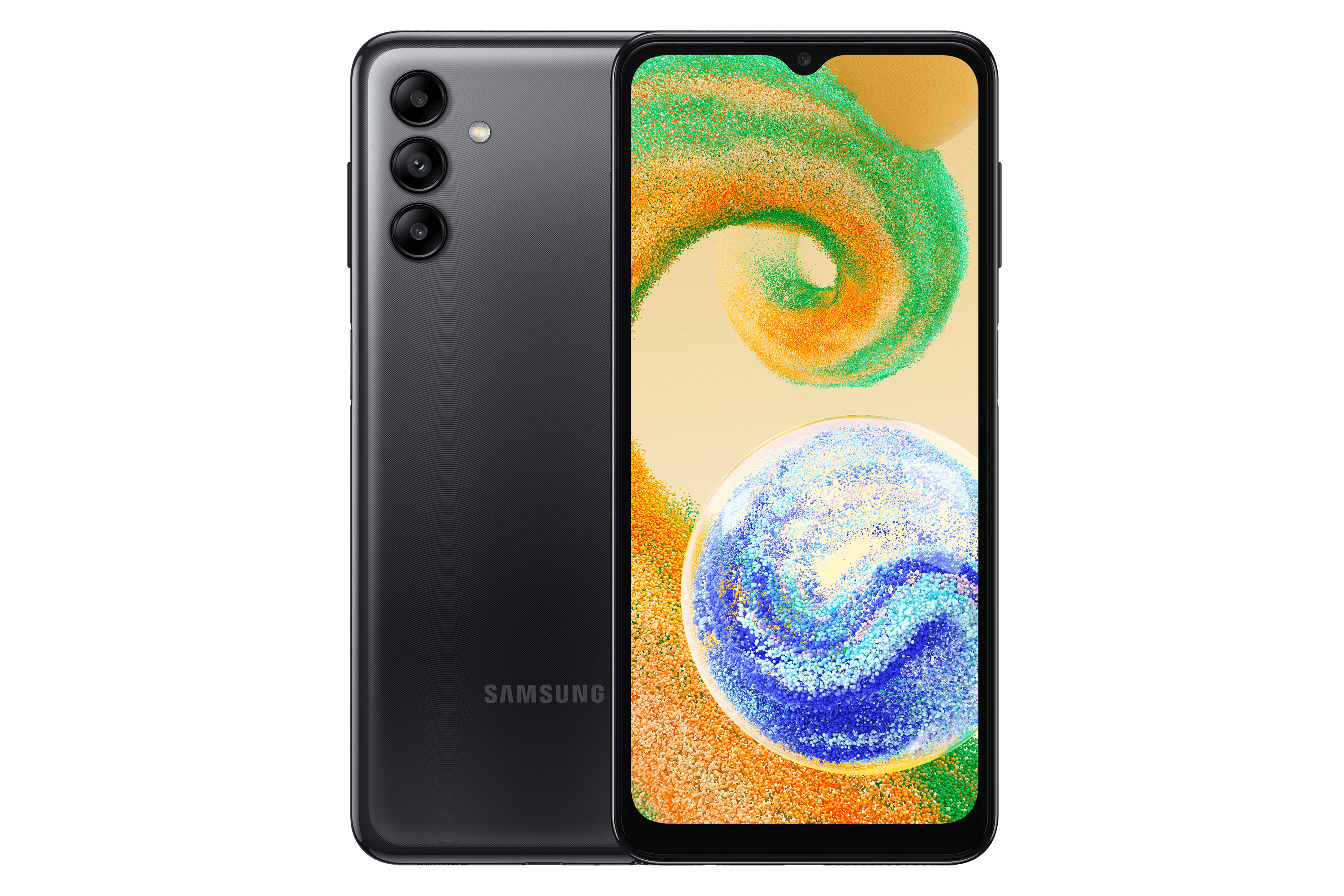
110 Pages
139 Pages

99 Pages
139 Pages
48 Pages
Categories


Samsung Manuals
Overview
Samsung Manuals are comprehensive guides created to help users understand and operate Samsung devices and services. These manuals cover a wide range of products, including smartphones, tablets, televisions, home appliances, wearables, and networking equipment. They are designed to provide clear, step-by-step instructions, troubleshooting tips, safety information, and feature explanations to enhance the user experience. Whether you are setting up a new device, performing regular maintenance, or exploring advanced features, Samsung Manuals serve as a reliable reference resource.
Purpose and Scope
Samsung publishes manuals to support customers throughout the product lifecycle. The primary purposes include:
- Assisting with initial setup and activation
- Explaining core functionalities and feature sets
- Providing safety and regulatory information
- Offering maintenance, care, and troubleshooting guidance
- Supporting software updates, app usage, and cloud services integration
- Guiding service and repair processes when warranted
The scope typically spans user manuals, quick-start guides, technical manuals for advanced users, and safety information leaflets. These documents are often available in multiple languages and formats, including downloadable PDFs and interactive online help.
Accessibility and Formats
Samsung emphasizes accessibility in its manuals to accommodate diverse users. Manuals may include:
- Clear headings, bullet points, and numbered steps for easy navigation
- Visual aids such as diagrams, screenshots, and icons
- High-contrast text options and screen reader compatibility where possible
- Searchable online versions and interactive tutorials
Formats commonly offered:
- PDF manuals for download
- Online help centers with context-sensitive guidance
- Quick start guides for rapid setup
- Detailed user guides with advanced features
Structure of a Typical Samsung Manual
A well-organized Samsung manual generally follows a consistent structure to help users locate information quickly. Common sections include:
- Introduction and Package Contents
- Model name and serial information
- Included accessories and safety warnings
- Getting Started
- Unboxing, setup, and activation
- Connecting to power, Wi-Fi, and services
- Device Overview
- Key buttons, ports, and indicators
- Display specifications and capabilities
- Basic Operations
- Turning the device on/off
- Navigating menus and apps
- Features and Settings
- Customization options, privacy settings, and personalization
- Connectivity (Bluetooth, Wi-Fi, NFC, etc.)
- Camera and Imaging
- Shooting modes, editing, and sharing
- Applications and Services
- Pre-installed apps, Galaxy Services, and store recommendations
- Maintenance and Care
- Cleaning, battery management, and storage tips
- Troubleshooting
- Common issues, error messages, and reset procedures
- Safety and Regulatory Information
- Compliance, disposal, and warranty details
This structure helps users build familiarity step by step while providing a reference for more technical topics.
Safety Information and Compliance
Safety is a core focus in Samsung Manuals. They typically include:
- General safety guidelines to prevent harm or damage
- Battery handling and charging precautions
- Environmental considerations and disposal instructions
- Regulatory compliance information (RF exposure, certifications)
Following these guidelines helps ensure safe operation and reduces risk during use, maintenance, and service.
Troubleshooting and Support
When issues arise, manuals offer practical troubleshooting steps before seeking service. Common approaches include:
- Verifying power and connections
- Checking software updates and compatibility
- Resetting settings or performing a factory reset when necessary
- Reviewing error codes with corresponding remedies
If problems persist, the manuals often direct users to additional support channels:
- Official Samsung support website and live chat
- Authorized service centers
- Warranty terms and repair options
Software Updates and Ecosystem Integration
Samsung devices often operate within an ecosystem, including Galaxy devices, SmartThings, and cloud services. Manuals address how to:
- Update firmware and apps
- Sync data across devices
- Manage accounts and permissions
- Configure SmartThings devices and automation routines
- Access media, backups, and restoration options
Understanding these topics helps users maximize interoperability and maintain data integrity.
Content Localization and Accessibility
To serve a global audience, Samsung Manuals are localized into multiple languages. This includes translations of technical terms, safety warnings, and product-specific guidance. Accessibility considerations aim to support users with disabilities, providing alternative text for images, clear typography, and navigable layouts for assistive technologies.
Common Product Families Covered
- Galaxy smartphones and tablets
- Wearables such as watches and earbuds
- Televisions and home entertainment systems
- Home appliances (refrigerators, washers, dryers, ovens)
- Kitchen appliances (microwave ovens, vacuum cleaners)
- Monitors and computing peripherals
- Networking devices (routers, modems)
Each product family has tailored manuals reflecting its unique features, buttons, and workflows.
How to Find and Use Samsung Manuals
Users can access manuals through several channels:
- Official Samsung website product pages with manuals linked per model
- Samsung Members app and support centers
- Authorized retailers and service centers
To get the most accurate manual, users should locate their exact model number and regional variant, as content may differ by region and hardware revision. Using the search function within the manual or help site can speed up the process.
Updates and Revisions
Samsung continuously updates its manuals to reflect new features, software updates, and regulatory changes. It is advisable to check for the latest version before performing complex procedures or troubleshooting. Revisions often include:
- Added features or deprecations
- Revised safety instructions
- Updated diagrams and illustrations
- Corrected procedures based on user feedback
Practical Tips for Users
- Read the safety section before first use to understand operating limits.
- Keep the manual with the device for quick reference during setup and maintenance.
- Use the online help if you need context-sensitive instructions tied to the current screen or menu.
- Look for QR codes in printed manuals that link to digital resources and videos.
- Bookmark the model page for easy access to updates.
Conclusion
Samsung Manuals serve as a central resource for users to unlock the full potential of their devices while ensuring safe and efficient operation. By offering structured guidance, clear explanations, and accessible support channels, these manuals help users troubleshoot issues, optimize performance, and enjoy a seamless experience across the Samsung product ecosystem.
Search for 1 Mio. Manuals online


Type-in Brand or Model