
Logitech M330 Silent Plus black USB Manual
PDF manual · 63 Pages
English



Advantages and Disadvantages
Advantages

- Near-silent clicks reduce noise in shared spaces
- Comfortable design with responsive scroll and middle-click
- Auto sleep and On/Off switch extend battery life
- Unifying-ready for flexible multi-device setups
- Simple USB plug-and-play with stable tracking
Disadvantages

- Included receiver is not Unifying-enabled
- Middle-click behavior can vary by application
- Performance may drop on reflective or metallic surfaces
- Requires a USB-A port; no Bluetooth support
Ask a Question
Frequently Asked Questions
It explains setup, core features, sleep modes, and troubleshooting for the M330 Silent Plus, including tips on the middle-click, power saving, LED indicators, and receiver compatibility.
Is this answer helpful?
The mouse is Unifying-ready and can pair with any Logitech Unifying receiver you already own. The receiver bundled with the mouse is not Unifying-enabled.
Is this answer helpful?
It enters light sleep after about 10 seconds of inactivity and deep sleep after about 5 minutes. Wake it by clicking or moving the mouse to resume instantly.
Is this answer helpful?
Flashing red means low battery. A green light for about 10 seconds appears when the mouse is switched on or wakes from deep sleep, indicating normal operation.
Is this answer helpful?
Press the scroll wheel to middle-click. In most browsers, it opens links in new tabs, closes tabs with one click on the tab, and opens all bookmarks in a folder as separate tabs.
Is this answer helpful?
Check power, reseat the receiver, try a different USB port, avoid USB hubs, verify battery orientation, change surfaces, remove metal obstructions, and move the receiver closer.
Is this answer helpful?
Yes. Plug the USB receiver into a computer and the mouse works immediately. For best reliability, connect directly to a USB port rather than a distant hub.
Is this answer helpful?
Product Description

Logitech M330 Silent Plus black USB Manual
A Quiet Performer for Everyday Productivity
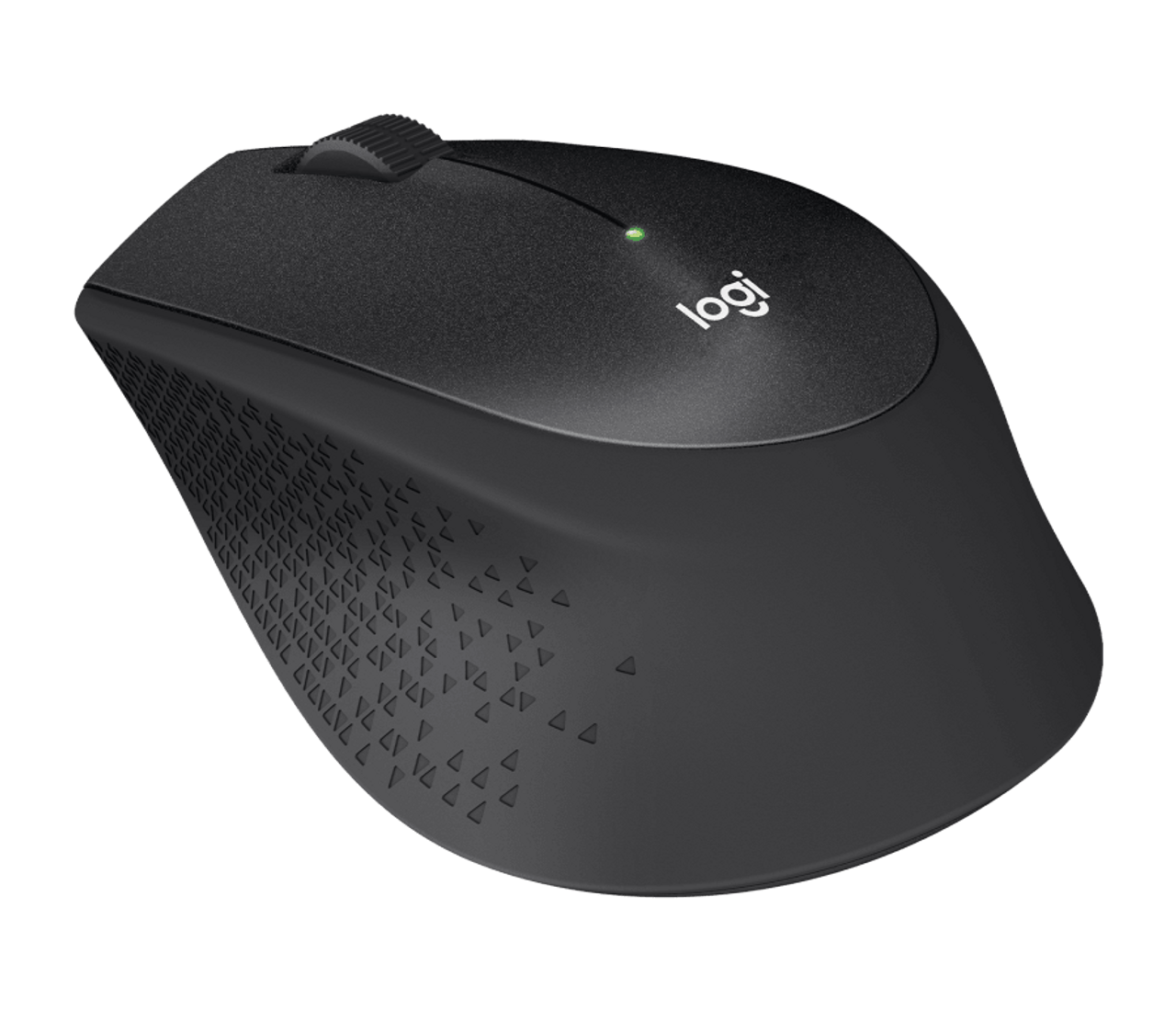
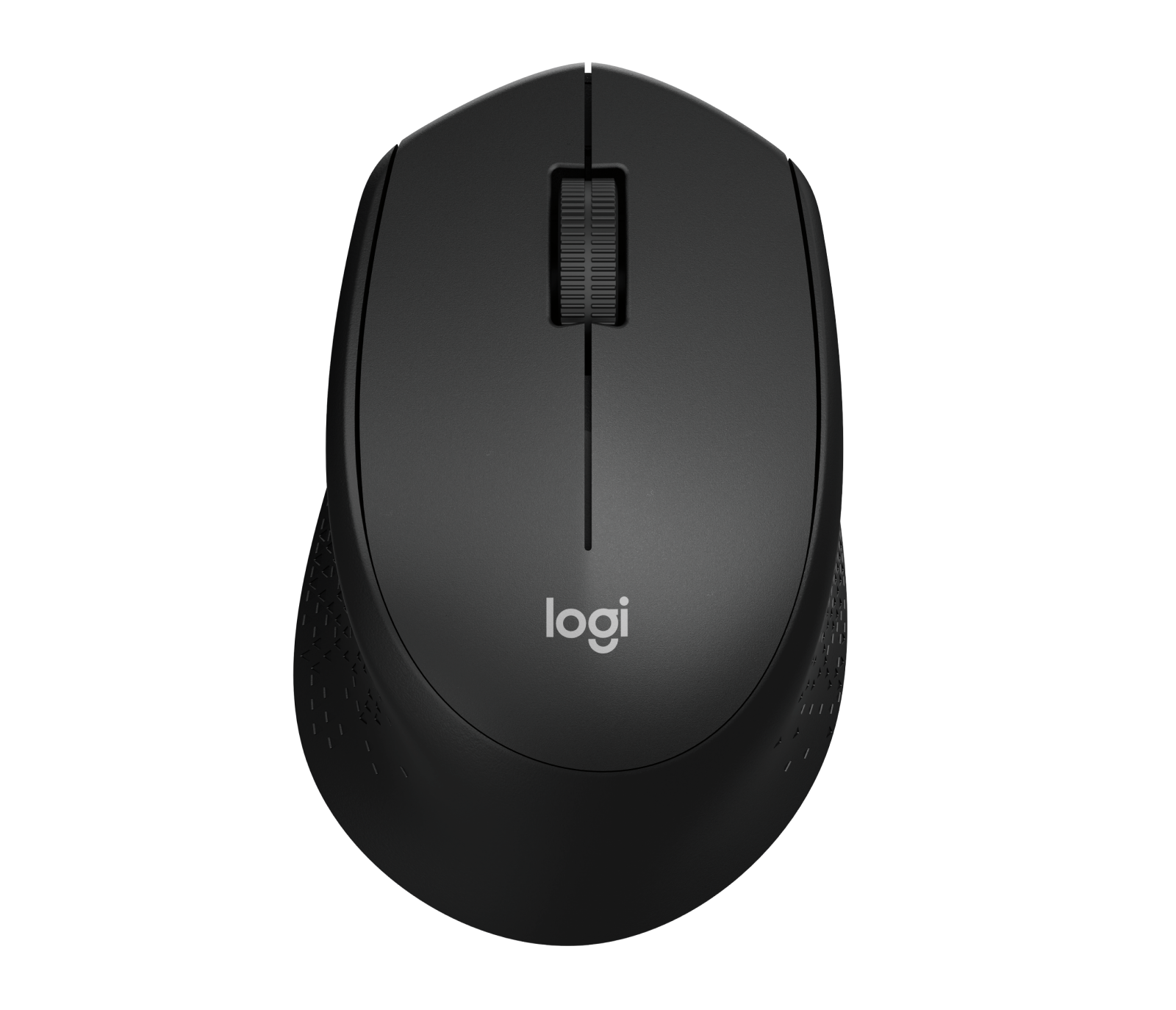
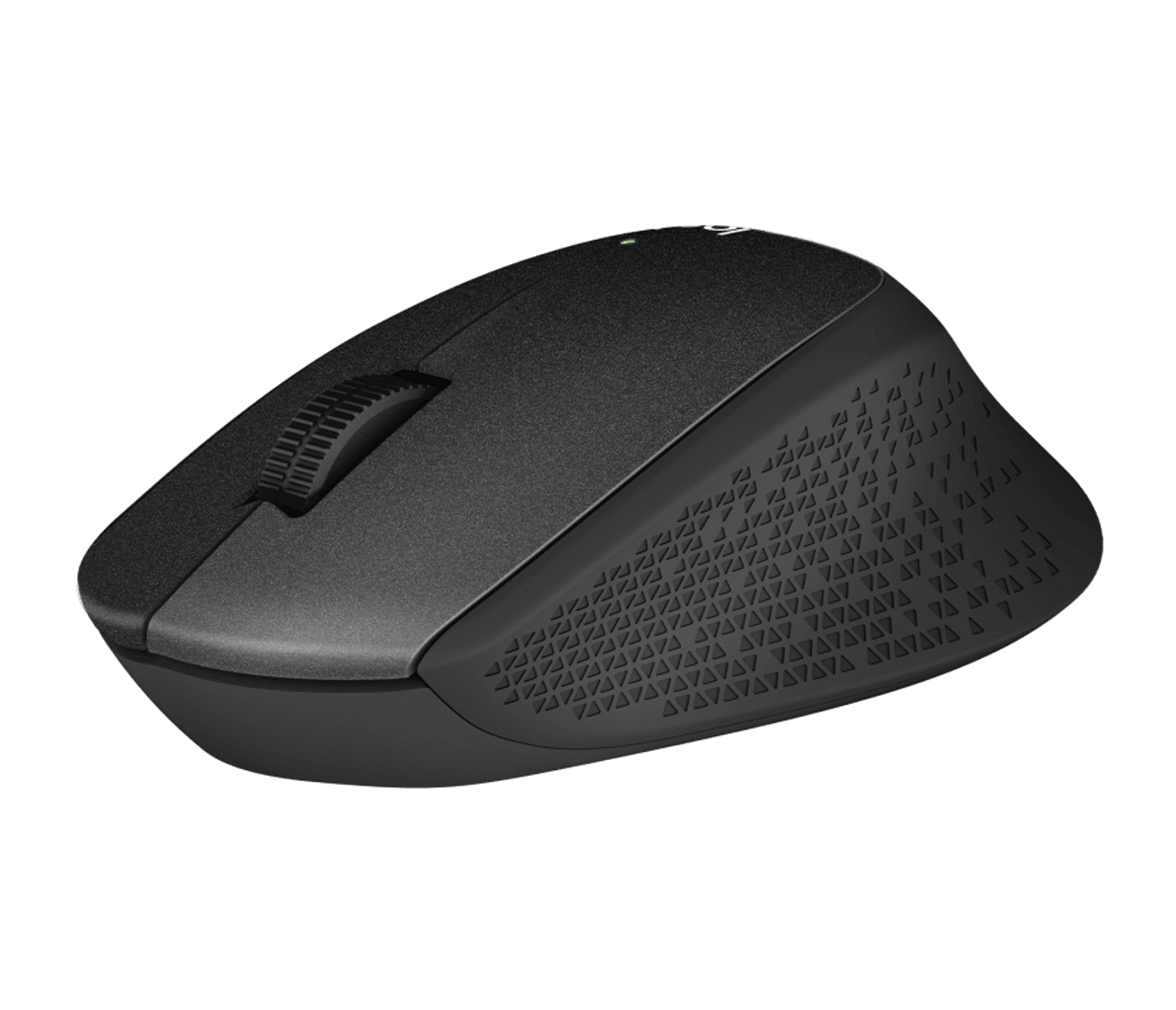
The Logitech M330 Silent Plus black USB is designed to deliver precision, comfort, and near-silent clicks. Its left/right buttons and responsive scroll wheel make navigation effortless, while the middle-click function unlocks handy browser tricks like opening links in new tabs or closing tabs with a single press. The compact form factor fits naturally in hand, reducing fatigue during long sessions.
Smart Power, Ready When You Are
A battery LED keeps you informed—flashing red when power is low and turning green briefly at startup. The On/Off slider helps preserve battery life during travel, and intelligent sleep modes kick in automatically: light sleep after about 10 seconds of inactivity and deep sleep after around 5 minutes. Wake the mouse instantly with a click or movement.
Reliable Wireless, Unifying-Ready
The included receiver is not Unifying-enabled, but the M330 itself is Unifying-ready, so you can pair it with any existing Logitech Unifying receiver you own. This flexibility lets you consolidate up to six compatible Logitech mice and keyboards on a single USB port—ideal for tidy, efficient setups.
Everyday Tips
Use the middle-click for power browsing: open links in new tabs, close tabs instantly, and launch all bookmarks in a folder at once. If tracking is inconsistent, try a different surface and remove metallic objects between mouse and receiver. For best performance, plug the receiver directly into your computer or a closer USB port.
Notes
- Battery indicator: red (low), green (startup/awake)
- Sleep timers: ~10s (sleep), ~5min (deep sleep)
- Middle-click behavior may vary by app
- Unifying support: mouse yes, included receiver no
Search for 1 Mio. Manuals online


Type-in Brand or Model