
Logitech G502 Manual
PDF manual · 31 Pages
English



Advantages and Disadvantages
Advantages

- Up to 55 hours battery life with 1 ms wireless performance
- 11 programmable controls with dedicated DPI shift
- Adjustable weight system for tailored balance
- Dual-mode scroll wheel: ratcheted or hyper-fast
- G HUB support with up to 5 onboard profiles
Disadvantages

- Optimal wireless performance requires close receiver placement
- POWERPLAY charging system sold separately
- Heavier than ultra-light esports mice when fully weighted
- Wheel mode toggle not programmable
- Battery life varies with lighting and usage
Ask a Question
Frequently Asked Questions
Plug the receiver into the included USB adapter and keep it within 20 cm of the mouse. Avoid placing it near 2.4 GHz routers. Power on the mouse and install Logitech G HUB to customize settings.
Is this answer helpful?
Expect up to 55 hours with lights off or about 48 hours with RGB cycling. Check battery via the G9 button, at power-on through DPI LEDs, or in Logitech G HUB. Flashing red indicates under 15%.
Is this answer helpful?
Yes. Connect the USB cable directly to the mouse to charge. It switches to data-over-cable mode, so you can keep playing while the battery refills.
Is this answer helpful?
You can store up to 5 DPI steps and up to 5 onboard profiles using Logitech G HUB. Default DPI steps are 400/800/1600/3200/6400 with a 1 ms report rate.
Is this answer helpful?
Yes. Add 4x2 g weights under the top door or 2x4 g weights in the lower cover to adjust balance and heft. Remove or mix weights to match your playstyle.
Is this answer helpful?
Yes. It works with Logitech G POWERPLAY using the POWERCORE adapter (sold separately), enabling continuous wireless charging while in use.
Is this answer helpful?
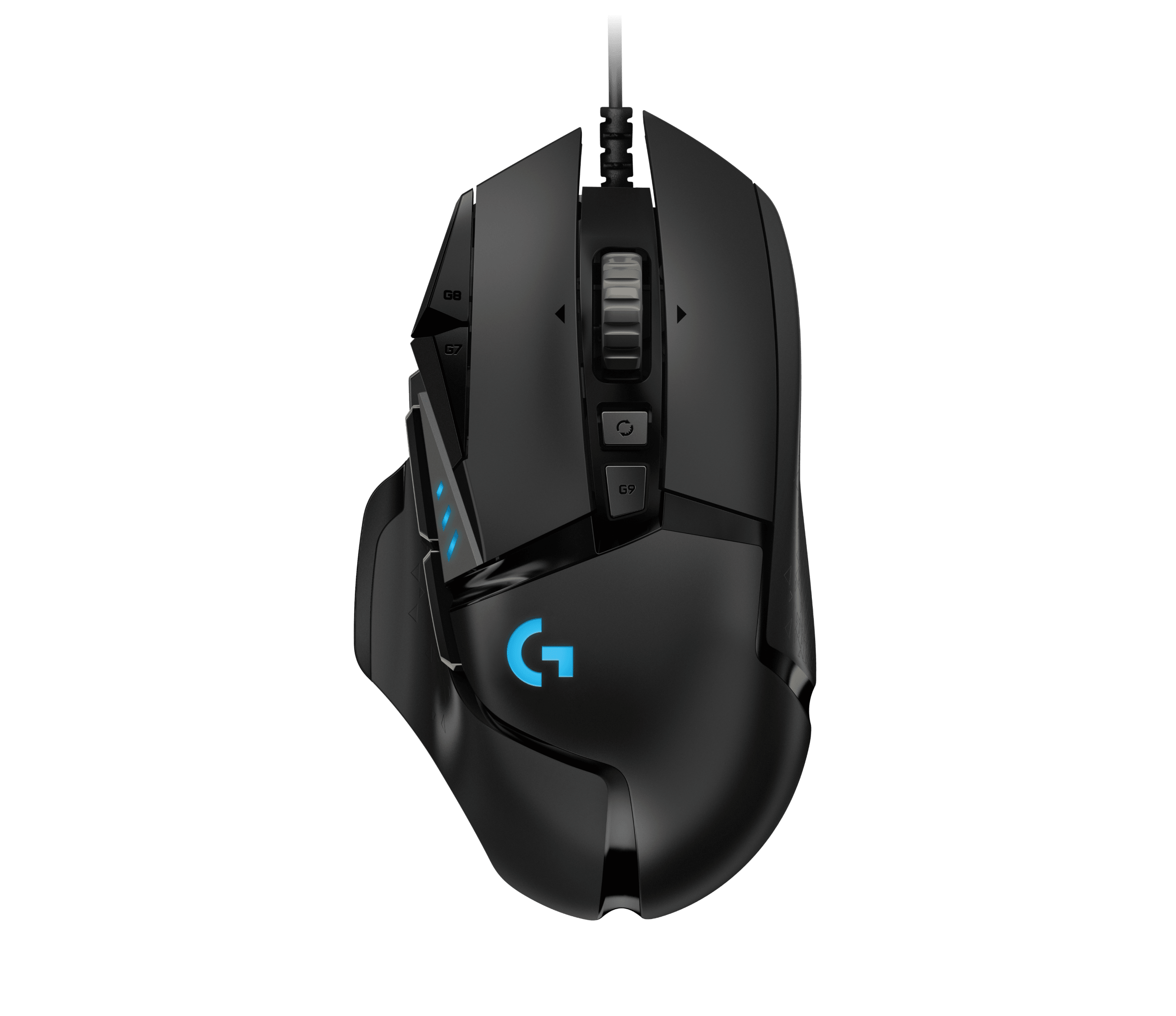
Three LEDs above the thumb area show DPI steps and profiles. At startup, they also display battery status: more green bars mean higher charge; flashing red means below 15%.
Is this answer helpful?
Product Description
Logitech G502 Manual: A Gamer’s Guide to Precision
Why the Logitech G502 Stands Out
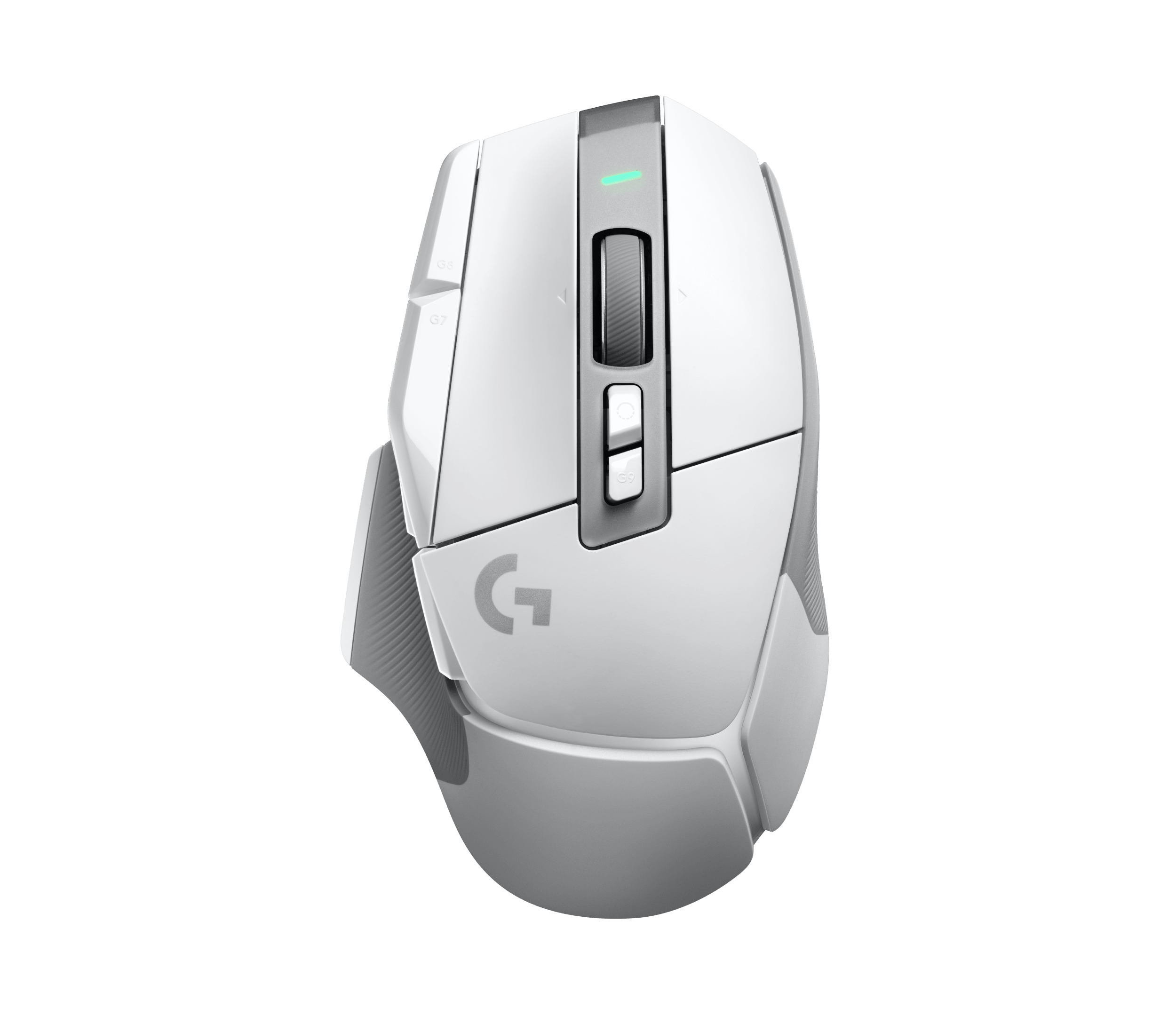
The Logitech G502 LIGHTSPEED blends tournament-grade performance with the freedom of wireless play. With the Logitech G502 Manual as your reference, setup is quick: plug the receiver via the USB adapter close to your mouse for the strongest signal, power it on, and tailor it with G HUB. The 1 ms report rate ensures snappy response whether you’re flicking for headshots or micro-adjusting for design work.
Features That Matter
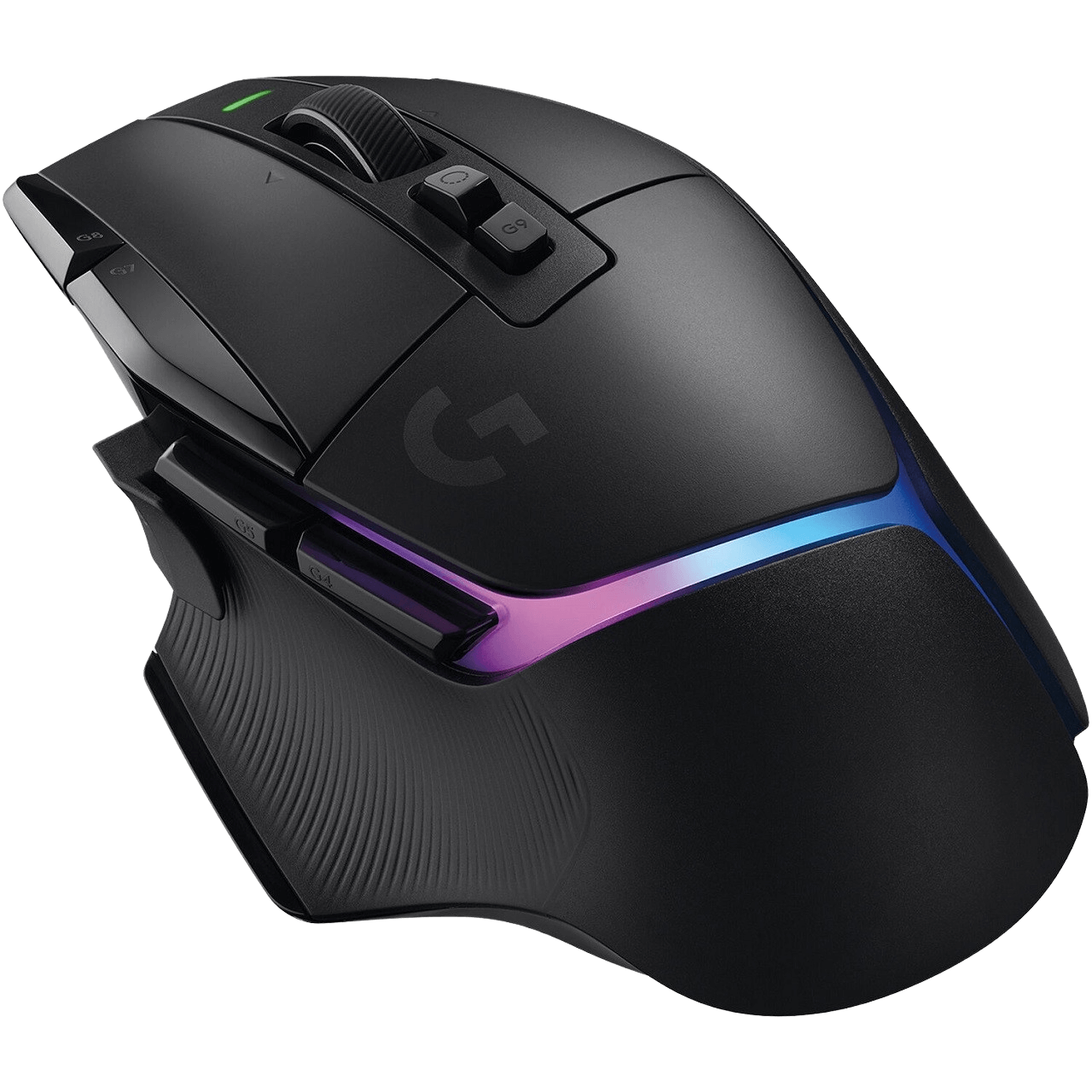
Battery life is a clear highlight—up to 55 hours with lighting off and 48 hours with RGB cycling. Fast charging via USB keeps you playing; plus, it switches to data-over-cable mode when plugged in, so downtime is minimal. The G502’s iconic shape returns with 11 fully programmable inputs, including a dedicated DPI shift (sniper) button, tilt scroll, and a mechanical wheel mode toggle for ratcheted precision or hyper-fast free spin.
Weight customization lets you fine-tune feel and balance: add 4x2 g on top or 2x4 g below. Storage for the receiver is built in, and compatibility with POWERPLAY enables continuous wireless charging with the optional POWERCORE adapter.
G HUB rounds it out with deep personalization—create up to five onboard profiles, set DPI steps (400/800/1600/3200/6400 by default), adjust report rate, and switch between performance and endurance modes. LED indicators above the thumb area provide at-a-glance DPI and profile feedback, while a quick G9 press shows battery status.
Notes:
- Keep the receiver within 20 cm for best stability; avoid placing it near 2.4 GHz routers.
- Battery indicators: 3 green bars (50–100%), 2 green (30–50%), 1 green (15–30%), flashing red (<15%).
Search for 1 Mio. Manuals online


Type-in Brand or Model