
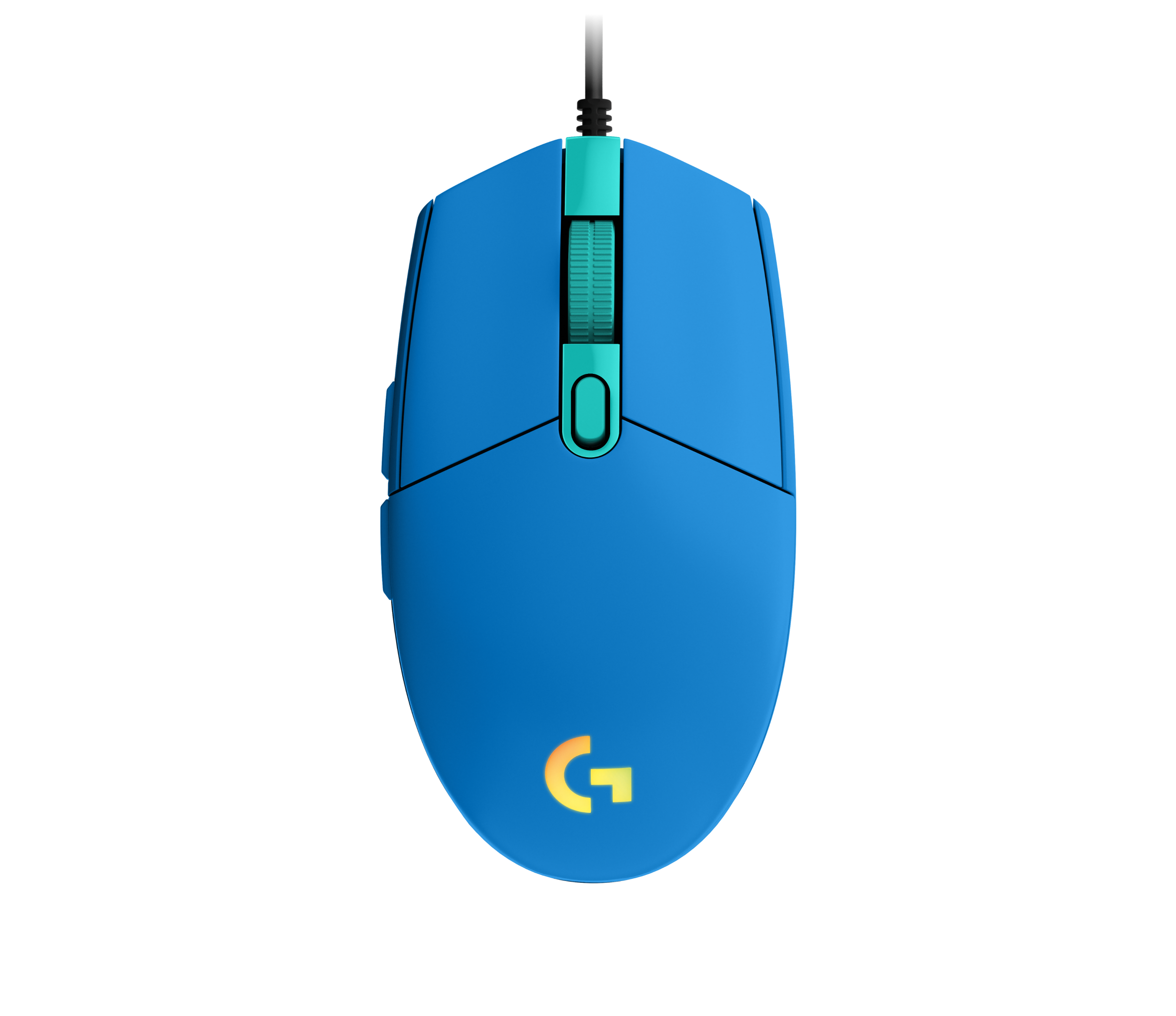
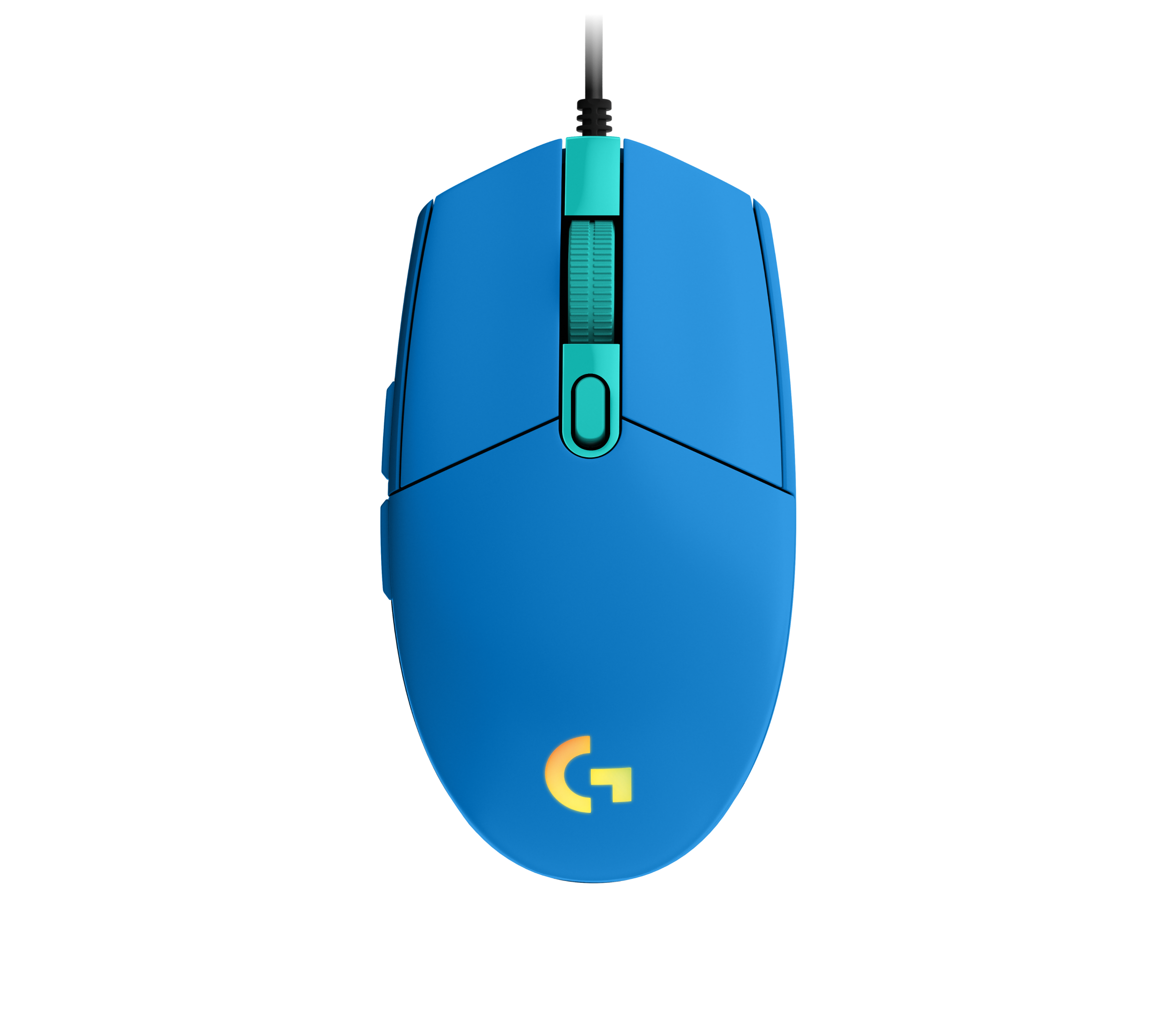
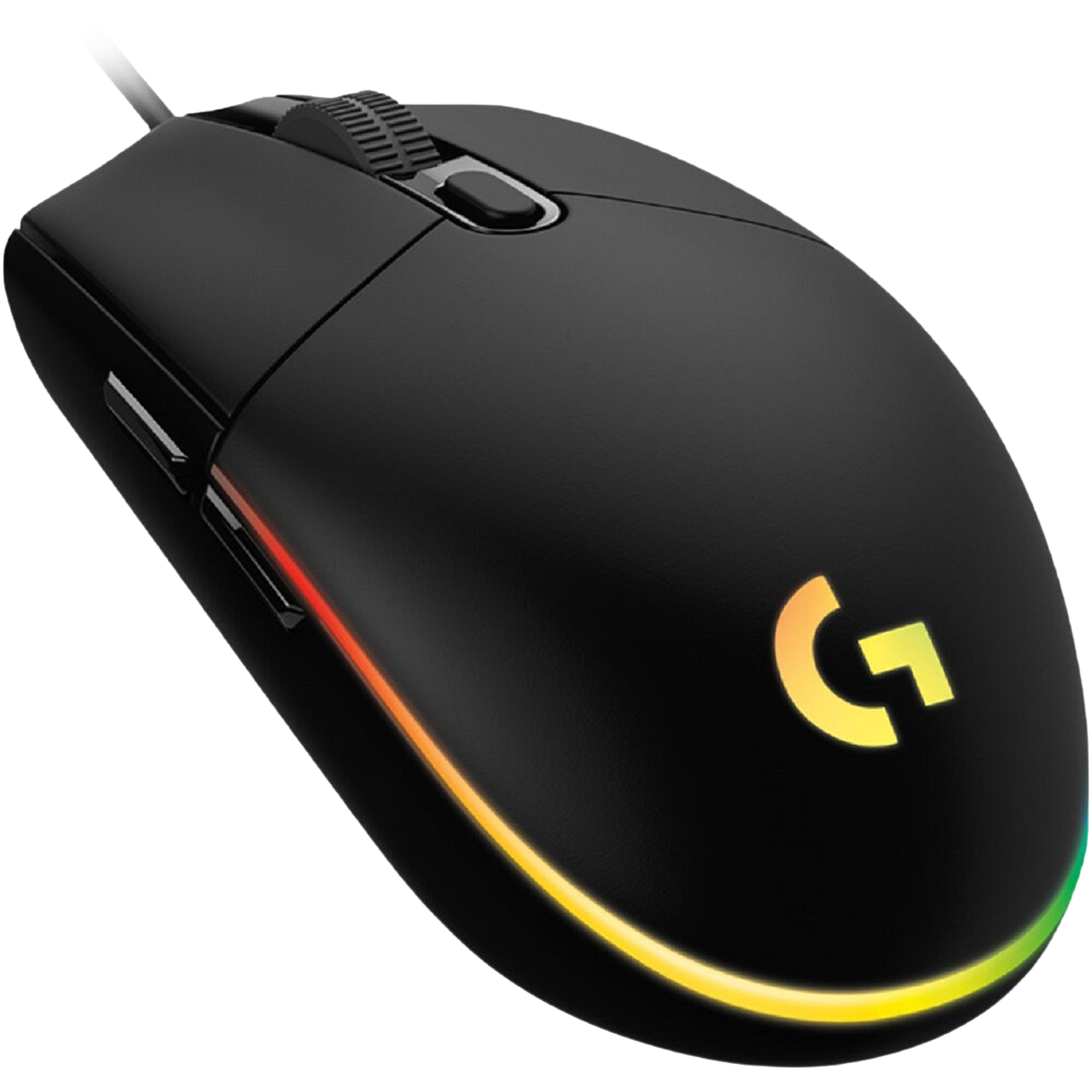
Logitech G203 Lightsync Manual
PDF manual · 15 Pages
English



Advantages and Disadvantages
Advantages

- Easy USB setup and fast start with G HUB
- Six fully programmable buttons for flexibility
- Three-zone LIGHTSYNC RGB with rich effects
- DPI cycle button for instant sensitivity shifts
- Sync lighting across supported Logitech G gear
Disadvantages

- Full features require installing G HUB
- Wired-only connection limits cable-free setups
- Limited to six buttons versus MMO mice
- No onboard lighting editor without software
- Shape may not suit users preferring large mice
Ask a Question
Frequently Asked Questions
Plug it into a USB port and install Logitech G HUB from logitechG.com/GHUB. Use G HUB to customize buttons, DPI, and LIGHTSYNC RGB.
Is this answer helpful?
All six buttons are programmable: primary, secondary, wheel click, forward, back, and the DPI cycle. Assign actions, macros, and per-app profiles in G HUB.
Is this answer helpful?
Yes. With Logitech G HUB, you can sync the G203’s three-zone LIGHTSYNC RGB with other supported Logitech G devices for unified effects.
Is this answer helpful?
No. The mouse works when plugged in with default functions, but G HUB is required to customize buttons, DPI settings, and lighting effects.
Is this answer helpful?
Yes. Use the DPI cycle button to switch sensitivity presets instantly. You can define DPI steps and profiles in G HUB.
Is this answer helpful?
Its compact, classic shape suits a wide range of hand sizes and grip styles. Many users with small to medium hands find it comfortable.
Is this answer helpful?
You can choose solid colors or dynamic effects like color cycle and breathing/pulsing. Customize each of the three zones in G HUB.
Is this answer helpful?
Product Description

Logitech G203 Lightsync Manual: A Gamer’s Essential Companion
Streamlined Setup, Instant Performance
The Logitech G203 Lightsync is a compact, responsive gaming mouse built to plug in and play. Connect via USB, install Logitech G HUB, and you’re ready to customize. Its six fully programmable buttons and precise DPI cycling make it adaptable for work, play, and everything in between.
Precision Meets Personality
Beyond performance, the G203 Lightsync brings vibrant flair. Three independent LIGHTSYNC RGB zones let you craft your look with solid colors or dynamic effects such as color cycle and breathing. With G HUB, sync lighting across supported Logitech G gear for a unified battlestation aesthetic.
Control That Fits Your Playstyle
Default mappings cover the essentials—primary, secondary, wheel click, forward, back, and DPI cycle—so you can jump in fast. Then tailor commands, macros, and sensitivities in G HUB to match your games and workflow. Whether you’re flicking through FPS battles or navigating daily tasks, the G203 is responsive, reliable, and remarkably consistent.
Why It Stands Out
The G203 Lightsync blends simple setup with deep customization. It’s approachable for newcomers yet flexible for enthusiasts. Crisp clicks, dependable tracking, and RGB that actually enhances the experience—this is a straightforward upgrade that punches above its weight.
Notes:
- Requires Logitech G HUB for full customization.
- LIGHTSYNC supports multi-device effects on compatible Logitech G products.
- Designed for most grips and hand sizes with a classic, balanced shape.
Search for 1 Mio. Manuals online


Type-in Brand or Model