
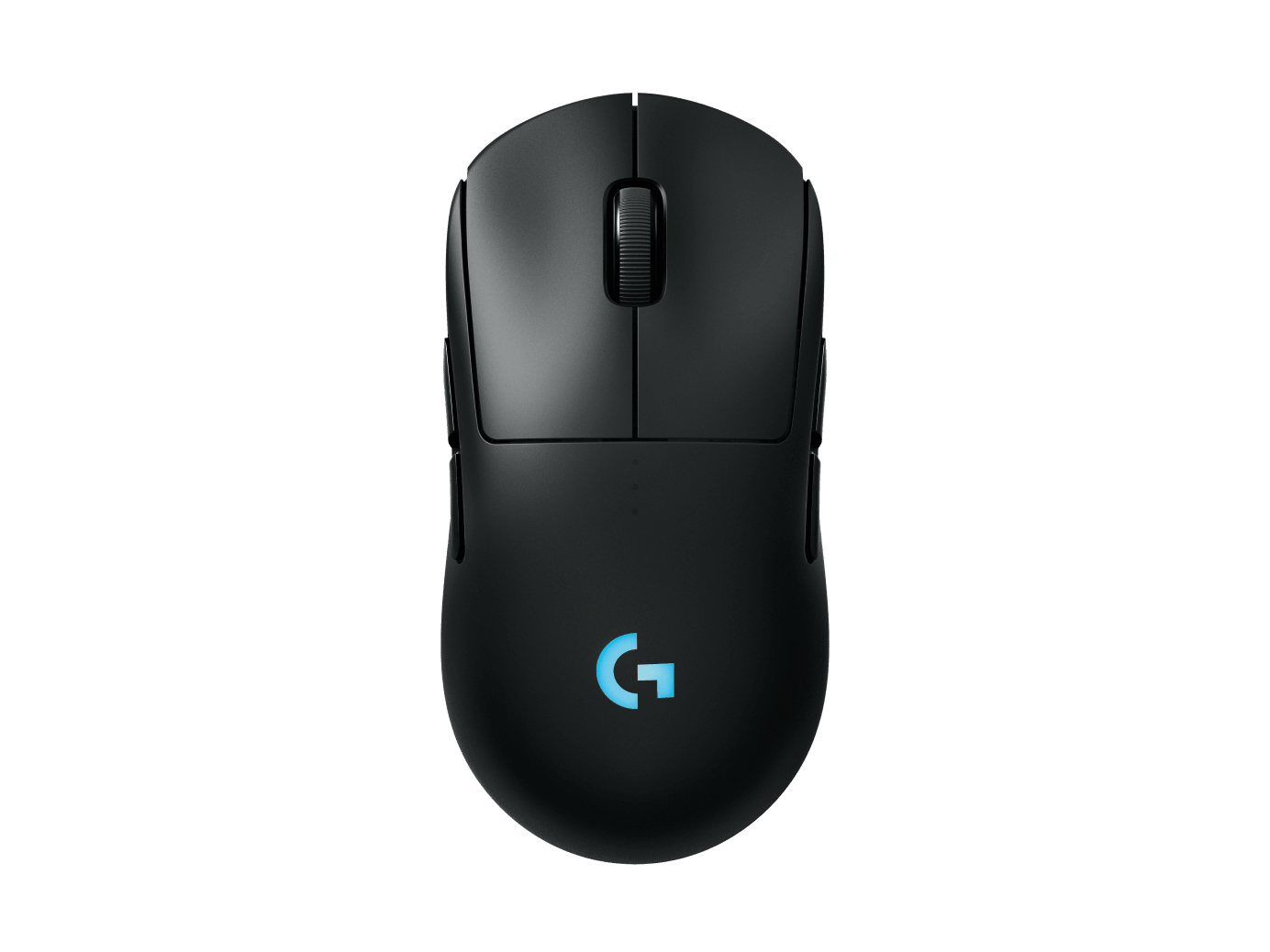
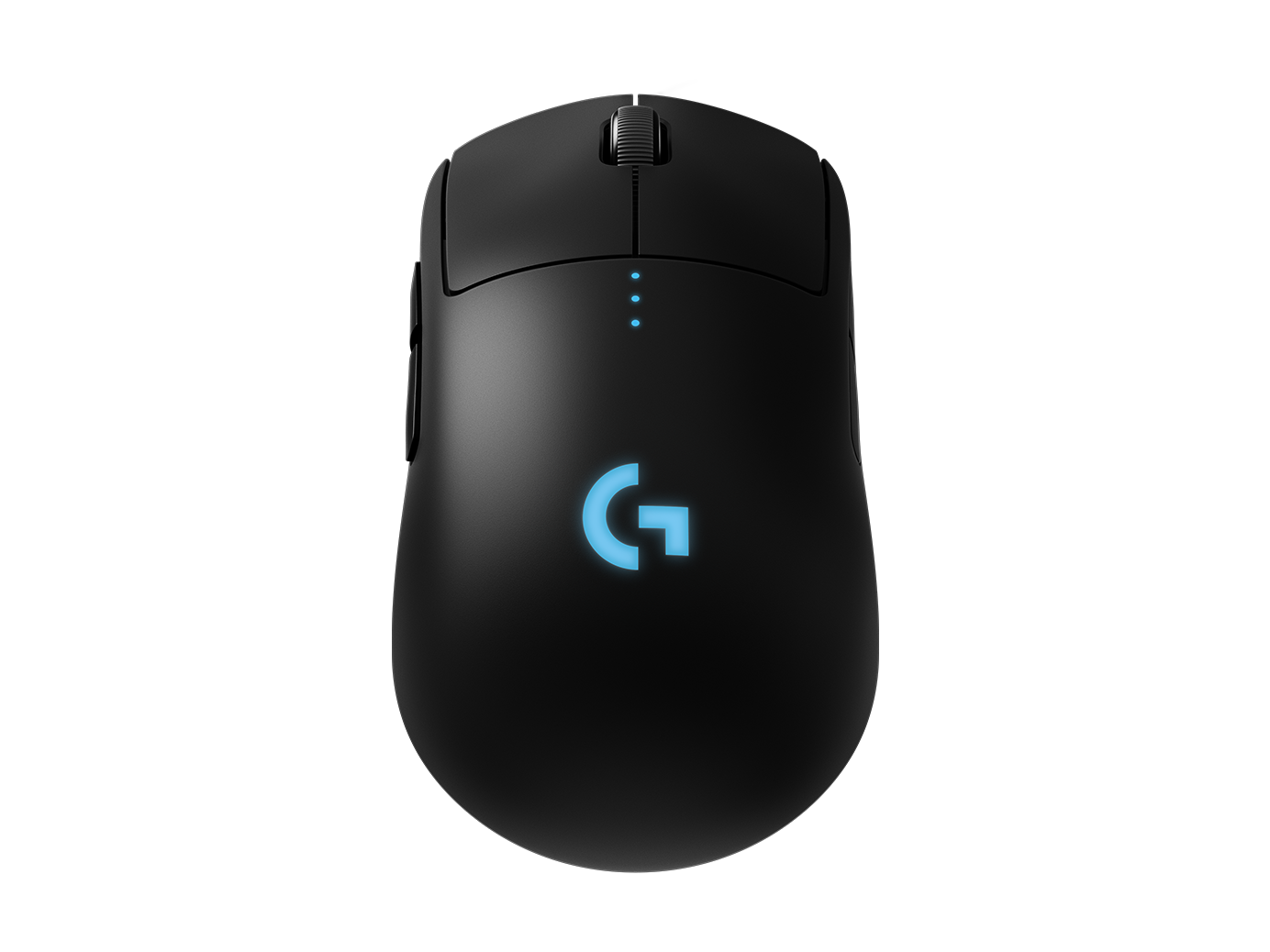
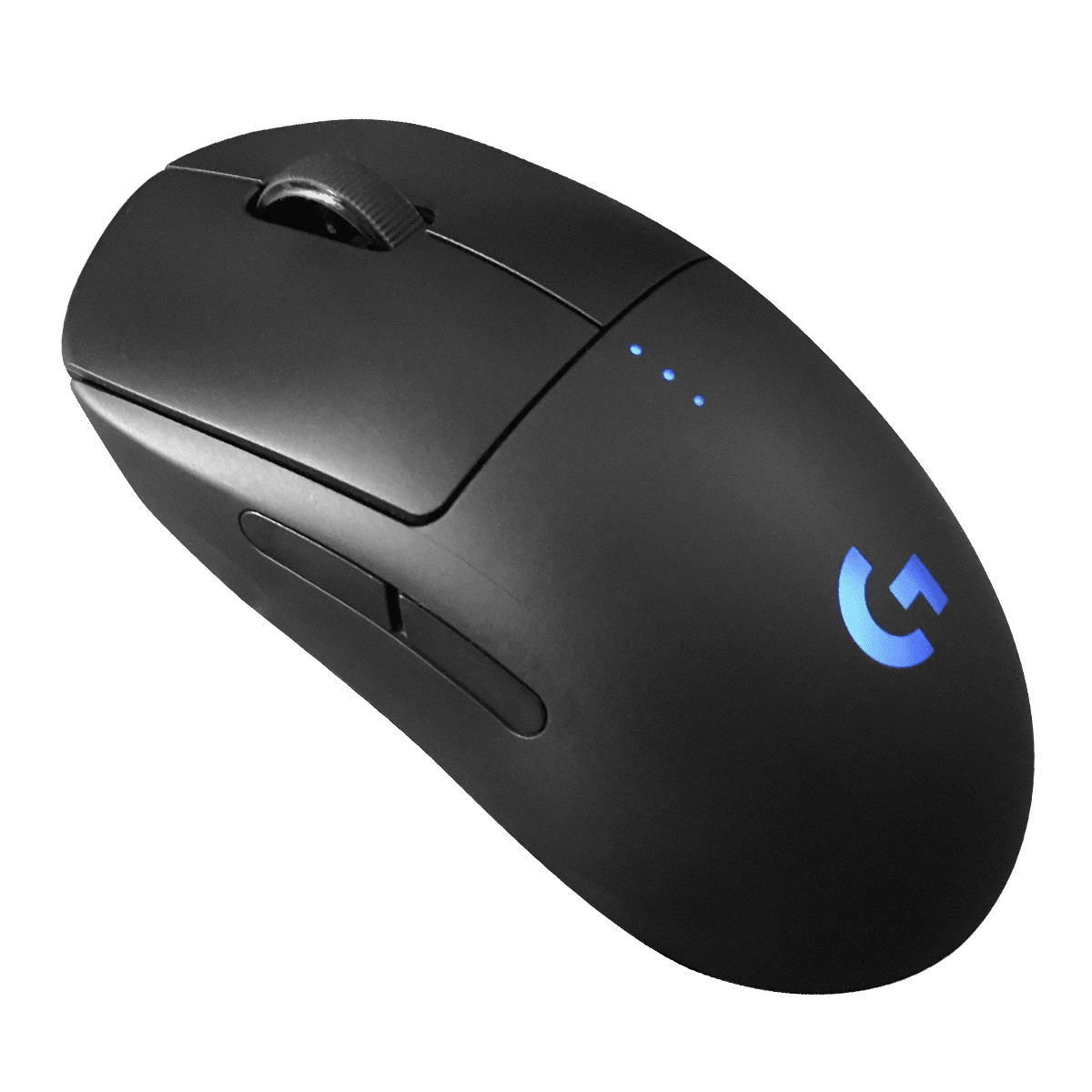
Logitech G Pro Wireless Gaming Mouse Manual
PDF manual · 264 Pages
English



Advantages and Disadvantages
Advantages

- HERO-class sensor with 1 ms report rate for esports precision
- Ambidextrous shell with magnetically swappable side buttons
- Up to 60 hours battery life with lighting off
- Onboard memory with up to 5 DPI presets
- POWERPLAY wireless charging compatibility
Disadvantages

- RGB lighting reduces battery life to around 48 hours
- DPI cycle button is on the underside, not top-accessible
- Optimal wireless requires receiver placement within 20 cm
- POWERPLAY mat sold separately
Ask a Question
Frequently Asked Questions
Up to 60 hours with lighting off and about 48 hours with RGB color cycling on, depending on usage and age of the battery.
Is this answer helpful?
Connect the included USB cable to the front port of the mouse. A full charge from empty takes roughly two hours via a PC USB port.
Is this answer helpful?
Yes. When plugged in, it switches to data-over-cable mode, allowing uninterrupted play while the battery charges.
Is this answer helpful?
Yes. It features an ambidextrous design with magnetically swappable side buttons for both left- and right-handed configurations.
Is this answer helpful?
Battery level shows for seven seconds at power-on via DPI LEDs. You can also assign a button in Logitech Gaming Software to display battery status.
Is this answer helpful?
Up to five onboard DPI presets, commonly 400/800/1600/3200 by default, with further customization available in Logitech Gaming Software.
Is this answer helpful?
Keep the receiver within 20 cm of the mouse and place both at least 2 meters away from Wi‑Fi routers or other 2.4 GHz devices.
Is this answer helpful?
Product Description
Logitech G Pro Wireless Gaming Mouse Manual
Pro-Grade Wireless Precision
The Logitech G Pro Wireless Gaming Mouse is built for esports-grade performance without the cord. Its HERO-class sensor delivers precise tracking and a 1 ms report rate for responsive control in the most demanding titles. With onboard profiles and up to five DPI presets (400/800/1600/3200 and more via software), it adapts quickly to your playstyle.
Ambidextrous, Modular Design
Designed to fit both right- and left-handed players, the shell features magnetically attached, swappable side buttons and caps. Configure it for right-handed, left-handed, or even clean sides with no buttons. Eight fully programmable inputs, including a DPI cycle button on the underside, let you map abilities, macros, or quick DPI shifts.
Endurance That Outlasts Marathons
A lightweight, rechargeable 250 mAh Li-Pol battery powers up to 60 hours of non-stop gaming with lighting off and around 48 hours with RGB color cycling enabled. Charging from empty takes about two hours via a PC USB port. A convenient LED indicator under the main buttons shows battery level at startup—three green dots means you’re ready to grind; a flashing red dot prompts a quick top-up.
Lag-Free Wireless, Seamless Wired
Use the receiver directly or via the included USB extension for optimal connectivity—keep it within 20 cm of the mouse in crowded 2.4 GHz environments. When plugged in, the mouse switches to data-over-cable mode instantly. It’s also compatible with Logitech G POWERPLAY wireless charging for continuous power during play.
Fine-Tune With Logitech G Software
Customize button binds, report rate, performance/endurance modes, and tracking behavior with Logitech Gaming Software. Save your preferences to onboard memory for tournament-ready portability. For quick checks, assign a battery-status action to any button.
Note: For best results, keep the mouse and receiver over 2 m away from Wi‑Fi routers and other 2.4 GHz devices to reduce interference.\nNo reviews were provided to analyze. There is no sentiment, positive or negative, to extract, and no specific highlights, issues, or themes can be summarized. Please supply one or more reviews to receive a 200–300 word descriptive summary in English.
Search for 1 Mio. Manuals online


Type-in Brand or Model