
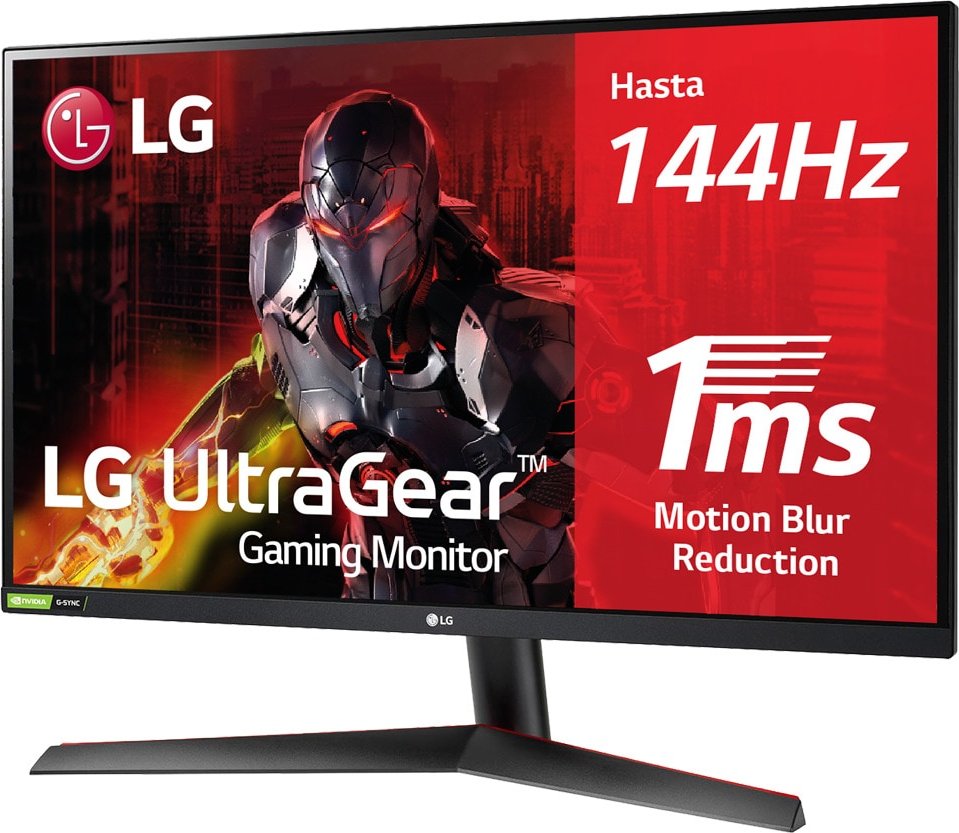
LG UltraGear 27GN800P-B, 27" Manual
PDF manual · 38 Pages
English



Advantages and Disadvantages
Advantages

- High 2560 x 1440 resolution at up to 144 Hz for sharp, smooth gameplay.
- Adaptive-Sync compatibility (FreeSync/G-SYNC) reduces tearing and stutter.
- Extensive picture controls: gamma, color temp, six-color, and user presets.
- Motion Blur Reduction and selectable response time modes for fast action clarity.
- Ergonomic features: bottom joystick OSD, tilt adjustment, VESA mount support.
Disadvantages

- Tilt-only stand with limited height or swivel adjustments compared to full ergonomic stands.
- Motion Blur Reduction lowers brightness and cannot run simultaneously with FreeSync.
- USB port is only for firmware updates — not for general USB device use.
- Some HDR content and HDR effect depend on GPU/OS settings and may perform inconsistently.
- Requires certified cables and proper DP/HDMI versions to avoid compatibility issues.
Ask a Question
Frequently Asked Questions
The recommended and maximum native resolution is 2560 x 1440 at up to 144 Hz, providing the best balance of image sharpness and high refresh performance for gaming and general use.
Is this answer helpful?
Yes. The monitor supports Adaptive-Sync (AMD FreeSync and NVIDIA G-SYNC compatibility depending on GPU). DisplayPort (1.4 recommended for HDR) and HDMI (FreeSync Premium supported on HDMI) are supported; ensure drivers and cable versions match for full functionality.
Is this answer helpful?
Use the joystick button located at the bottom of the monitor: press once for power/OSD, move up/down/left/right to navigate, and press to confirm. The OSD includes Input, Picture Adjust, Game Mode, Game Adjust, and General settings for comprehensive control.
Is this answer helpful?
Yes. The monitor supports VESA 100 x 100 mm wall mounts. Use M4 screws with a recommended length of 8 mm or less (standard M4 x L10 guidance in manual). Use an authorized mount and follow safe installation practices to avoid damage.
Is this answer helpful?
Download the update from LG's website and place the upgrade file in an LG_MNT folder at the root of a FAT/FAT32/NTFS USB drive. Insert the USB into the monitor's update port, follow the on-screen prompt to upgrade, and do not power off or remove the drive during the process.
Is this answer helpful?
Check cable connections and ensure the PC output resolution/refresh matches supported timings (see preset modes). Verify the power and input selection in Menu > Input. Update GPU drivers and install monitor drivers from LG if needed. Replace uncertified cables if required.
Is this answer helpful?
Avoid displaying static images for prolonged periods; use a screensaver. Don’t press the screen, and avoid touching pixels during handling. Image retention can occur with long static content, so vary content and use power-saving features to extend panel life.
Is this answer helpful?
Product Description
LG UltraGear 27GN800P-B, 27" Manual Overview
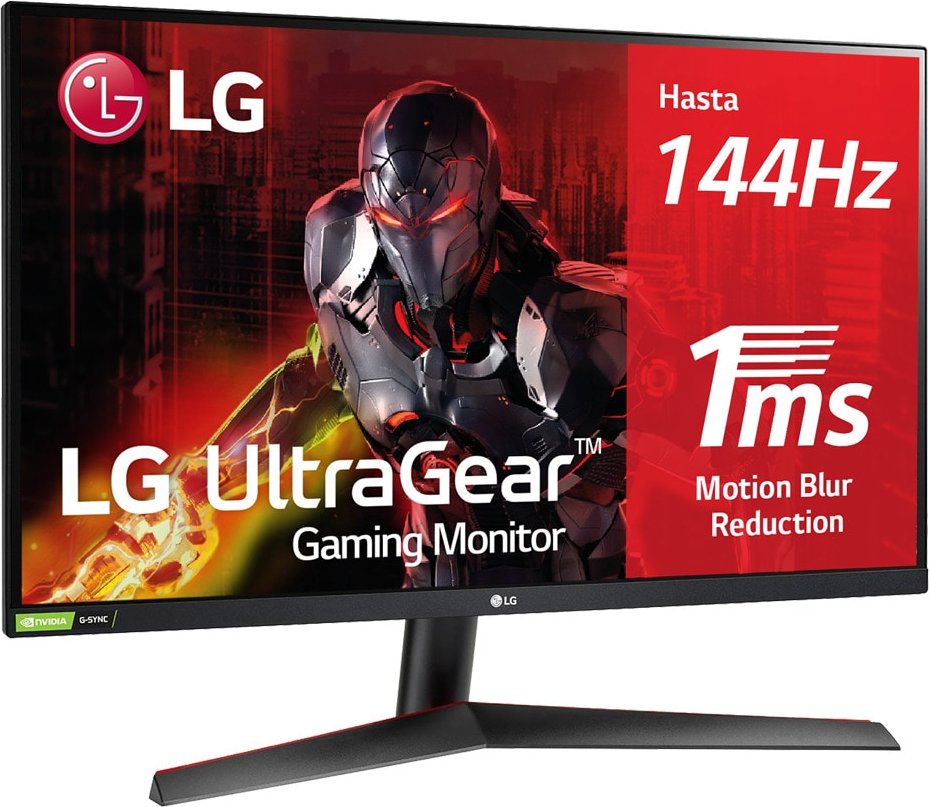
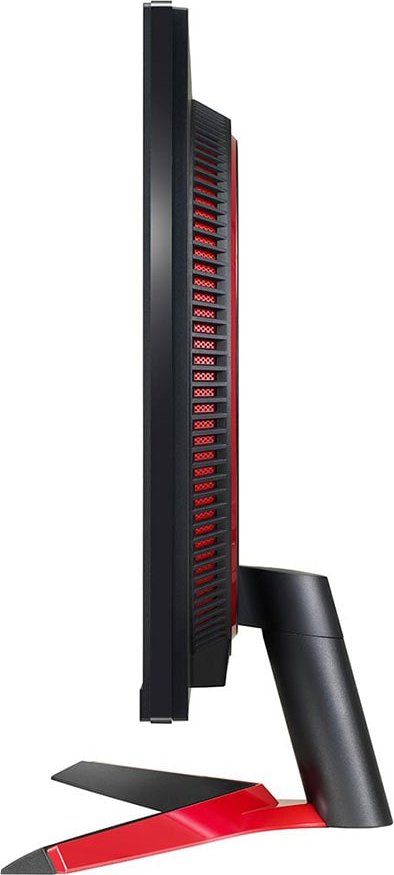
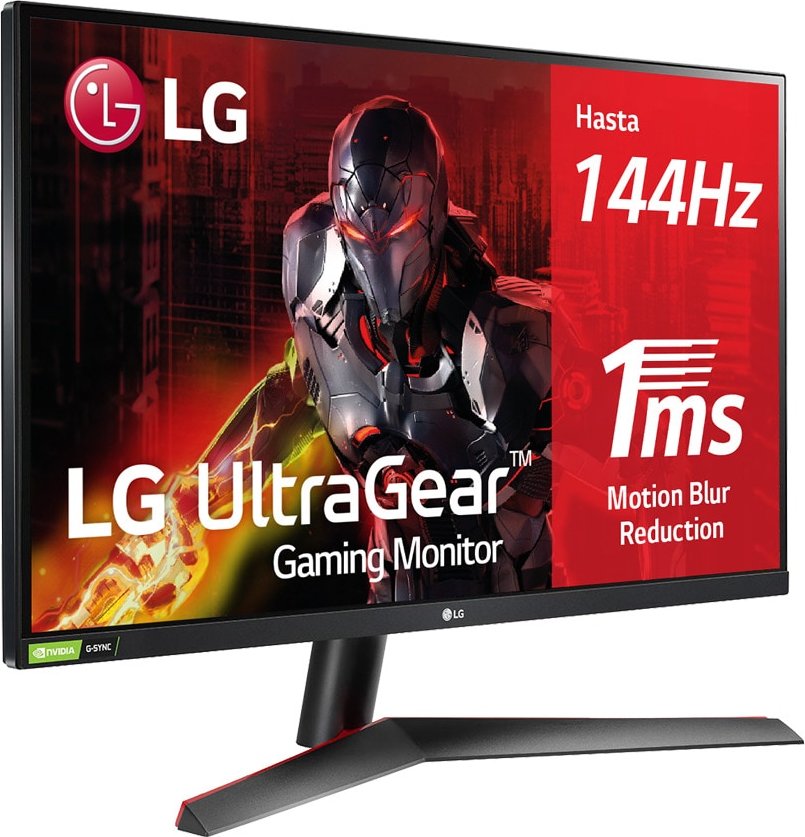
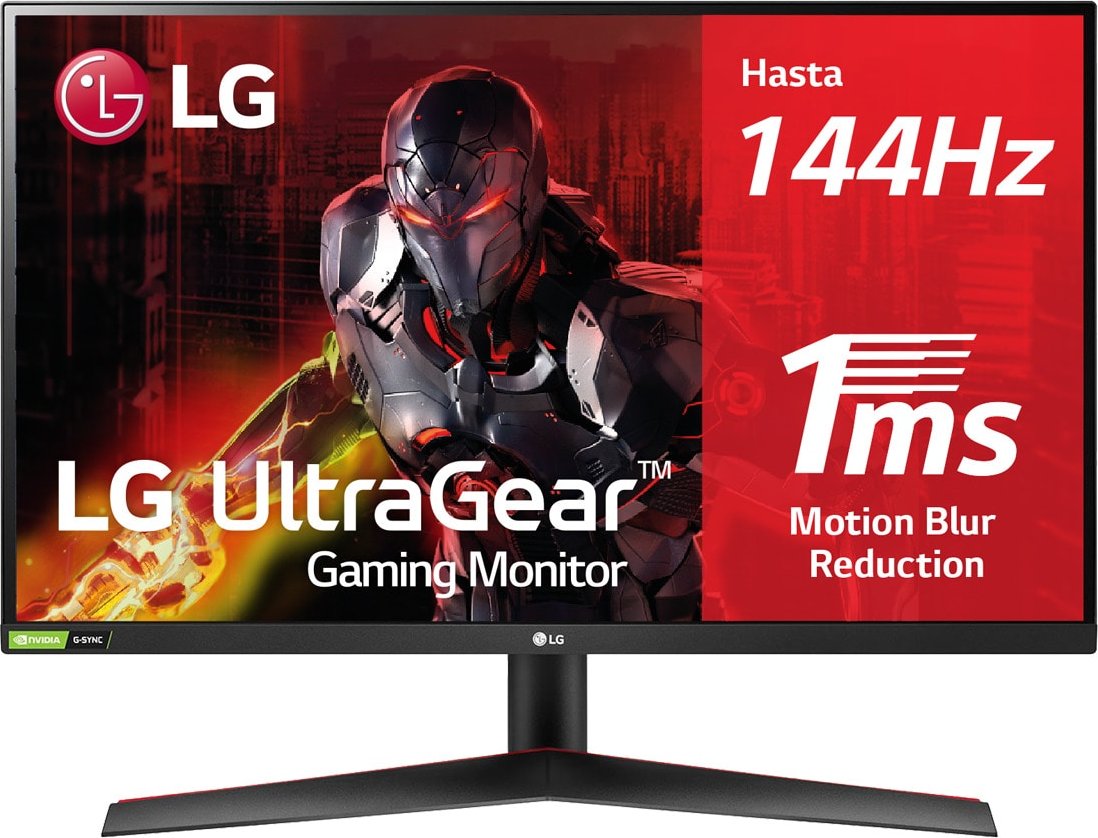
The LG UltraGear 27GN800P-B is a 27-inch QHD (2560 x 1440) gaming monitor designed for competitive and immersive play. Built with a high-refresh 144 Hz panel, 10-bit color support, and adaptive sync technologies, it balances fast response times with vivid image quality. The monitor features a sturdy stand with tilt adjustment (-5° to 15°), VESA 100 x 100 compatibility for wall mounting, and practical ergonomics including a bottom-mounted joystick control for on-screen display (OSD) navigation and quick access to input, volume, brightness, and power.
Key Features and Practical Use
Equipped with DisplayPort 1.4 and HDMI inputs, the UltraGear supports high refresh rates and HDR-effect modes when paired with compatible GPUs. Adaptive-Sync (FreeSync/G-SYNC compatibility depending on connection and GPU) reduces tearing and stutter, while Motion Blur Reduction and selectable response time settings (Off, Normal, Fast, Faster) help maintain clarity in fast-paced titles. The Game Mode presets (Gamer 1/2, FPS, RTS, Vivid, Reader) and customizable color temperature, gamma, and six-color adjustments make it easy to tailor the image for gaming, media, or productivity.
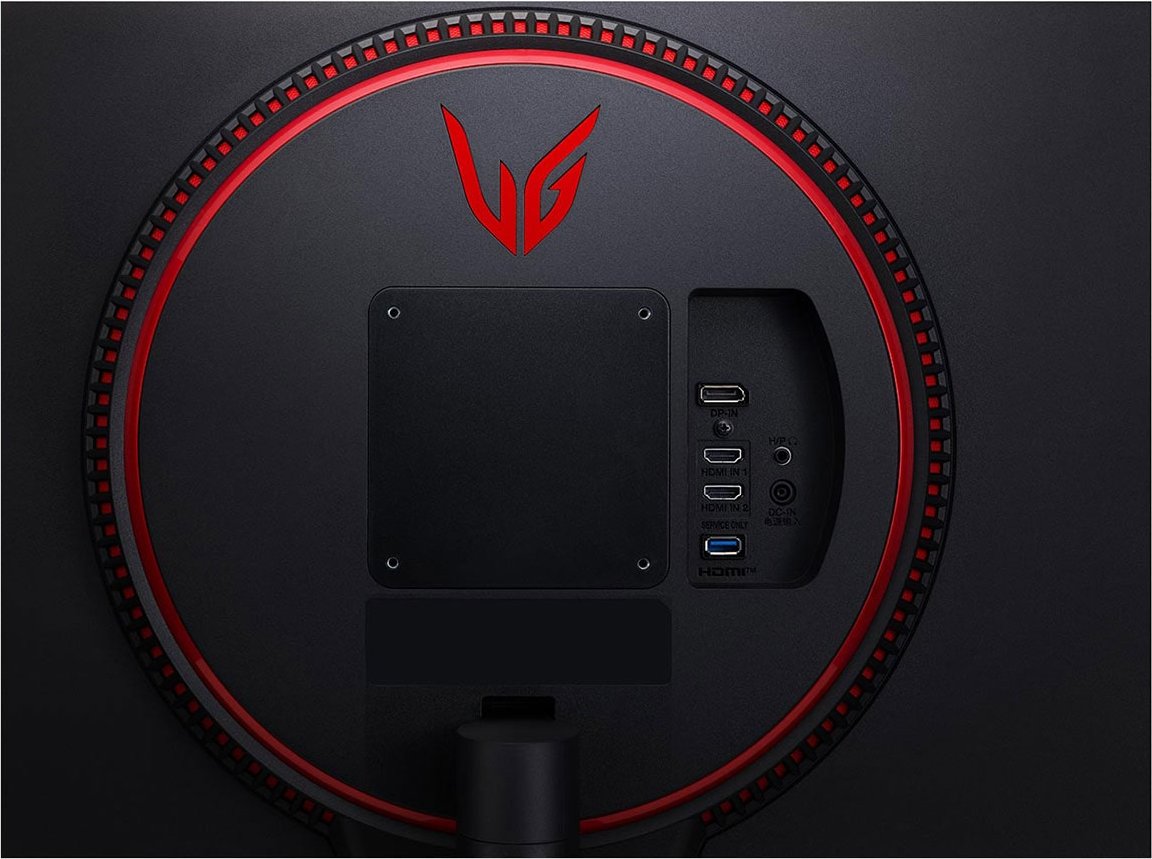
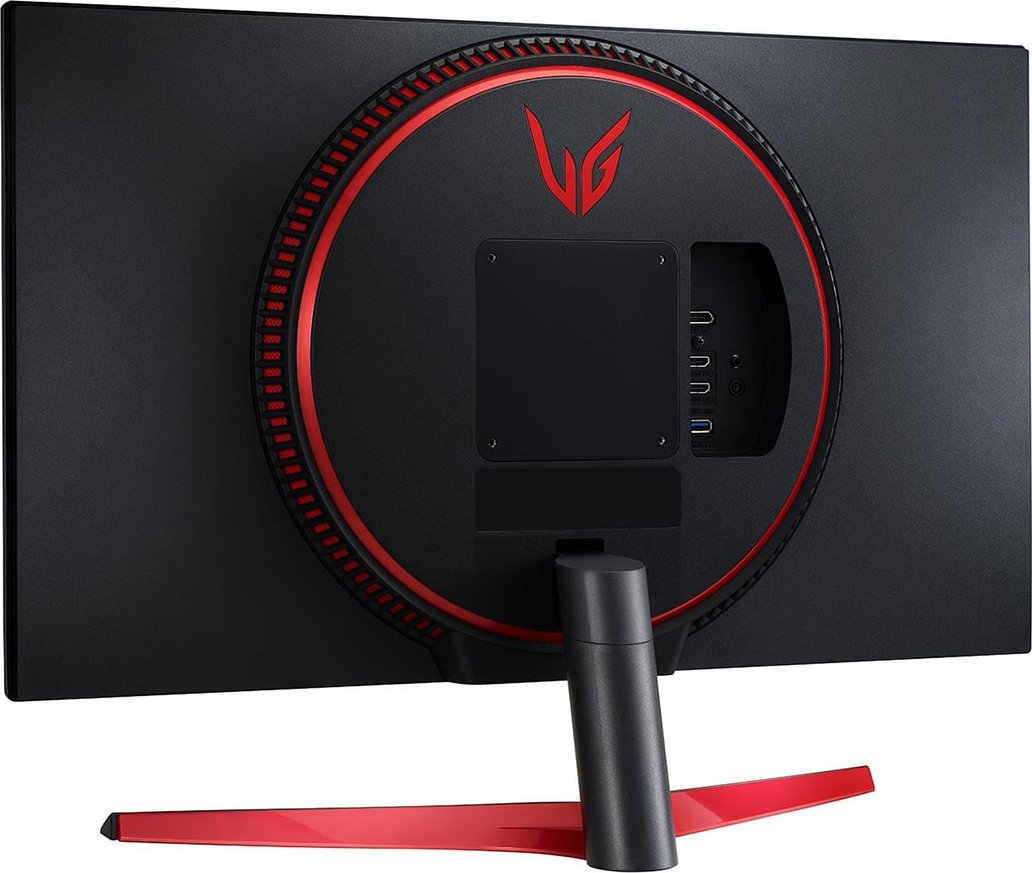
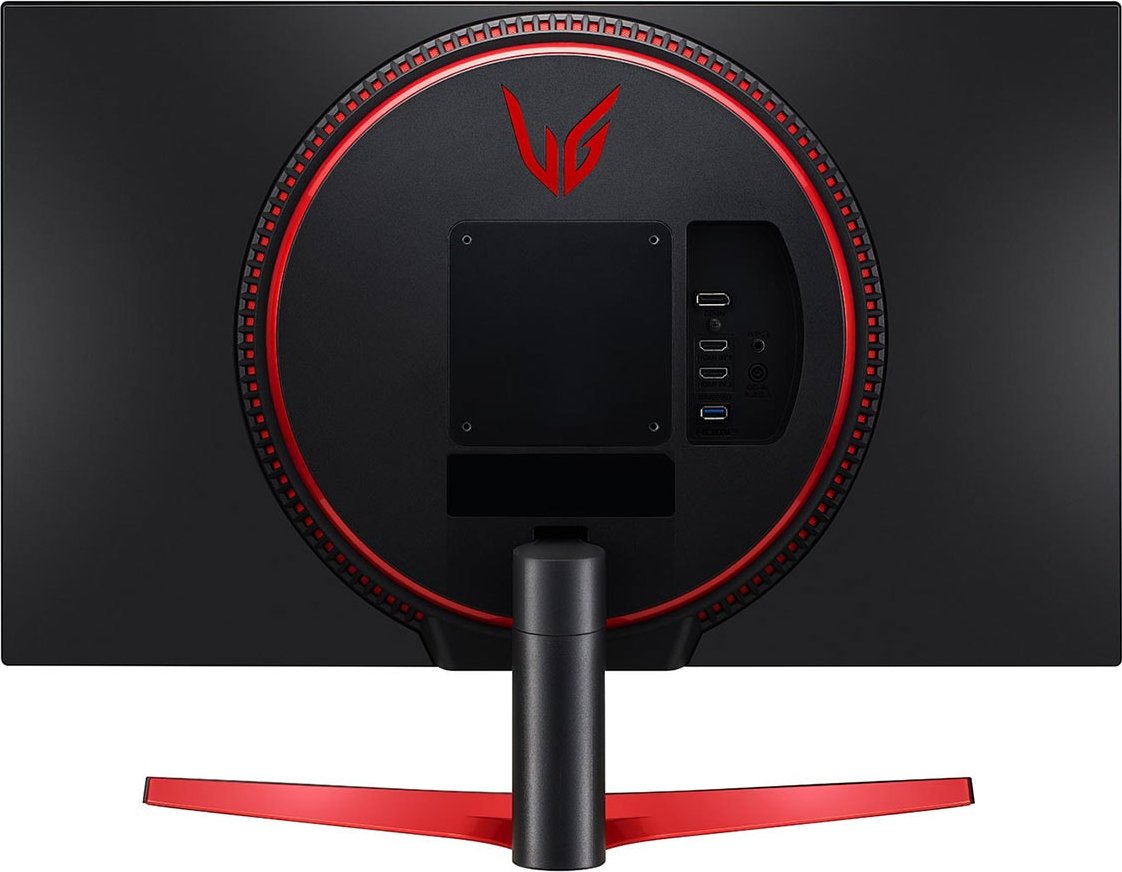
Connectivity extends to a headphones jack for audio out and a USB port dedicated to firmware updates. LG recommends certified HDMI cables and matching DP versions to ensure proper audio/video transmission. The monitor supports plug-and-play functionality but suggests installing the latest monitor drivers from LG for best compatibility.
Safety, Setup and Maintenance
The manual emphasizes using genuine components and following safe assembly—avoid excessive screw torque, do not carry the screen by the stand alone, and keep the monitor upright when transporting. It recommends keeping 100 mm clearance for ventilation when on a desk or wall-mounted. Notes cover Kensington lock usage, cable management, and best practices for installing wall mounts and choosing appropriate screw lengths to prevent damage. The USB port is reserved for software updates, and firmware files must be placed in an LG_MNT folder on FAT/FAT32/NTFS drives.
Performance & Troubleshooting
Expect typical operating power around 43 W and sleep/off modes under 0.3 W. The manual includes factory preset timings and a troubleshooting section addressing common issues: no signal, incorrect resolution, image retention, color depth settings, and audio routing via the monitor. It also explains vertical/horizontal frequency concepts and advises matching GPU output to recommended resolutions to avoid flicker or distortion.
Notes
- Recommended resolution and refresh: 2560 x 1440 @ 144 Hz.
- Use certified HDMI/DP cables and match DP version (1.4 for HDR).
- Firmware updates require LG-formatted upgrade files in LG_MNT folder.
Search for 1 Mio. Manuals online


Type-in Brand or Model