
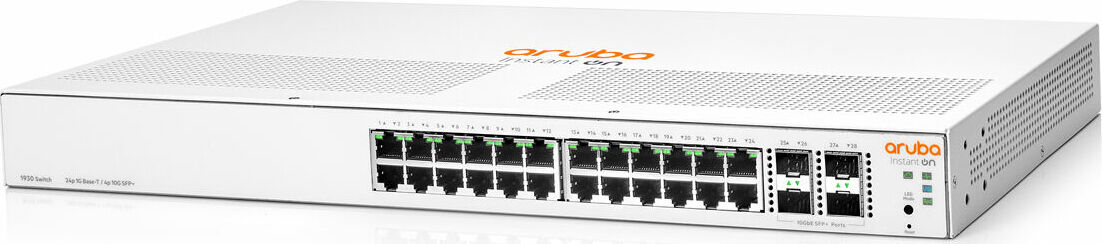
HPE Aruba Instant On 1930 Rackmount Gigabit Smart Switch 24x RJ-45 4x SFP+ Manual
PDF manual · 43 Pages
English



Advantages and Disadvantages
Advantages

- 24x Gigabit ports plus 4x 10GbE SFP+ uplinks for scalable performance
- Simple setup via app, cloud portal, or local web GUI
- Energy Efficient Ethernet and fanless options reduce noise and power
- Robust features: VLANs, link aggregation, MAC learning
Disadvantages

- Best results require Aruba-approved SFP/SFP+ modules
- Advanced features may need careful VLAN/trunk planning
- Some models lack PoE; power budgets vary on PoE versions
- Fanless units require adequate ventilation space
Ask a Question
Frequently Asked Questions
It blends 24 Gigabit access ports with four 10GbE SFP+ uplinks, easy app/cloud/local management, VLANs, link aggregation, and silent fanless options—delivering enterprise-style reliability and performance without complex setup.
Is this answer helpful?
Connect a PC directly to a switch port, set your PC to 192.168.1.x/24, then browse to http://192.168.1.1. Log in with admin (no password by default), complete basic settings, and save the configuration.
Is this answer helpful?
Use Aruba-approved SFP/SFP+ modules such as 1G SX/LX and 10G SR/LR or DACs. Non-approved transceivers may cause interoperability issues and can affect support eligibility.
Is this answer helpful?
PoE Class 4 models support IEEE 802.3at up to 30W per port with configurable power modes (Usage or Class), port priorities (Critical/High/Low), and scheduling to optimize available power.
Is this answer helpful?
You can manage via the Aruba Instant On mobile app, the cloud portal from a browser, or a local web GUI. LED indicators assist onboarding and diagnostics in all modes.
Is this answer helpful?
Fanless models in the 1930 series operate silently, making them suitable for deskside or open offices. Ensure proper ventilation to maintain optimal temperatures.
Is this answer helpful?
Use LED modes for Link/Activity, Speed, and PoE status. Check cables, port LEDs, and cloud status. For PoE, verify priorities and budget. If needed, reboot or perform a factory reset using the recessed button.
Is this answer helpful?
Product Description
HPE Aruba Instant On 1930 Rackmount Gigabit Smart Switch 24x RJ-45 4x SFP+ Manual
Smarter Switching for Small Business Networks
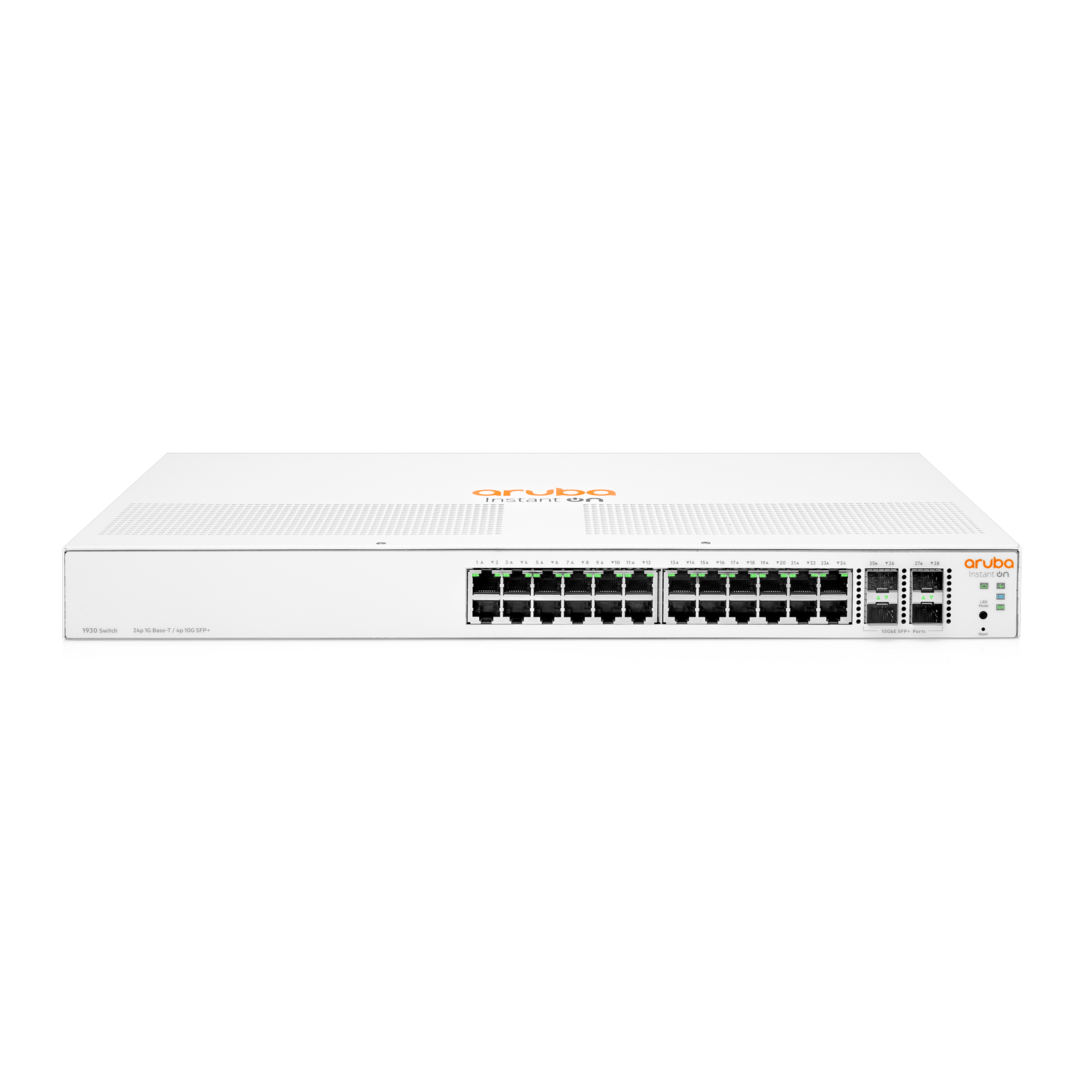
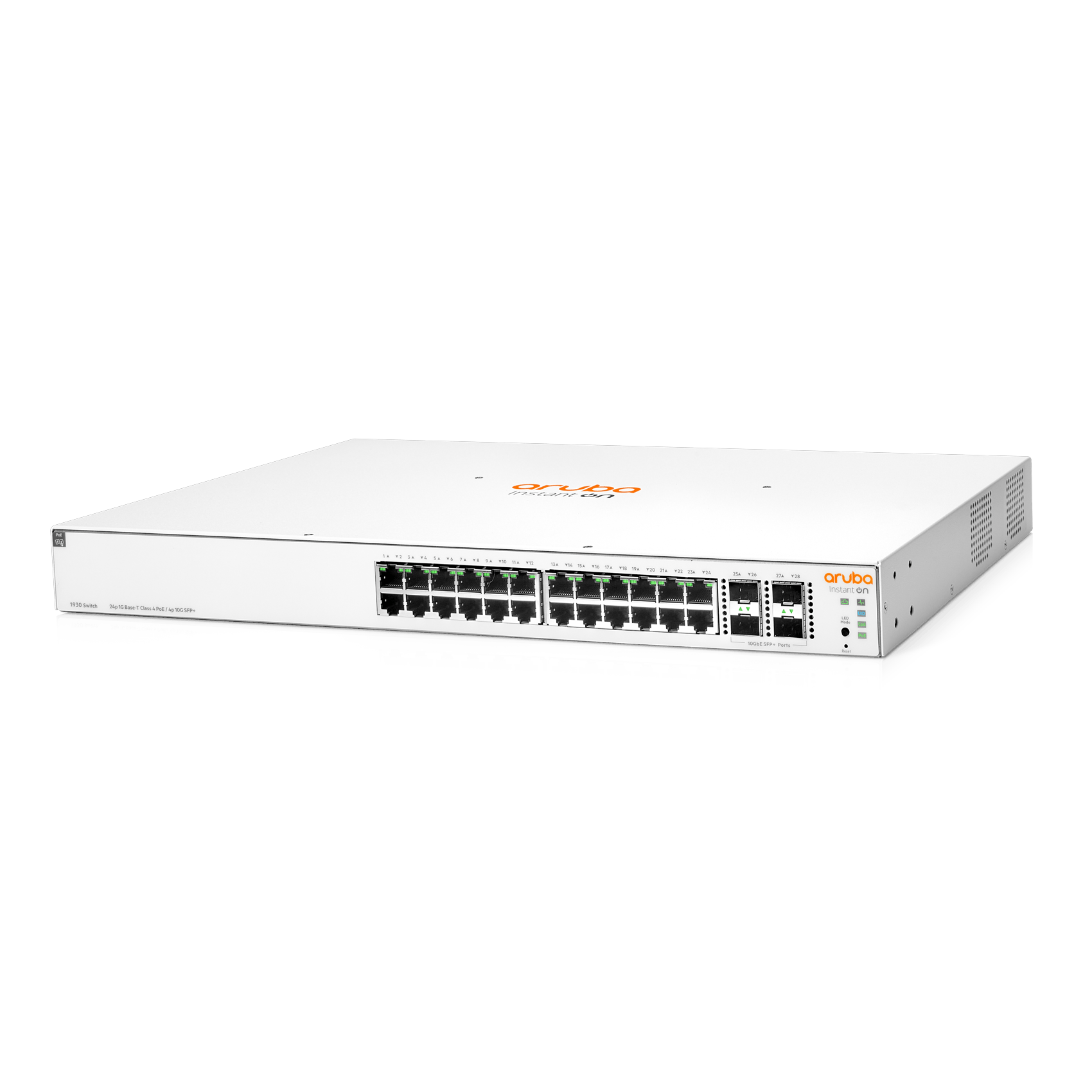
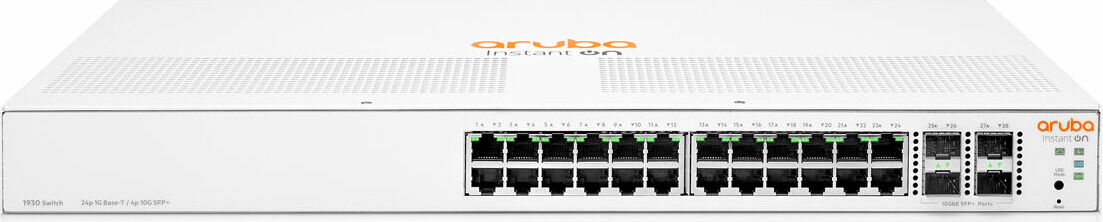
The HPE Aruba Instant On 1930 Rackmount Gigabit Smart Switch 24x RJ-45 4x SFP+ Manual-inspired overview brings you a balanced mix of performance, simplicity, and reliability. Built for growing offices, retail, hospitality, and remote branches, this 24-port Gigabit switch adds four 10GbE SFP+ uplinks for fast backbone or NAS connectivity, ensuring your network scales without bottlenecks.
Key Capabilities at a Glance
With 24 auto-sensing 10/100/1000 RJ-45 ports, the switch supports plug-and-play deployment, Auto-MDIX, Energy Efficient Ethernet (IEEE 802.3az), VLANs, link aggregation, and intuitive management. The 4x SFP+ uplinks unlock 10GbE for high-speed interconnects, while the LED panel provides at-a-glance health, cloud status, port speed, and PoE indicators (on PoE models). Fanless variants in the series keep noise low for office environments.
Easy Setup and Flexible Management
Getting started is straightforward. Power it up, connect devices, and manage via the Instant On mobile app, cloud portal, or local web GUI. DHCP auto-IP assignment speeds initial configuration; if needed, the switch falls back to 192.168.1.1. A recessed reset button supports quick reboots or factory restore. Cloud onboarding is guided by status LEDs and a simple workflow.
Built for Reliability and Growth
The series offers robust MAC address tables, 802.1Q VLAN support (up to 256 VLANs), and link aggregation options for higher throughput. For fiber connectivity, Aruba-approved SFP/SFP+ modules provide 1G/10G options including SR, LR, and DAC. PoE Class 4 models intelligently allocate power by usage or class, with port priorities and scheduling to optimize budgets.
Deployment-Friendly Design
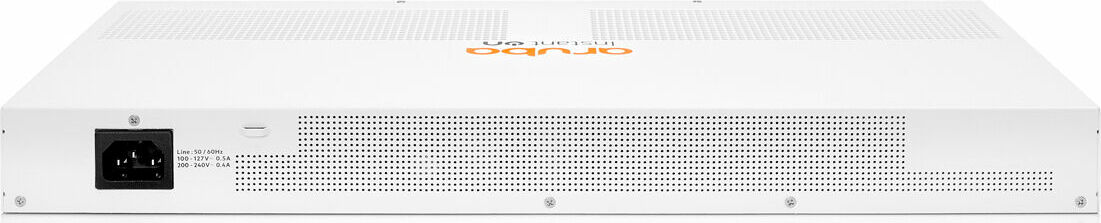
Choose rack, wall, under-desk, or desktop mounting with included hardware. Clear airflow guidance and fan-free models help ensure silent, cool operation. LED mode selection makes it easy to check link, speed, and PoE states, and troubleshooting is simplified with diagnostic LED patterns.
Notes
- Use Aruba-approved SFP/SFP+ transceivers for best compatibility and support.
- When no DHCP is available, connect directly and browse to 192.168.1.1 for setup.
- Maintain recommended clearances for airflow; fanless units may feel warm but operate normally.
Search for 1 Mio. Manuals online


Type-in Brand or Model