
Hardware Manuals
Categories

Manuals

4 Pages
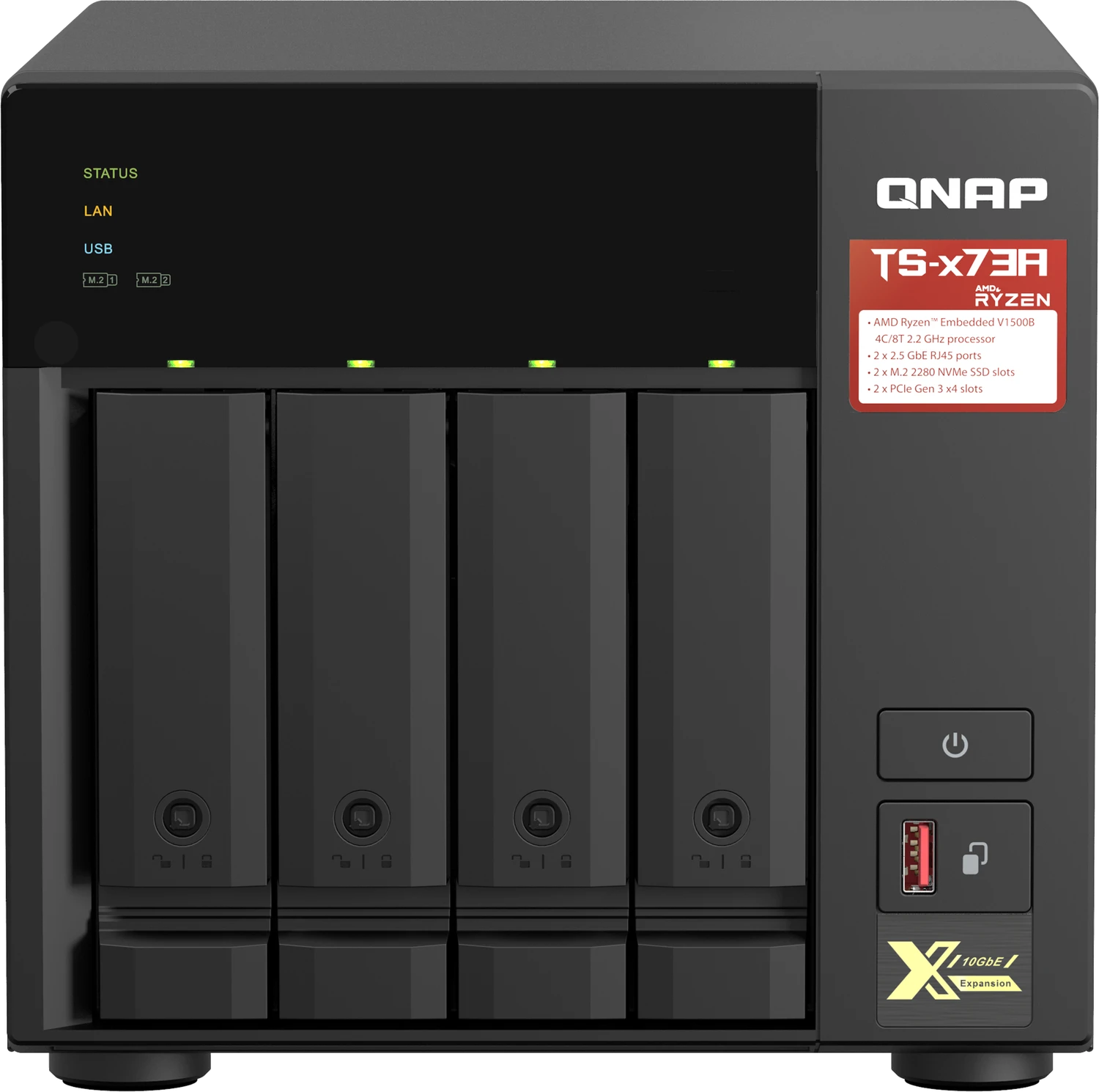
69 Pages

38 Pages

16 Pages

35 Pages

36 Pages

10 Pages

2 Pages
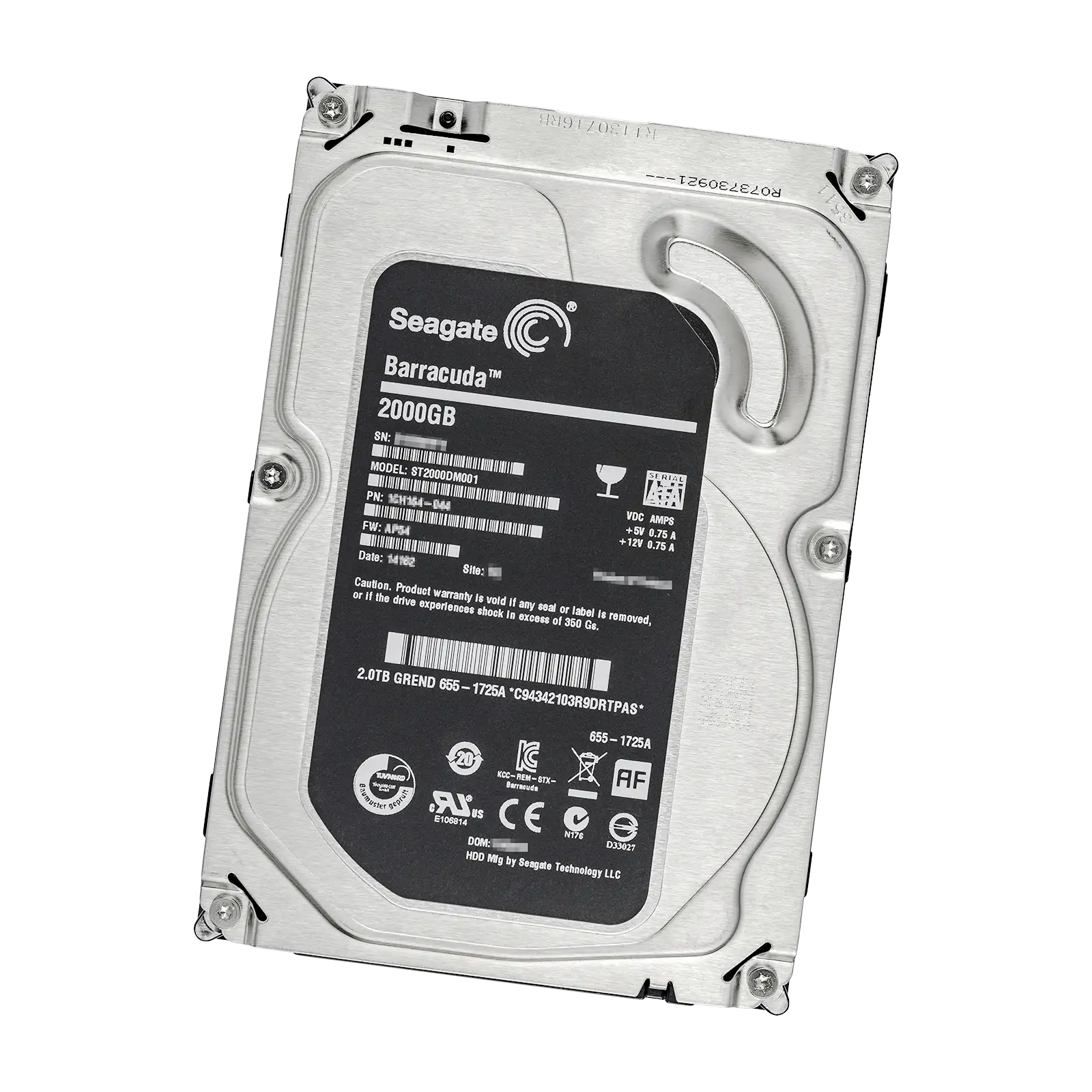
29 Pages

153 Pages
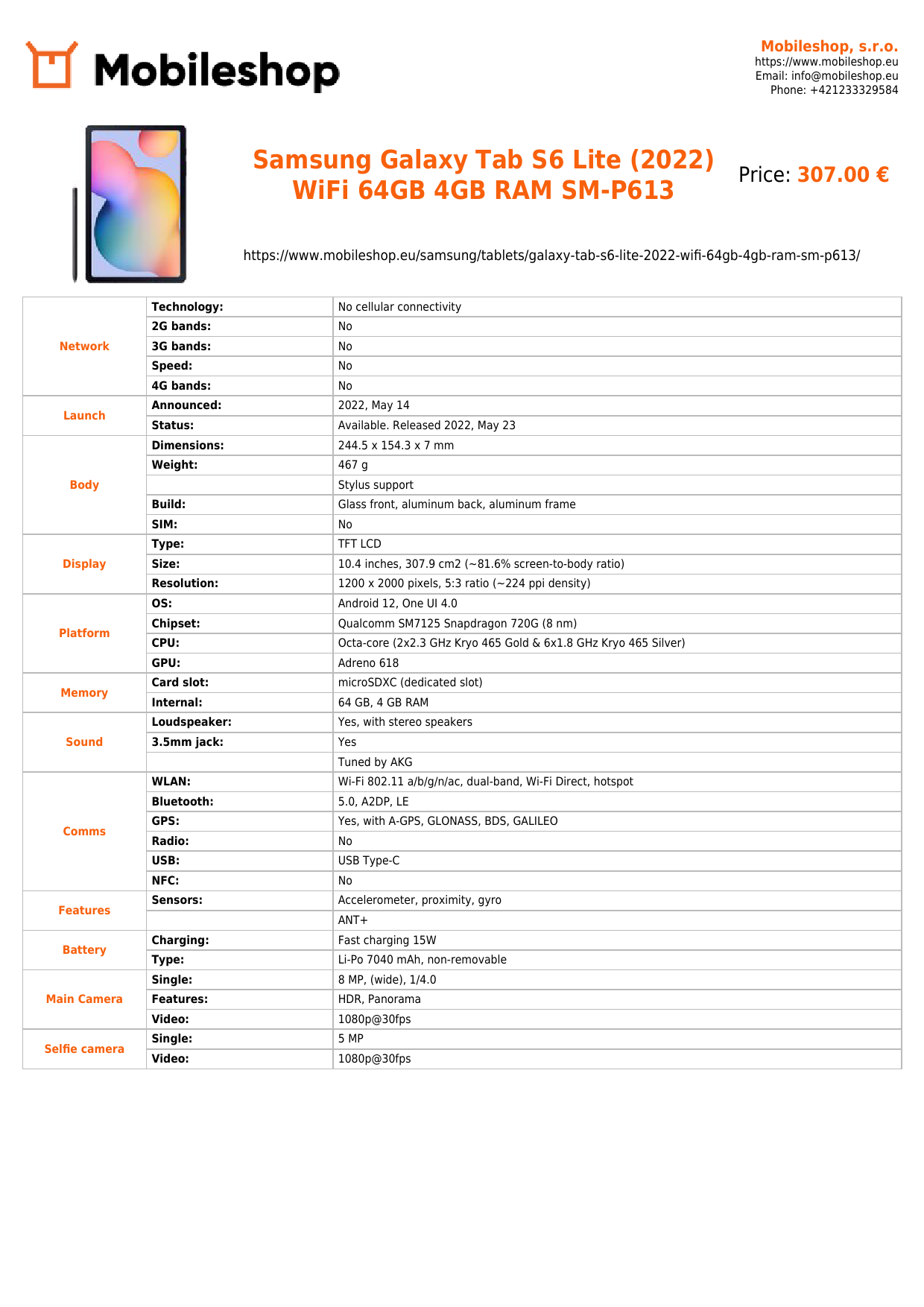
139 Pages
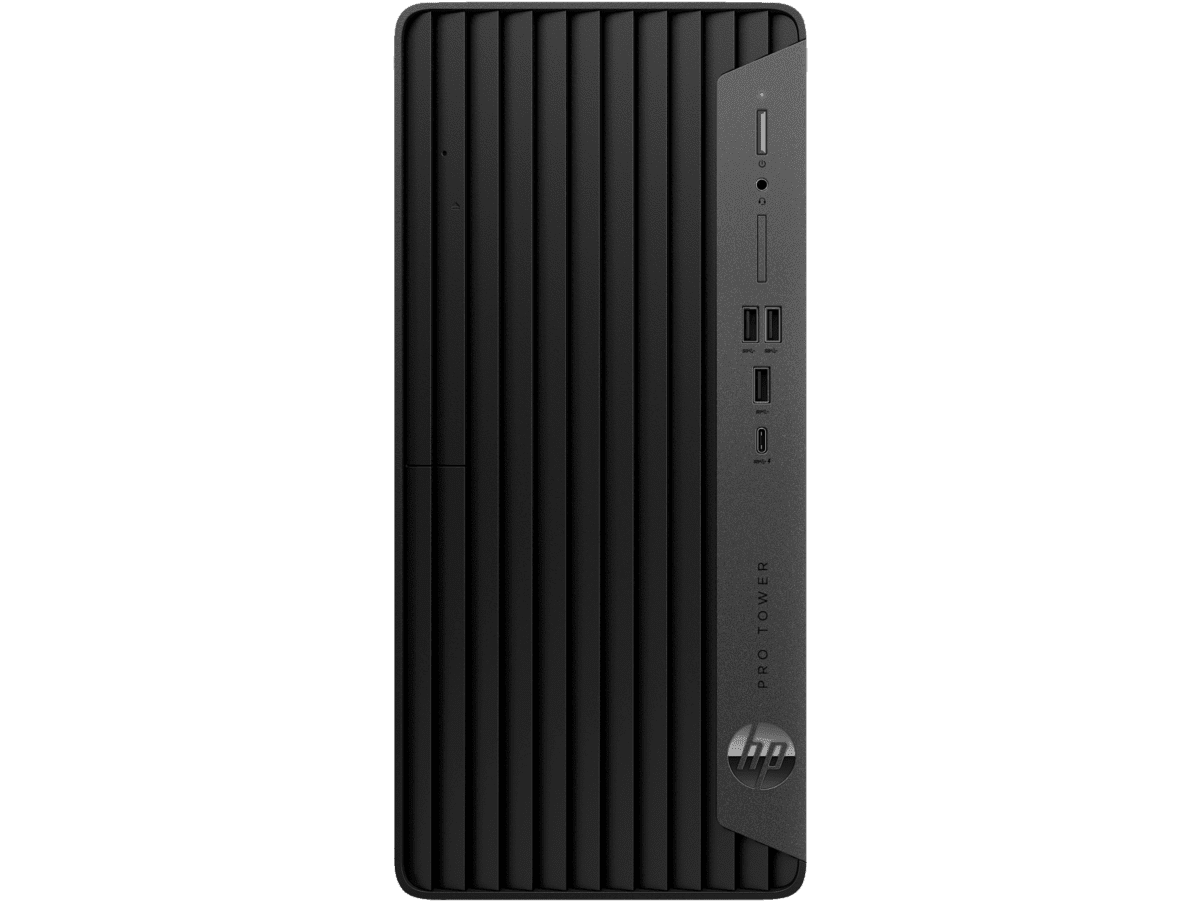
47 Pages
4 Pages

57 Pages

13 Pages
52 Pages

7 Pages
![Dell DA310 USB-C Mobile Adapter, USB-C 3.1 [Plug] Manual](https://f.manual.ly/products/1114-dell-da310-usb-c-mobile-adapter-usb-c-31-plug/images/1.png)
14 Pages

16 Pages
26 Pages
![AVM FRITZ!WLAN USB Stick AC 860 USB-A 3.0 [Plug] Manual](https://f.manual.ly/products/1086-avm-fritzwlan-usb-stick-ac-860-usb-a-30-plug/images/1.png)
42 Pages

63 Pages

264 Pages
![Dell Thunderbolt Dock WD22TB4 180W Thunderbolt 4 [Plug] Manual](https://f.manual.ly/products/1073-dell-thunderbolt-dock-wd22tb4-180w-thunderbolt-4-plug/images/1.jpg)
38 Pages

40 Pages

21 Pages
29 Pages
20 Pages

15 Pages
![Lenovo ThinkPad Hybrid USB-C with USB-A Dock (40AF), USB-C 3.1 [Socket] Manual](https://f.manual.ly/products/1107-lenovo-thinkpad-hybrid-usb-c-with-usb-a-dock-40af-usb-c-31-socket/images/2.png)
25 Pages
Hardware Manuals
Overview
Hardware manuals are comprehensive documents that provide detailed information about physical devices, their components, installation procedures, operation, maintenance, troubleshooting, and safety considerations. They serve as essential references for end users, technicians, engineers, and support staff, ensuring that hardware is used correctly, installed safely, and maintained effectively. A well-structured manual helps reduce downtime, extend the life of the equipment, and improve overall performance by offering clear guidance and consistent instructions. This description explores the purpose, structure, benefits, and best practices involved in creating and using hardware manuals across various industries and devices.
Purpose and Audience
Hardware manuals are designed to assist a diverse audience, including:
- End users who need to understand basic operation, safety cautions, and routine maintenance.
- Technicians who perform installation, upgrades, and repairs.
- Engineers who analyze performance, compatibility, and integration with other systems.
- Safety inspectors who verify compliance with regulatory standards.
- Customer support teams seeking authoritative references for troubleshooting.
The manual should be accessible to its primary audience while remaining technically accurate and precise. It often contains a blend of high-level explanations for general users and detailed specifications for professionals, ensuring that readers can quickly locate the information they need without sifting through irrelevant content.
Scope and Coverage
A comprehensive hardware manual typically covers several core areas:
- Product overview: An introduction to the device, its intended use, and key features.
- Technical specifications: Power requirements, dimensions, weight, materials, environmental limits, interfaces, communication protocols, and performance metrics.
- Setup and installation: Unboxing, hardware assembly, mounting instructions, wiring diagrams, and initial configuration steps.
- Operation: How to power on, operate modes, control interfaces, and expected behavior under normal conditions.
- Maintenance and care: Cleaning guidelines, wear parts, lubrication, calibration, and preventive maintenance schedules.
- Troubleshooting: Symptom-based guidance, diagnostic steps, error codes, and escalation procedures.
- Safety and compliance: Warnings, cautions, risk assessments, and adherence to standards (e.g., electrical, mechanical, electromagnetic compatibility).
- Repair and spare parts: Parts lists, replacement procedures, compatibility notes, and lead times.
- Software and firmware integration: If applicable, details on drivers, firmware versions, update procedures, and compatibility with operating systems.
- Warranty and service information: Coverage terms, service options, and contact details.
The depth of coverage should align with the device’s complexity and its use case. Industrial equipment may require more rigorous safety documentation and regulatory references, while consumer electronics may emphasize quick-start guides and intuitive troubleshooting.
Structure and Organization
Clear structure enhances usability. A typical hardware manual follows a logical sequence:
- Title page and table of contents: Provides the document’s scope, version, and revision history.
- Introduction: State purpose, target audience, and safety information.
- Product and specifications: Detailed technical data and performance criteria.
- Installation and setup: Step-by-step instructions with diagrams.
- Operation and use: Normal operation guidelines and feature descriptions.
- Maintenance and servicing: Preventive maintenance, part replacement intervals, and care tips.
- Troubleshooting: Common issues with remedies and escalation paths.
- Appendices: Schematics, wiring diagrams, port descriptions, and glossary.
- index: Quick reference to topics and terms.
Diagrams, tables, and visuals are essential. Proper labeling, consistent terminology, and cross-references help users locate information efficiently. Versioning and revision history should be evident to track changes across updates.
Visuals and Documentation Quality
High-quality hardware manuals rely on clear visuals and precise language:
- Diagrams and exploded views illustrate assembly, component placement, and wiring.
- Schematics and electrical drawings provide exact connections and signal paths.
- Tables convey specifications, tolerances, and measurements succinctly.
- Flowcharts outline processes, such as startup sequences or troubleshooting routes.
- Screenshots or photos show real-world setups and user interfaces.
Consistency in terminology, units, and formatting is crucial. Adopting standardized terminology reduces ambiguity and supports international audiences, especially when manuals are translated into multiple languages.
Language, Clarity, and Accessibility
Manuals should be written in plain language tailored to the audience’s technical level. Complex concepts must be explained with examples and visuals. Consider the following for accessibility:
- Clear headings and subheadings to enable quick scanning.
- Short sentences and active voice.
- Avoidance of unnecessary jargon; where specialized terms are necessary, provide definitions.
- Alt text descriptions for images and diagrams to support screen readers.
- Proper contrast and legible typography for readability.
Localization and translation considerations include local safety standards, regulatory references, and culturally appropriate terminology. Providing translations or easy pathways to translated sections improves global usability.
Safety and Compliance
Safety information is foundational in hardware manuals. This includes:
- Clear warnings and cautions that identify potential hazards and consequences of non-compliance.
- Instructions for safe handling, installation, and operation to prevent injury or damage.
- Electrical and mechanical safety guidelines, including lockout/tagout procedures where applicable.
- Environmental considerations, such as disposal, recycling, and energy efficiency.
- Regulatory compliance statements relevant to regions (e.g., CE, UL, FCC, RoHS).
A robust safety section also documents emergency procedures, maintenance shutdown steps, and fault isolation protocols to minimize risk during issues.
Maintenance and Lifecycle Management
Maintenance sections should empower users to extend device life and maintain performance. They typically include:
- Scheduled maintenance intervals based on usage, load, and environmental conditions.
- Cleaning instructions that do not void warranties or damage components.
- Diagnostic checks and calibration procedures with acceptable tolerances.
- Replacement parts lists and procurement details, including part numbers and compatible models.
- End-of-life guidance, including upgrade paths, recycling, or disposal requirements.
Barrier considerations such as consumables, wear items, and software dependency tracking also help sustain reliability over the lifecycle.
Troubleshooting and Support
Effective troubleshooting guides enable rapid issue resolution. They commonly present:
- Symptom-based checklists that guide users from simple checks to advanced diagnostics.
- Expected behavior, error codes, and their meanings.
- Recommended corrective actions with step-by-step instructions.
- Escalation paths to technical support, service centers, or warranty processes.
- Data collection guidance to support diagnostics, such as logs, screenshots, and configuration details.
A well-designed manual minimizes downtime by enabling users to identify and address issues without external assistance, while also providing clear paths for escalation when necessary.
Documentation Maintenance and Version Control
Hardware manuals evolve with hardware revisions, software updates, and regulatory changes. Effective practices include:
- Version numbering, revision history, and publication dates.
- Change logs that describe what was updated and why.
- Clear mapping of compatibility matrices between device revisions and supported software/firmware.
- Controlled update processes to ensure changes do not introduce inconsistencies.
- Delta updates or addenda to avoid reprinting entire manuals for minor changes.
Maintaining accurate, up-to-date manuals is essential for safety, compliance, and user satisfaction.
Digital Publishing and Accessibility
In modern contexts, manuals are frequently distributed in digital formats alongside traditional printed copies. Digital benefits include:
- Searchability, hyperlinks, and interactive content.
- Embedded multimedia such as videos, animations, and interactive diagrams to demonstrate complex procedures.
- One-click access to technical support, warranty information, and spare parts catalogs.
- Device-embedded help systems and QR codes linking to online resources.
Digital formats should maintain offline accessibility where required and ensure compatibility across devices and platforms. Considerations include responsive design, file size optimization, and adherence to accessibility standards for users with disabilities.
Best Practices for Creating Hardware Manuals
- Define clear audiences and use-cases to tailor content depth.
- Start with a concise overview and quick-start guide to help users begin using the device immediately.
- Employ modular structure so users can jump to the relevant sections without reading entire documents.
- Use diagrams and visuals to supplement text, ensuring accuracy and legibility.
- Include actionable steps, checklists, and decision trees for complex procedures.
- Incorporate safety and compliance information prominently and clearly.
- Maintain alignment between hardware, firmware, and software documentation to avoid inconsistencies.
- Plan for localization, accessibility, and future updates from the outset.
- Establish a robust revision control process and publish update notes.
- Gather user feedback and analytics to improve clarity and usefulness over time.
Conclusion
Hardware manuals are foundational documents that enable safe, effective, and efficient use of physical devices. By combining precise specifications, clear instructions, comprehensive safety guidance, and accessible design, manufacturers and service providers equip users to install, operate, maintain, and troubleshoot hardware confidently. A thoughtful manual not only helps users achieve optimal performance but also supports ongoing support and lifecycle management, ultimately delivering better outcomes for end users and organizations alike.
Search for 1 Mio. Manuals online


Type-in Brand or Model