
Hanwha Techwin Manuals
Manuals
Categories

Hanwha Techwin Manuals: Complete Guide and Resource Overview
Introduction
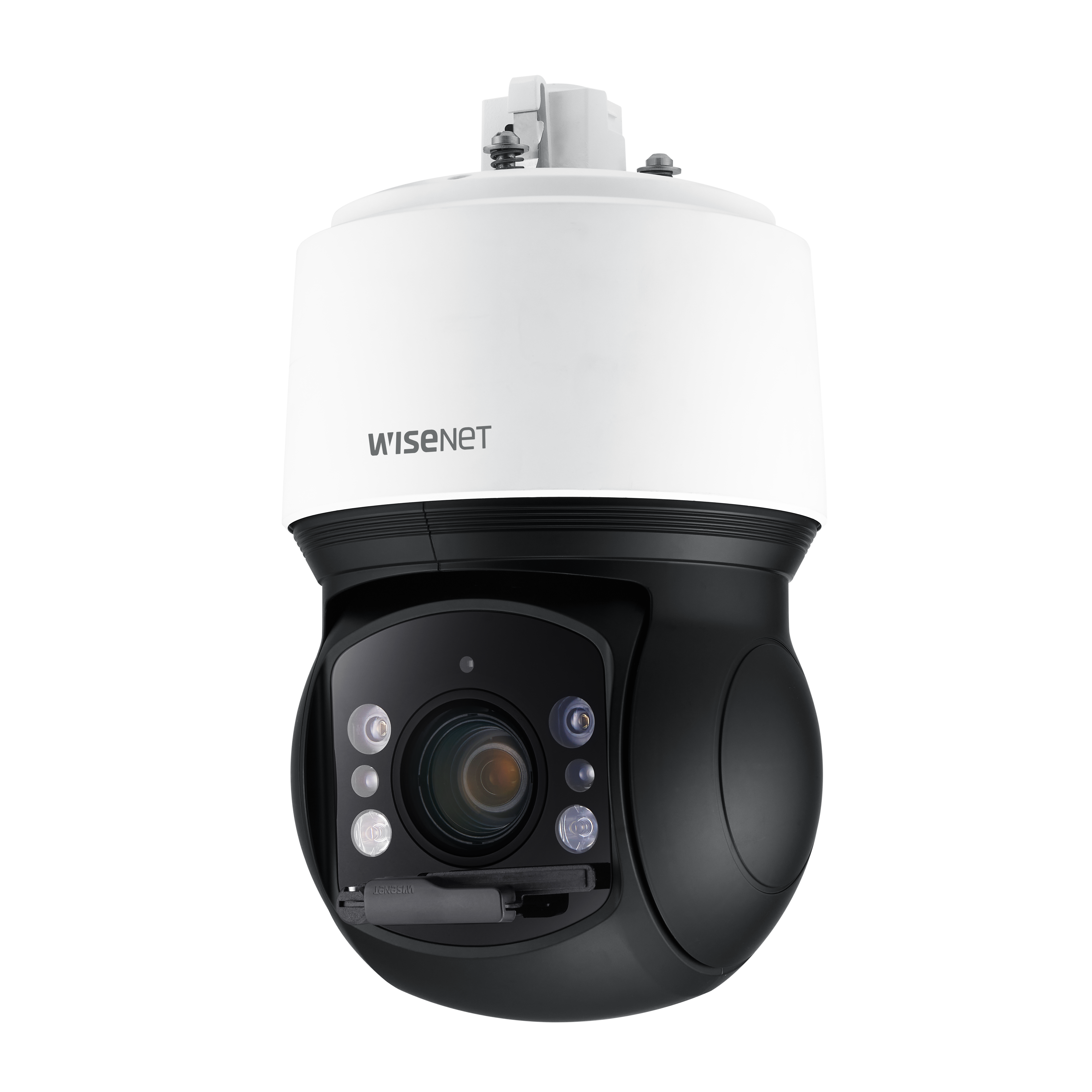
Hanwha Techwin manuals are authoritative resources that help users install, configure, operate, and maintain the company’s video surveillance and security solutions. Whether you are working with Wisenet cameras, NVRs, recorders, encoders, VMS platforms, analytics, or accessories, these manuals provide step-by-step instructions, technical specifications, network guidelines, compliance information, and best practices for reliable deployment. This guide describes what to expect from Hanwha Techwin manuals, how to use them effectively, and where they fit in the lifecycle of security system planning and maintenance.
What Hanwha Techwin Manuals Cover
Product Categories
- Network Cameras (Wisenet series, including AI-enabled models)
- Analog Cameras and HD-over-Coax Solutions
- Network Video Recorders (NVRs) and Digital Video Recorders (DVRs)
- Encoders/Decoders and Video Transmitters
- Video Management Software (VMS), including Wisenet WAVE
- Analytics, AI features, and event-based rules
- Accessories: lenses, housings, mounts, power supplies, and PoE injectors
Document Types
- Quick Start Guides for rapid setup
- Installation Manuals with mounting, wiring, and safety details
- User Manuals for operation, configuration, and troubleshooting
- Administrator Guides for security settings, roles, and network setup
- Release Notes and Firmware Guides for updates and compatibility
- Specifications and Datasheets for performance metrics
- Integration and API Guides for third-party platforms and SDKs
Key Sections Found in Manuals
Safety and Compliance
- Electrical and fire safety warnings
- ESD handling and device care
- Regulatory compliance (CE, FCC, KC, RoHS, WEEE)
- Environmental ratings (IP66/IP67, IK10) and operational ranges
Installation and Mounting
- Mount type selection (ceiling, wall, corner, pendant, pole)
- Surface preparation and anchor specifications
- Drill templates and measurements
- Cable routing: PoE, power, audio, alarm I/O
- Weatherproofing and gaskets for outdoor installations
- Adjusting lens position, focus, and tilt; using built-in test features
Networking and Connectivity
- PoE classes and power budgeting
- IP addressing: DHCP vs. static
- Subnet, gateway, and DNS settings
- ONVIF profiles and interoperability
- Multicast, RTSP, and port forwarding
- Time synchronization via NTP
- Bandwidth estimation and stream planning
Configuration and Operation
- Web interface navigation
- Initial password policies and user roles
- Video profiles, codecs (H.265/H.264/MJPEG), and resolutions
- Bitrate control: CBR/VBR/MBR, GOP, frame rate, and smart codecs
- Image settings: WDR, defog, stabilization, IR, white balance
- Event rules: motion detection, tamper, line crossing, face/vehicle detection
- Recording schedules and pre/post-event buffers
- Storage: SD cards, NVR, NAS, retention planning
Security and Hardening
- Enforcing strong credentials and password rotation
- HTTPS/TLS certificates and secure management
- 802.1X, IP filtering, and firewall considerations
- User permissions, audit logs, and device logs
- Firmware verification and secure update practices
- Disabling unused services and default accounts
Maintenance and Troubleshooting
- LED indicators and status meanings
- Reset procedures (soft/hard reset)
- Log exports and diagnostics
- Common error codes and remedies
- Image quality issues and corrective actions
- Storage health checks, SMART status, RAID notes on NVRs
- Contacting support and RMA guidance
Using Manuals Effectively
Planning and Pre-Deployment
- Review datasheets to match camera FOV, resolution, and low-light needs
- Calculate storage and network capacity ahead of installation
- Verify compatibility with NVR firmware and VMS versions
- Check local codes for mounting and power standards
Installation Best Practices
- Use the provided drill templates for accuracy
- Ground and bond according to electrical codes
- Protect exterior cabling with conduit and proper glands
- Confirm PoE budget margins across switches and injectors
- Perform on-site focus in final lighting conditions
Configuration Workflow
- Update to recommended firmware before configuration
- Change default credentials immediately
- Set NTP, time zone, and DST for accurate event timestamps
- Tune encoding parameters to balance quality and bandwidth
- Define event rules and test notifications
- Document configurations and export backups
Operational Monitoring
- Use VMS dashboards and health monitoring
- Track resource utilization (CPU, memory, bandwidth)
- Rotate logs and review alerts regularly
- Verify recorded video integrity and retention targets
- Schedule periodic lens cleaning and enclosure inspection
Common Topics by Product Type
Wisenet IP Cameras
- Lens options (fixed, varifocal, motorized) and P-iris settings
- AI analytics configuration for object classification
- Privacy masking, ROI encoding, and image cropping
- IR illumination distances and smart IR controls
- Corridor mode for narrow hallways
- Edge recording to SD and failover to NVR
NVRs and DVRs
- Initial setup wizard and storage initialization
- RAID levels (where applicable) and disk health
- Camera discovery and auto-registration
- Recording modes: continuous, event, schedule
- Exporting clips with time stamps and watermarks
- Remote access setup and mobile client pairing
Wisenet WAVE and VMS
- Server and client installation prerequisites
- Licensing activation and system scaling
- Camera stream profiles, bookmarks, and tags
- User roles, permissions, and multi-site management
- Event rules, actions, and integrations
- Failover servers and redundancy options
Firmware and Updates
Best Practices
- Read release notes for fixes and known issues
- Stage updates in a lab or off-hours
- Backup configurations and recordings where needed
- Validate compatibility with VMS and analytics
- Use signed firmware from official sources only
Update Methods
- Web interface upload and verification
- Centralized update via device managers or VMS
- USB or direct service tools for offline devices
Security Considerations
Access Control
- Enforce least privilege for operators and admins
- Enable multi-factor authentication where supported
- Rotate API keys and certificates periodically
Network Hygiene
- Segment cameras on VLANs with ACLs
- Restrict inbound ports and disable UPnP
- Monitor for unusual traffic patterns
Data Protection
- Encrypt at rest where supported (disks, SD)
- Use secure protocols for export and playback
- Sanitize devices before decommissioning
Troubleshooting Highlights
Connectivity
- Verify link speed/duplex and PoE class
- Ping, ARP checks, and IP conflicts
- Review firewall rules and NAT mappings
Video Quality
- Adjust exposure, shutter, and WDR to scene dynamics
- Ensure lens focus and clean optics
- Balance bitrate, GOP, and frame rate to reduce artifacts
Storage and Recording
- Confirm disk health and allocation
- Rebuild or replace failing drives promptly
- Validate retention policies and schedule overlaps
Authentication and Access
- Reset forgotten credentials per manual procedure
- Reissue TLS certificates before expiry
- Align NTP to avoid token or session issues
Integration and Interoperability
Standards and Protocols
- ONVIF profiles S/G/T for video, metadata, and analytics
- RTSP, RTP/UDP/TCP, and multicast streaming
- Webhooks, SMTP, MQTT, and SNMP for events/monitoring
- SDKs and APIs for custom integrations
Third-Party Systems
- Access control platforms and alarms
- PSIM, SIEM, and SOC tools
- Cloud gateways and remote services
Environmental and Physical Considerations
Outdoor Deployments
- Temperature ranges and heater/blower usage
- Sunshields, IR reflections, and spider webs
- Vibration damping on poles or high-wind sites
Indoor Deployments
- Ceiling tile supports and load limits
- Lighting flicker mitigation with anti-banding
- Privacy and signage compliance
Documentation Tips
Finding the Right Manual
- Use the exact model number (e.g., model suffixes for region/features)
- Cross-check firmware branch and hardware revision
- Reference release notes for deprecated or changed settings
Version Control and Records
- Store PDFs with version and date
- Keep change logs for site configurations
- Archive previous firmware and manuals for rollback
Accessibility and Support
Language and Format
- Manuals available in multiple languages
- PDFs with searchable text and bookmarks
- Diagrams, wiring schematics, and exploded views
Support Channels
- Official website downloads and knowledge base
- Technical bulletins and how-to articles
- Regional support and authorized partners
Best Practices Summary
Core Checklist
- Match product to environment and use case
- Secure network and device access
- Update firmware and validate compatibility
- Configure streams for quality and efficiency
- Test events, recordings, and failover paths
- Document everything and monitor health
Conclusion
Hanwha Techwin manuals are essential for ensuring safe, compliant, and high-performing security deployments. By following their guidance—from planning and installation to security hardening and ongoing maintenance—you can optimize video quality, system reliability, and operational efficiency across Wisenet devices and software. These manuals consolidate best practices, technical details, and troubleshooting steps to help integrators, administrators, and end users maintain robust surveillance systems with confidence.
Search for 1 Mio. Manuals online


Type-in Brand or Model