
Dell Manuals
Manuals
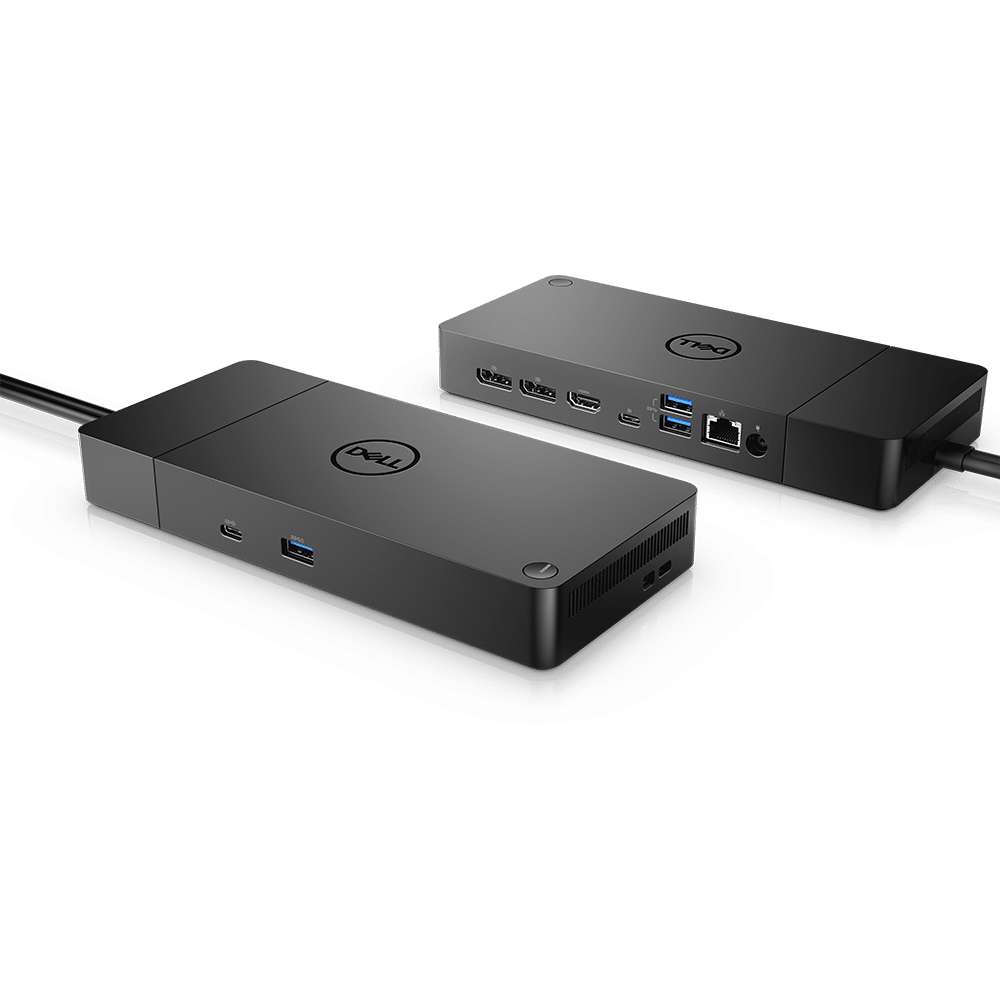
![Dell DA310 USB-C Mobile Adapter, USB-C 3.1 [Plug] Manual](https://f.manual.ly/products/1114-dell-da310-usb-c-mobile-adapter-usb-c-31-plug/images/1.png)

![Dell Thunderbolt Dock WD22TB4 180W Thunderbolt 4 [Plug] Manual](https://f.manual.ly/products/1073-dell-thunderbolt-dock-wd22tb4-180w-thunderbolt-4-plug/images/1.jpg)
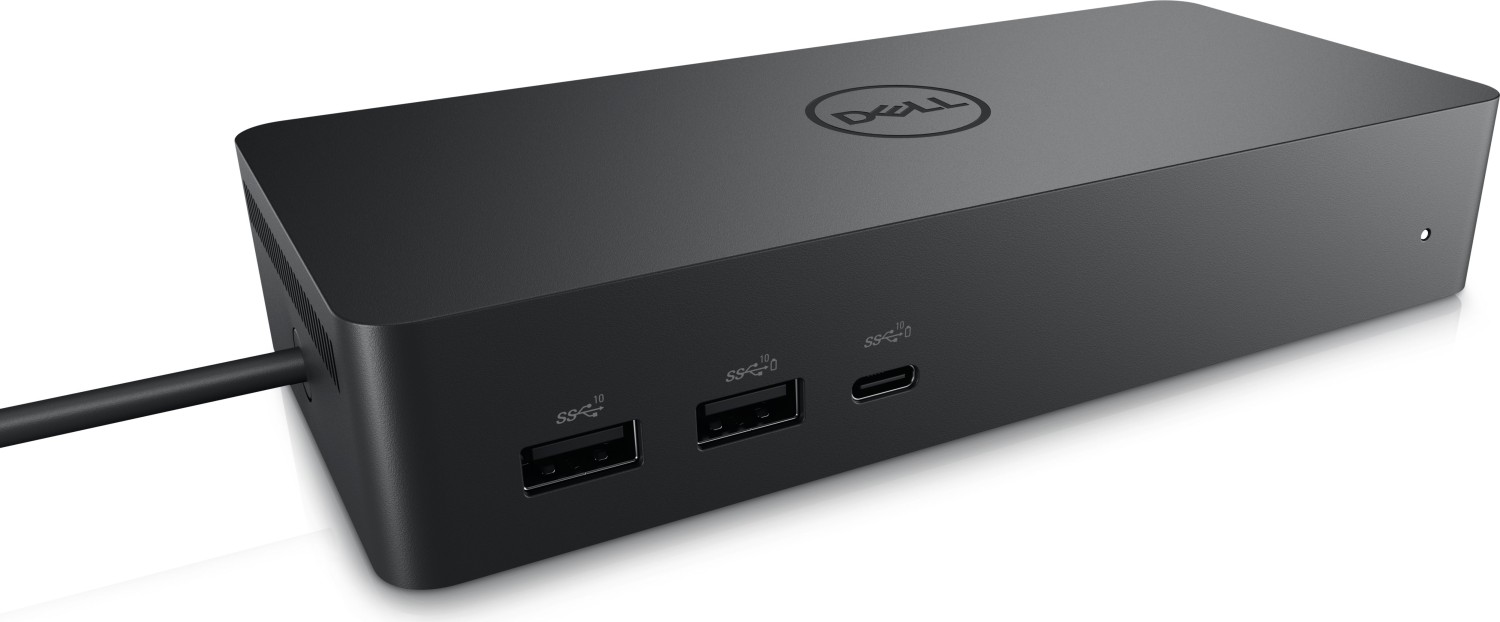
Categories


Dell Manuals
Overview
Dell manuals are comprehensive documentation provided by Dell Technologies to guide users through the setup, operation, maintenance, and troubleshooting of Dell hardware and associated software. These manuals span a wide range of products including desktops, laptops, servers, storage systems, monitors, peripherals, and networking equipment. They are designed for different audiences — from end users and IT administrators to technicians and developers — and include product specifications, safety information, regulatory compliance details, installation procedures, configuration steps, and diagnostic instructions.
Types of Dell Manuals
User Guides
User guides are intended for general customers and provide step-by-step instructions for basic setup and everyday use. They often cover device unpacking, initial setup, operating system configuration, common features, and routine maintenance. For laptops and desktops, user guides include battery care, power management, keyboard and touchpad usage, and wireless connectivity.
Service Manuals
Service manuals are more technical and target technicians and IT staff responsible for repairs and component replacements. These manuals include detailed disassembly and reassembly instructions, parts lists, location diagrams, torque specifications, and troubleshooting flows to diagnose hardware failures. Service manuals help in performing warranty and out-of-warranty repairs safely and accurately.
Installation and Setup Guides
These concise manuals focus on initial deployment: unboxing, physical installation, mounting (for rack-mounted servers and storage), cabling, initial power-on, BIOS/UEFI configuration, and basic software setup. They are especially important for enterprise hardware like servers, storage arrays, and networking gear, where correct physical installation and network integration are crucial.
Owner’s Manuals
Owner’s manuals consolidate essential product information for day-to-day ownership. They include safety instructions, regulatory statements, environmental considerations, product specifications, warranty terms, and support contact details. Owner’s manuals ensure users are aware of important compliance and safety factors while operating the device.
Maintenance and Troubleshooting Guides
Maintenance and troubleshooting guides walk users through routine upkeep and fault isolation tasks. They include diagnostics tools and indicators (LED codes, beep codes, POST messages), firmware and driver update procedures, preventive maintenance schedules, and steps to recover from common software or hardware failures.
Technical Reference Manuals
Technical reference manuals provide in-depth technical details such as architecture overviews, command-line references, API documentation, and configuration examples for advanced setups. These are useful for system integrators, developers, and IT architects designing complex deployments or integrating systems programmatically.
Regulatory and Safety Documentation
Dell includes documentation that addresses regional regulatory compliance (FCC, CE, RoHS, WEEE, etc.) and safety certifications. These documents are crucial for enterprises operating across international borders, ensuring that hardware meets legal and environmental standards.
Key Components of Dell Manuals
Product Specifications
Detailed hardware specifications — processor types, memory capacity and type, storage options, expansion slots, I/O ports, display characteristics, dimensions, and weight. This information helps buyers and administrators select appropriate configurations and compatible components.
Installation Steps
Clear instructions for physical setup, including diagrams for cable routing, connector orientations, mounting instructions for racks or stands, and power requirements. Installation steps often include checklist-style sequences to ensure all steps are followed in order.
BIOS/UEFI and Firmware Guidance
Manuals explain how to access and configure BIOS/UEFI settings, update firmware, and interpret system event logs. BIOS configuration is essential for hardware optimization, enabling virtualization, selecting boot order, and configuring security features like TPM.
Software and Driver Installation
Guidance on installing operating systems, device drivers, and Dell-supplied utilities such as Dell SupportAssist, iDRAC (for servers), OpenManage, and firmware update tools. These sections help ensure that the device runs the correct software stack and that hardware components are supported by up-to-date drivers.
Troubleshooting and Diagnostics
Procedures for diagnosing hardware issues using built-in diagnostics, LED/beep code interpretation, and software tools. Troubleshooting sections provide flowcharts and decision trees for isolating the fault to a specific component or subsystem.
Safety and Regulatory Information
Detailed safety warnings, handling precautions (ESD protection, battery handling), and disposal instructions. Regulatory sections list certifications and provide guidance on recycling and environmental compliance.
Maintenance Procedures
Recommendations for cleaning, thermal management, firmware maintenance, and part replacement intervals. Maintenance procedures often include instructions for replacing consumables (batteries, filters, fans) and performing preventive checks.
How Dell Manuals Are Organized and Accessed
Online Documentation Portal
Dell hosts manuals on an online support portal where users can search by product model or service tag. Manuals are typically available in multiple languages and in PDF format for easy download and printing. The portal often includes knowledge base articles, drivers, firmware updates, and community forums.
Model-Specific Manuals
Because Dell produces many variants of each product line, manuals are model-specific to reflect unique hardware revisions and options. Users should reference the exact model or service tag to ensure instructions match their device.
Version Control and Revision History
Dell manuals include revision dates and version numbers. It’s important to refer to the revision history to understand changes in procedures, updated specifications, or newly discovered issues and fixes.
Best Practices for Using Dell Manuals
Identify Your Exact Model
Always confirm the model number or service tag before downloading a manual. Model-specific information prevents incorrect procedures that could damage hardware or void warranties.
Follow Safety and ESD Precautions
When servicing hardware, observe electrostatic discharge (ESD) measures and follow safety warnings exactly. Mishandling components can cause irreparable damage.
Use the Latest Documentation
Check for the most recent revision and associated firmware or driver updates. Updated manuals often contain improved instructions and newly supported configurations.
Combine Manuals with Support Resources
Use manuals alongside Dell’s online knowledge base, community forums, and technical support channels. For complex issues, cross-reference troubleshooting steps with diagnostic logs and support tools like SupportAssist and OpenManage.
Common Use Cases
Home and Small Business Users
User guides and owner’s manuals provide all the necessary information to set up and operate personal systems, perform routine maintenance, and apply basic troubleshooting.
IT Administrators and System Integrators
Service, installation, and technical reference manuals enable deployment at scale, integration with existing infrastructure, and safe field servicing of enterprise equipment.
Repair Technicians
Service manuals with detailed disassembly procedures and parts lists help technicians perform repairs efficiently, source the correct replacement parts, and reassemble systems with correct torque and connector seating.
Developers and Advanced Users
Technical reference manuals and command-line references support automation, scripting, and integration of Dell systems into custom management workflows.
Advantages of Using Official Dell Manuals
- Accuracy: Manuals are authored or reviewed by Dell engineers and reflect manufacturer-approved procedures.
- Safety: Official documentation includes validated safety and handling instructions.
- Compatibility: Model-specific guidance reduces the risk of using incompatible components or firmware.
- Support Integration: Manuals often reference Dell support tools and resources that streamline troubleshooting and warranty claims.
Limitations and Considerations
- Complexity: Technical and service manuals can be dense and assume prior experience; novices may require additional support.
- Version Sensitivity: Procedures may vary across revisions; following an incorrect revision can cause errors.
- Localization: Not all manuals are immediately available in every language or region; users may need to rely on English versions.
Conclusion
Dell manuals are essential resources covering the entire lifecycle of Dell products: from unboxing and setup through regular maintenance, troubleshooting, and professional servicing. They provide authoritative, model-specific guidance that helps users and IT professionals keep systems running reliably and safely. For best results, always obtain the manual linked to your device model or service tag, follow safety recommendations, and pair the written guidance with Dell’s diagnostic tools and support services when needed.
Additional Tip
When searching for manuals, use the Dell support website and enter the product model or service tag to ensure you receive the correct, most up-to-date documentation and associated software downloads.
Search for 1 Mio. Manuals online


Type-in Brand or Model