
AVM FRITZ!Box 7510 Manual
PDF manual · 258 Pages
English


Advantages and Disadvantages
Advantages

- Supports ADSL to VDSL supervectoring up to 300 Mbit/s
- Built‑in PBX with DECT, analog, IP phones, and voicemail
- Easy Wi‑Fi onboarding via WPS and QR code
- Mesh support to extend coverage with FRITZ! devices
- Smart Home via DECT ULE with energy monitoring
Disadvantages

- USB is 2.0, limiting transfer speeds
- Limited analog ports; only one FON active at a time
- Mobile network features may face provider restrictions
- Some advanced features require FRITZ!OS 7+
- Placement sensitivity affects Wi‑Fi performance
Ask a Question
Frequently Asked Questions
It supports ADSL/ADSL2/ADSL2+, VDSL2, VDSL2 with vectoring, and supervectoring up to 300 Mbit/s. You can also use mobile internet via USB dongles or smartphone tethering as fallback.
Is this answer helpful?
Register up to six DECT handsets, plug an analog phone/fax into the FON port, or add IP phones and FRITZ!App Fon. Configure numbers and routing in the Telephony section of the user interface.
Is this answer helpful?
Yes. It can act as a Mesh Master or Mesh Repeater with FRITZ!OS 7+. Mesh syncs SSID, key, guest access, and schedules, and enables centralized updates and Wi‑Fi steering.
Is this answer helpful?
Place the router centrally and elevated, away from interference. Use Mesh with FRITZ!Repeater or FRITZ!Powerline to extend coverage. Adjust channels and transmitter power as needed.
Is this answer helpful?
Yes. It’s a DECT ULE base for FRITZ!DECT plugs, thermostats, switches, and lights. You can schedule devices, monitor energy, and automate scenarios from the Smart Home menu.
Is this answer helpful?
Unique default passwords, session-based UI access, parental controls, guest Wi‑Fi, VPN support, DynDNS, and regular FRITZ!OS updates via AVM services for maintenance and security.
Is this answer helpful?
Connect a device via LAN or Wi‑Fi, open a browser, and go to http://fritz.box. Log in with the label password. Follow the setup wizard to configure internet and telephony.
Is this answer helpful?
Product Description
AVM FRITZ!Box 7510 Manual: Your Guide to Smarter Home Internet
A compact powerhouse for modern homes
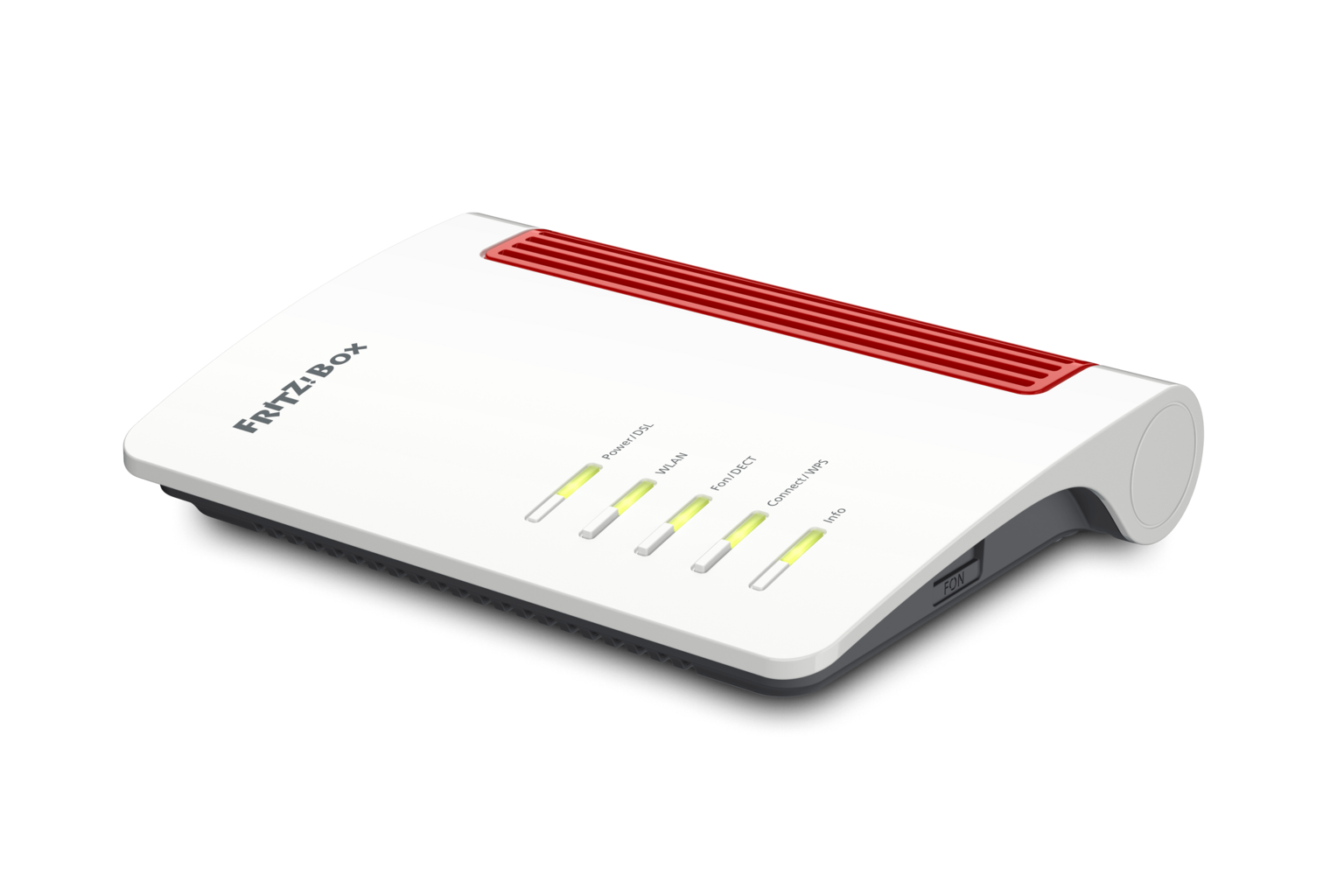
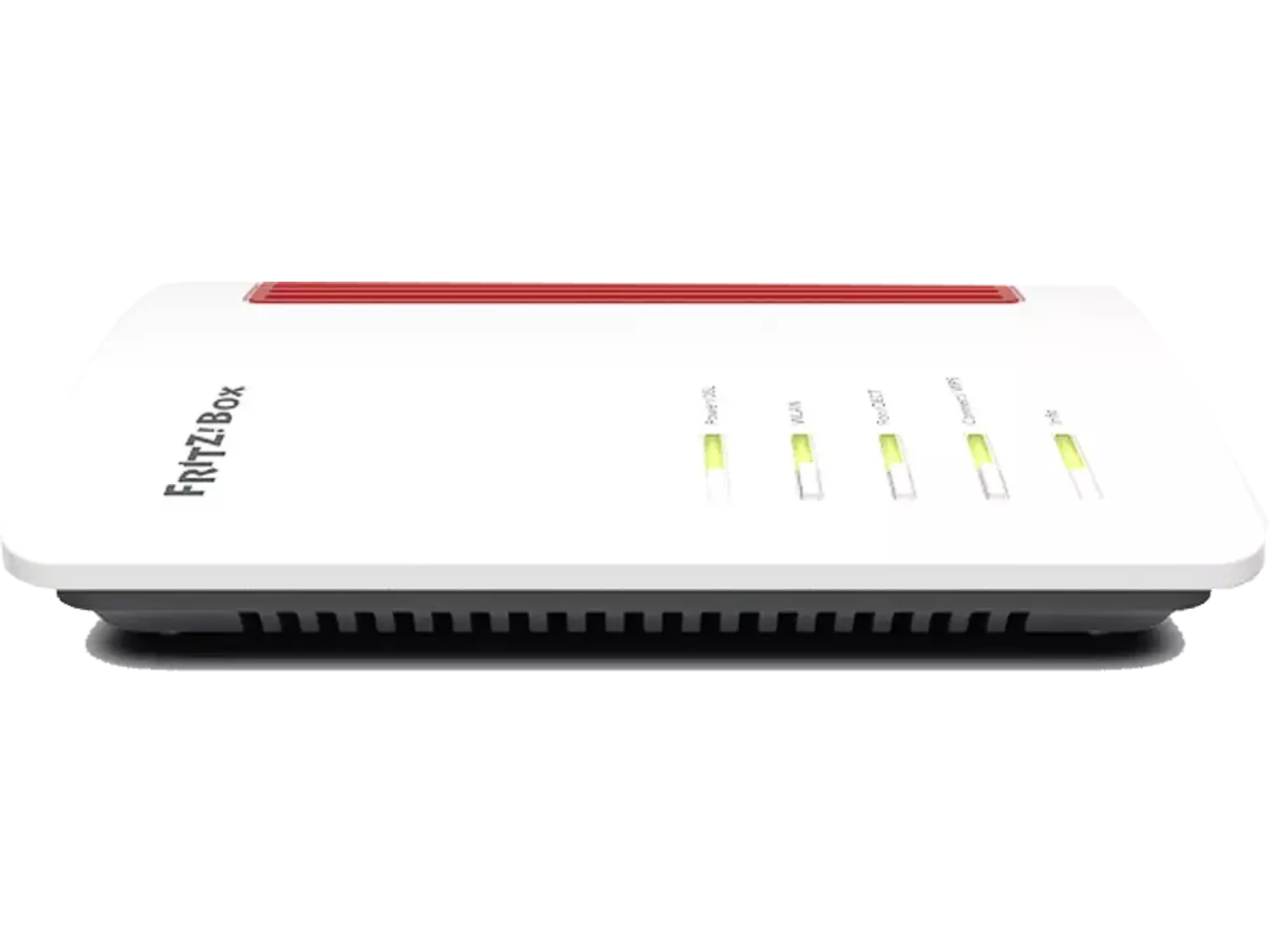
The AVM FRITZ!Box 7510 is a versatile DSL/VDSL router that brings stable internet, reliable telephony, and smart home control into one elegant unit. With support for ADSL, VDSL with vectoring, and supervectoring up to 300 Mbit/s, it’s built to handle today’s streaming, gaming, remote work, and smart device needs. The AVM FRITZ!Box 7510 Manual helps you unlock its full potential with clear setup paths and best‑practice tips.
Connectivity, telephony, and Wi‑Fi made easy
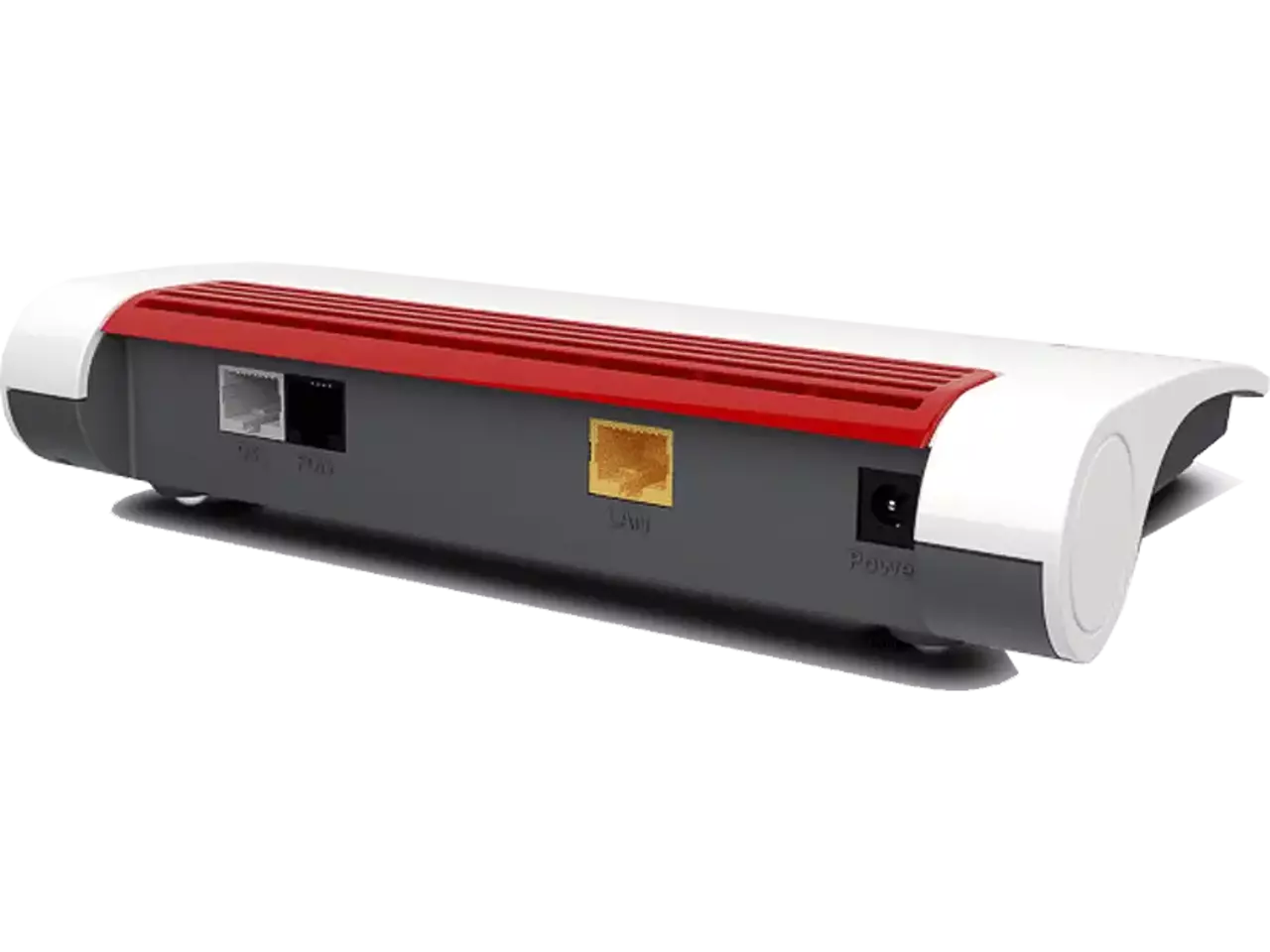
Set up is straightforward: plug into power, connect to your DSL/VDSL line, and add devices via LAN or Wi‑Fi. The 7510 doubles as a full PBX, supporting up to six DECT handsets, one analog phone/fax, and IP phones (including FRITZ!App Fon). You also get integrated answering machines and a built‑in fax function. Wi‑Fi onboarding is fast with WPS, QR code, or the printed SSID and key. A USB 2.0 port adds storage, printers, or mobile dongles for LTE/UMTS fallback.
Mesh, smart home, and advanced controls
With FRITZ!OS Mesh, the 7510 can be the Mesh Master or a Mesh Repeater, unifying Wi‑Fi names, keys, and guest access across your FRITZ! devices. DECT ULE support means smart plugs, thermostats, switches, and lights integrate seamlessly—schedule power, monitor energy, and automate comfort. Parents will appreciate granular access profiles, filters, and time budgets. Power users can fine‑tune IPv6, VPN, port sharing, DynDNS, priorities, and remote access.
Safety, placement, and maintenance
AVM emphasizes safe operation: ensure ventilation, avoid heat buildup, use the supplied power adapter, and keep the unit dry. Optimal Wi‑Fi comes from central, elevated placement away from interference. The interface at http://fritz.box provides wizards for first‑time setup, diagnostics, energy monitoring, and one‑click updates to FRITZ!OS.
Notes
- Keep the FRITZ!Box password and Wi‑Fi key from the label handy.
- Enable AVM services for automated updates and diagnostics.
- Use the Energy Monitor and Wi‑Fi schedules to save power.
Search for 1 Mio. Manuals online


Type-in Brand or Model