
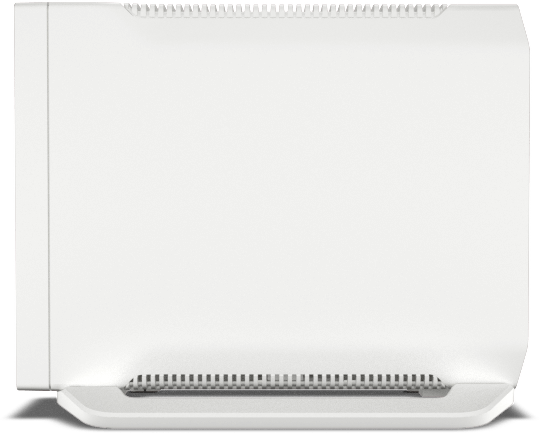
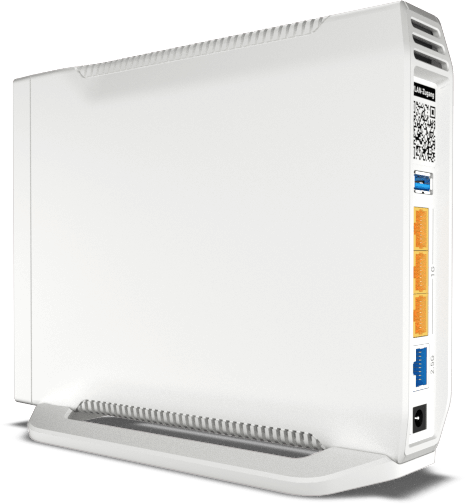
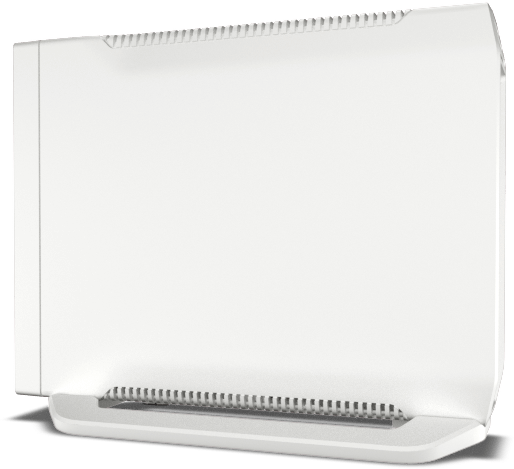
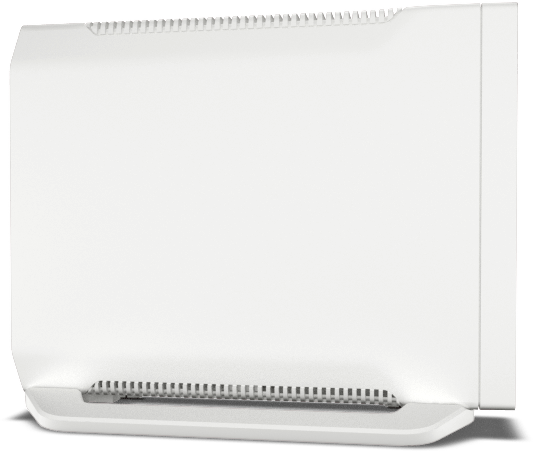
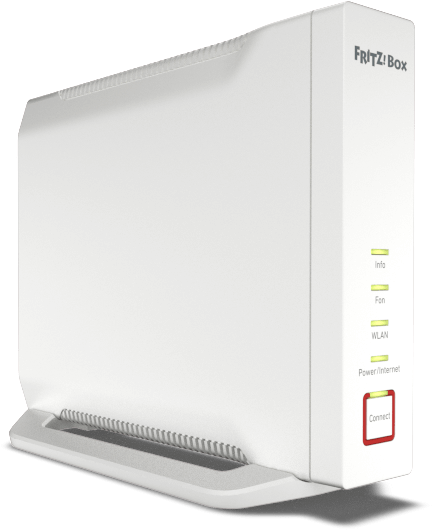
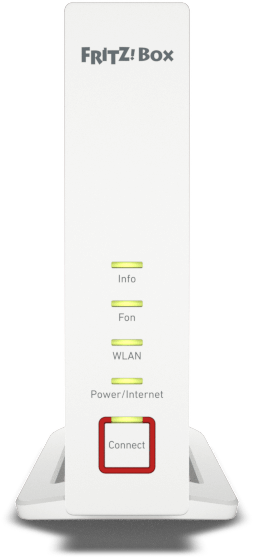
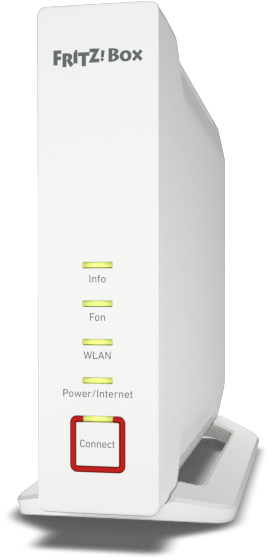
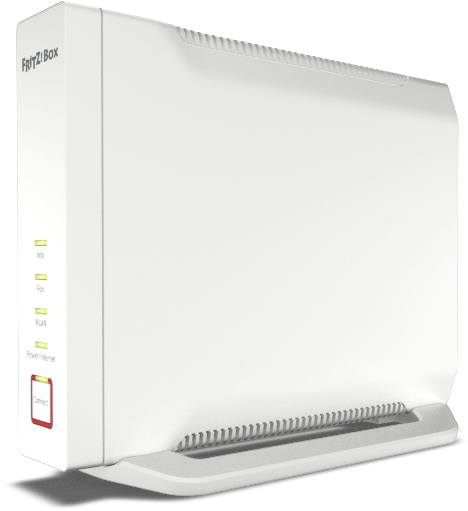
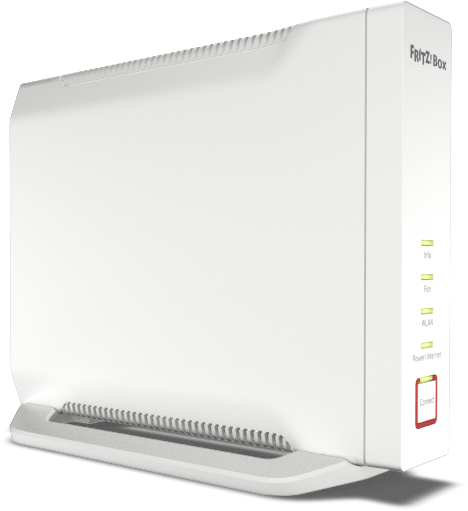
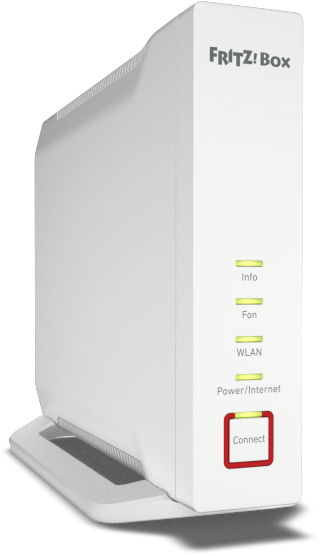
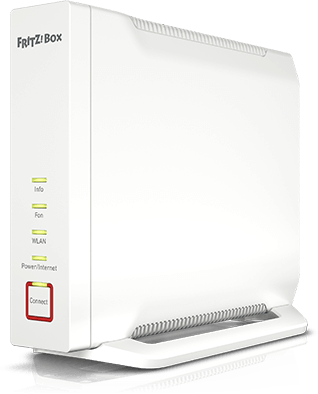
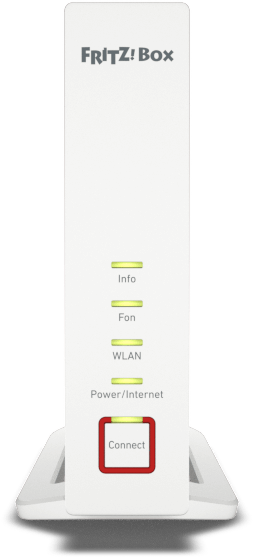
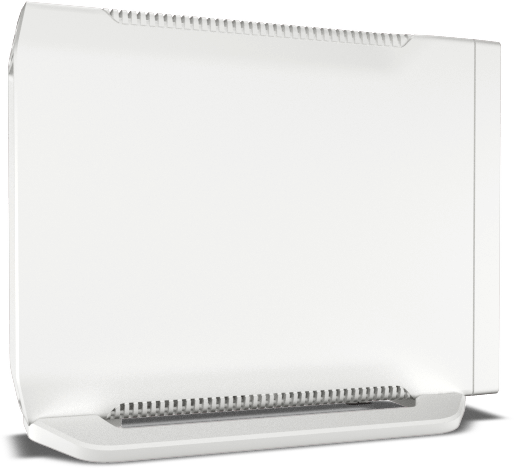
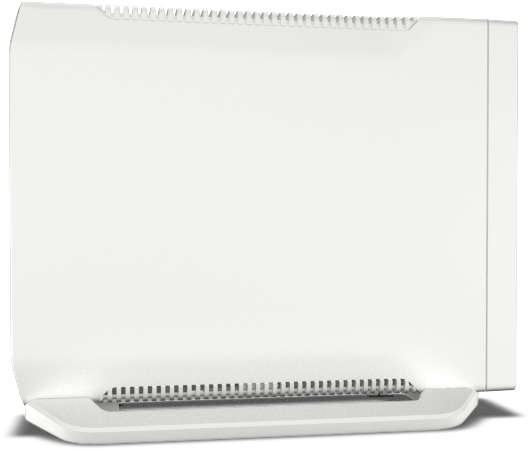
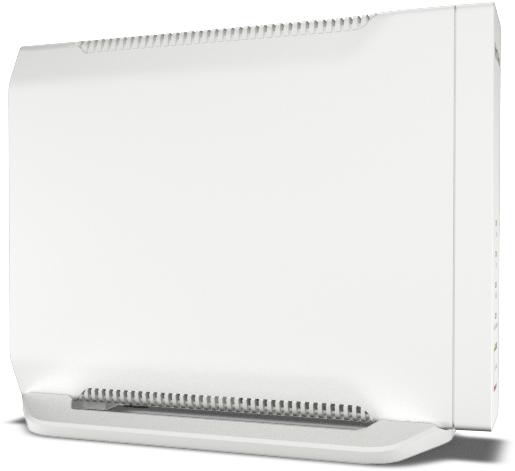
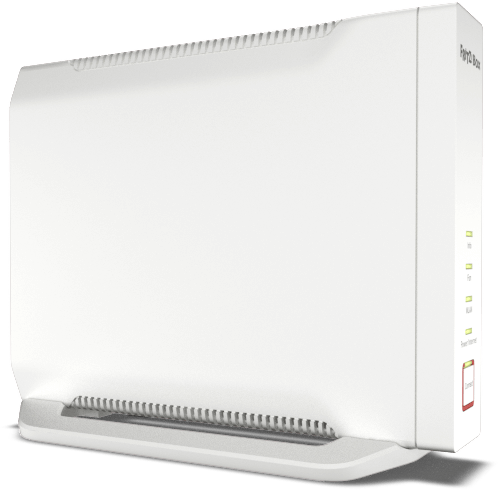
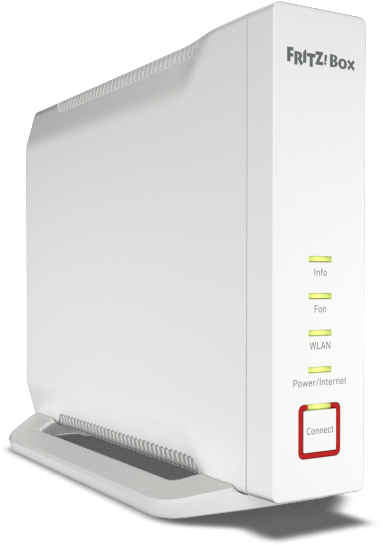
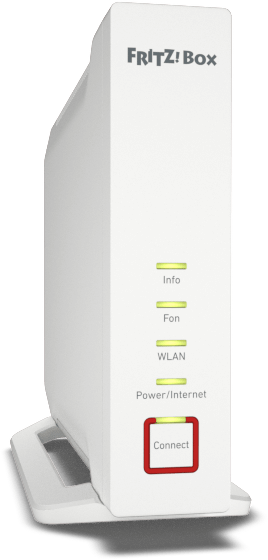
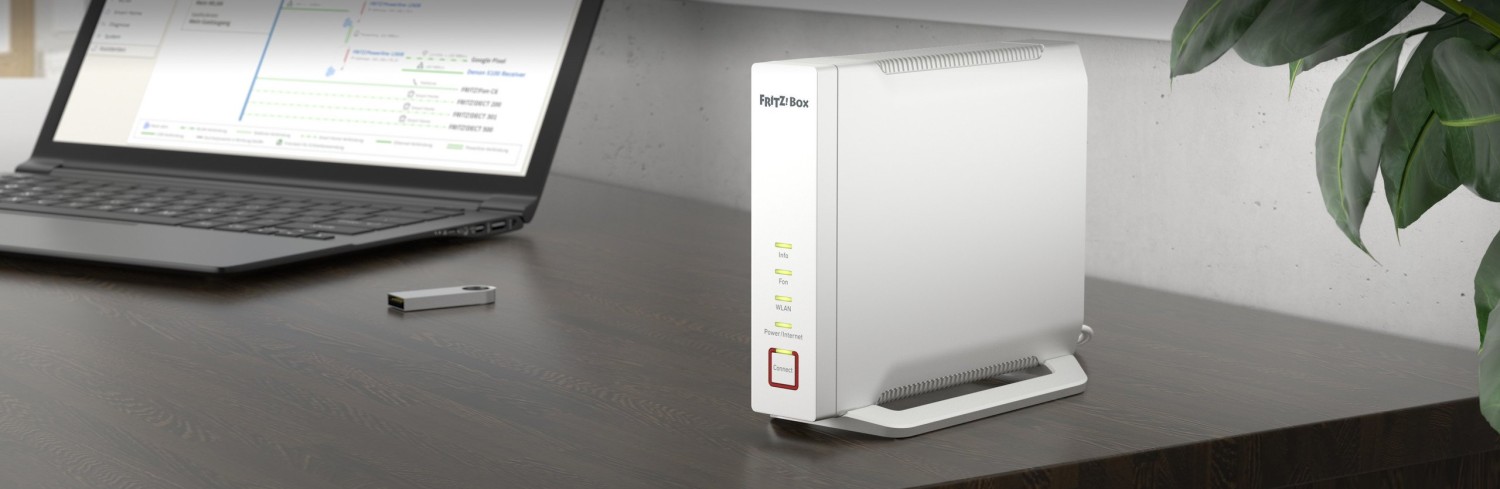
AVM FRITZ!Box 4060 Manual
PDF manual · 265 Pages
English


Advantages and Disadvantages
Advantages

- Flexible WAN support: DSL/VDSL, cable, fiber, upstream router and mobile broadband.
- Strong wireless security with WPA2/WPA3 support and WPS for easy pairing.
- DECT base station supporting cordless phones and many FRITZ!DECT smart‑home devices.
- USB 3.0 port for storage, printers or mobile broadband dongles.
- Comprehensive FRITZ!OS UI with wizards, energy monitoring, parental controls and remote access.
Disadvantages

- No built‑in modem for direct DSL or cable termination — requires an appropriate upstream modem in some setups.
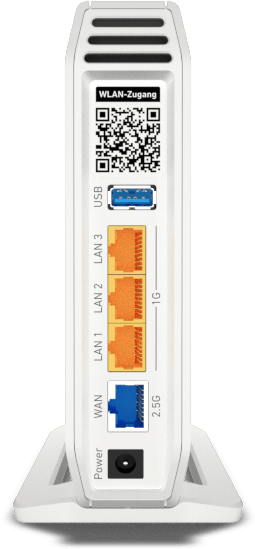
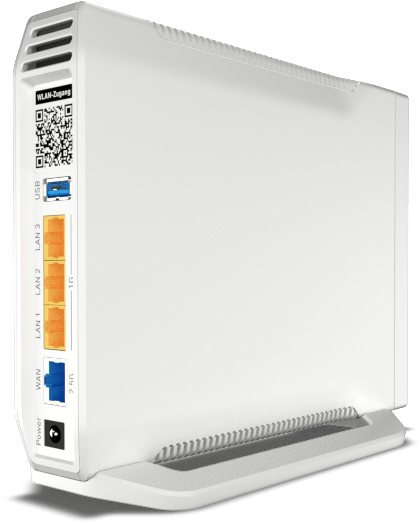
- Limited physical LAN ports (three) may require a switch for many wired devices.
- During power outages, telephony services connected to the device are not available.
- Some advanced features depend on ISP or mobile provider restrictions (e.g., incoming connections, port sharing).
- WPA3 support may be limited by client device compatibility; mixed WPA2/WPA3 mode required.
Ask a Question
Frequently Asked Questions
Connect a computer or smartphone to the FRITZ!Box network and open a browser to http://fritz.box. Enter the preconfigured FRITZ!Box password printed on the device label to log in, or use your changed credentials if you updated them.
Is this answer helpful?
Yes. The 4060 supports internet access via DSL/VDSL modems, cable modems, fiber‑optic modems (FTTH/ONT), upstream routers and mobile broadband dongles or tethered smartphones by using the WAN port or USB tethering as applicable.
Is this answer helpful?
Use the built‑in WPA2+WPA3 or WPA2 (CCMP) encryption modes, change the preconfigured network key from the device label to a strong passphrase, and enable recommended FRITZ!OS security settings through the user interface.
Is this answer helpful?
The FRITZ!Box 4060 supports up to six cordless DECT telephones and multiple FRITZ!DECT smart‑home devices (typically up to 10 smart plugs, switches and LED lights, and up to 12 radiator controls depending on device types).
Is this answer helpful?
If you configured the 'Forgot Password' push service, use the emailed access link to reset the password. Otherwise, log in with the preset password from the device label if unchanged, or follow factory‑reset instructions in the documentation to restore defaults.
Is this answer helpful?
Yes. Improve reception by optimal placement (central, elevated) and extend coverage with FRITZ!Repeaters, powerline devices or by enabling Mesh mode for seamless roaming across devices.
Is this answer helpful?
No. Telephones connected via the FRITZ!Box require mains power; in a power outage you cannot make or receive calls through the device unless you have an alternative power solution.
Is this answer helpful?
Product Description
AVM FRITZ!Box 4060 — Powerful, flexible home networking
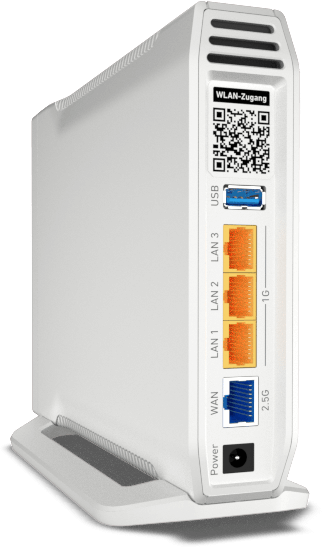
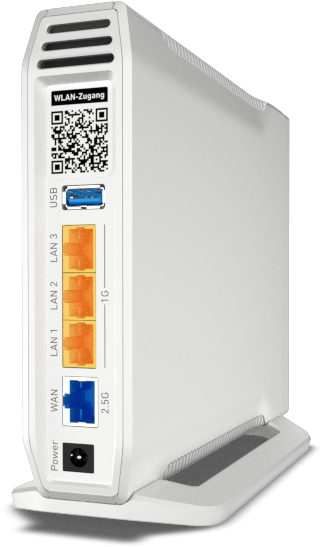
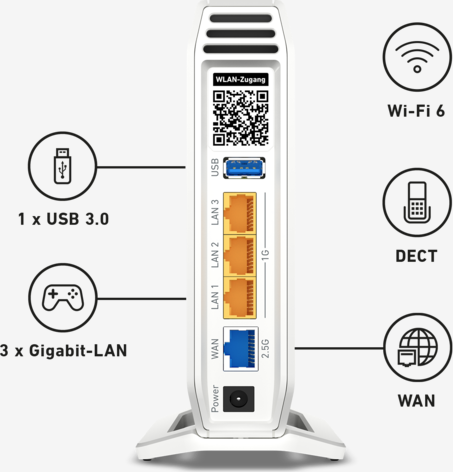
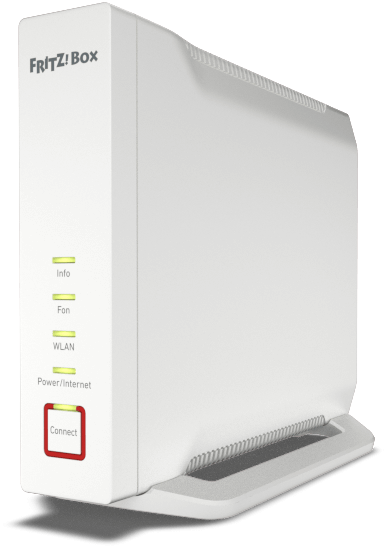
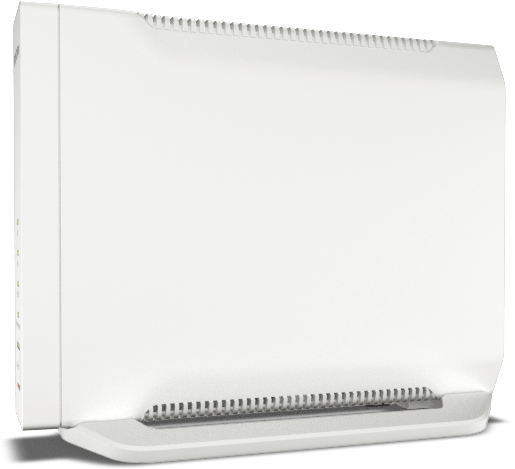
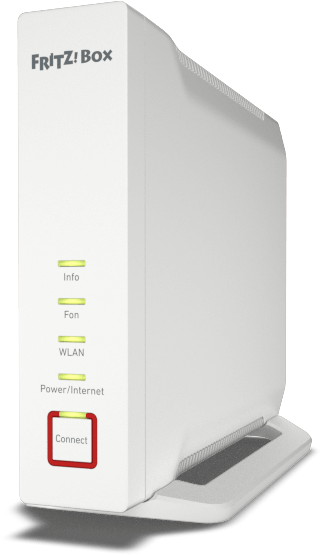
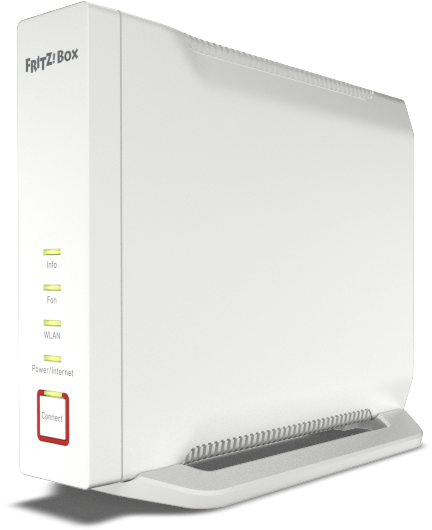
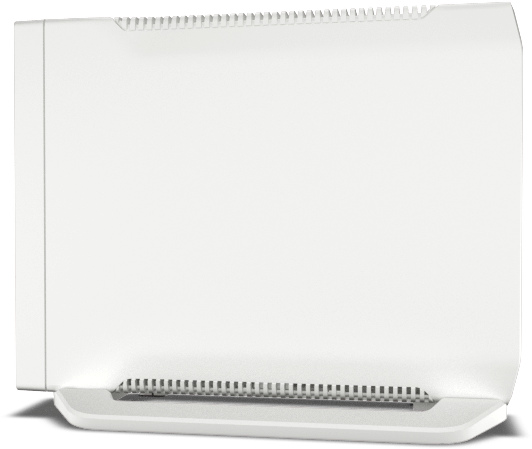
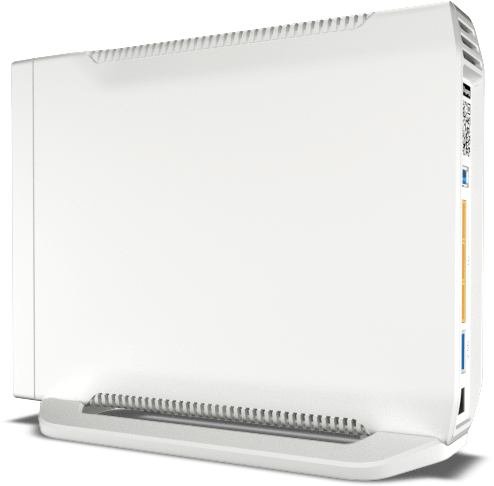
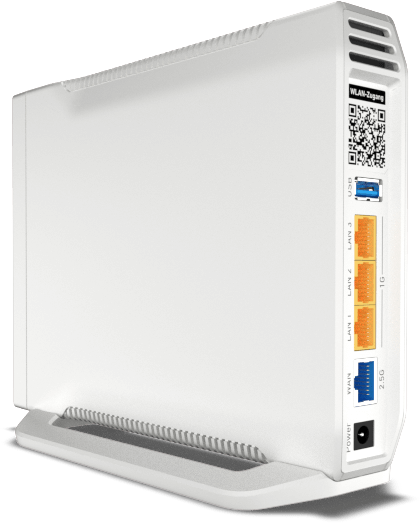
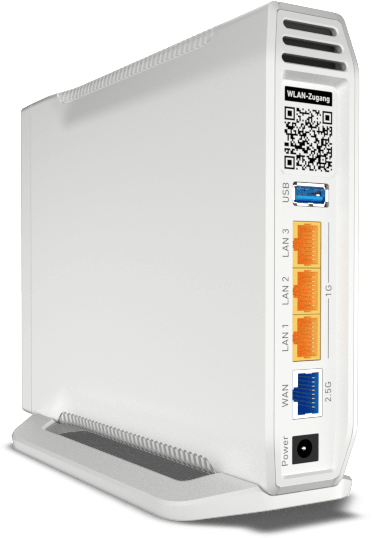
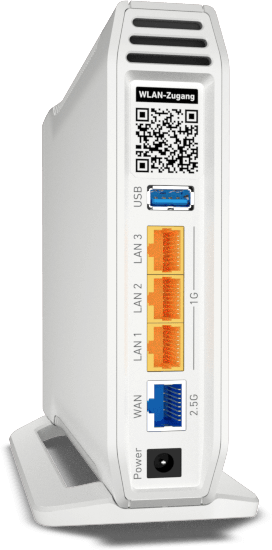
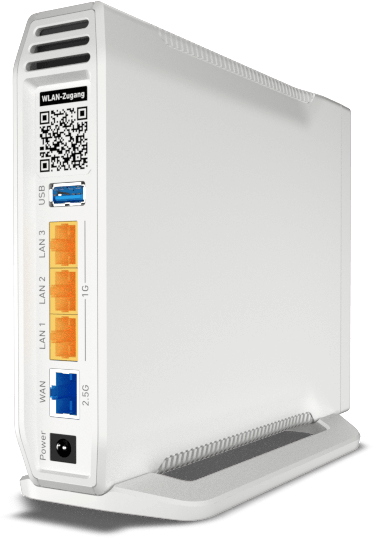
The AVM FRITZ!Box 4060 is a versatile Wi‑Fi router and home‑network hub designed to handle modern broadband setups and smart‑home integrations. Built for performance and usability, it supports connections via DSL/VDSL, cable, fiber‑optic modems, upstream routers, and mobile broadband dongles or tethered smartphones. With a dedicated WAN port, three Gigabit LAN ports, a USB 3.0 port, and DECT support, the 4060 covers wired, wireless, telephony and peripheral needs for small homes and apartments.
Compact yet feature‑rich, the FRITZ!Box 4060 offers robust wireless capabilities with WPA2/WPA3 support, preconfigured WPA2 credentials on the device label, and WPS for quick device pairing. It is optimized for good Wi‑Fi reception and mesh expansion, letting you place the unit centrally and extend coverage with FRITZ!Repeaters or other mesh devices. The unit also serves as a DECT base station supporting cordless phones and numerous FRITZ!DECT smart‑home devices like smart plugs, radiator controls and smart lights.
User convenience is a priority: the web‑based user interface (access via http://fritz.box) includes a startup wizard for basic configuration, an Overview homepage summarizing system and connection status, and step‑by‑step online help. The FRITZ!OS offers features such as a media server (FRITZ!NAS), MyFRITZ! remote access, parental controls, energy‑monitoring and push services. It supports up to six DECT handsets, multiple IP telephones, and five answering machines for voice messages. Administrative tasks — changing the FRITZ!Box password, configuring port sharing, Dynamic DNS, VPN or remote access — are accessible through the UI.
Safety and reliability are emphasized: the manual recommends indoor use, adequate ventilation to prevent overheating, and avoiding operation during electrical storms. Important label data (Wi‑Fi SSID, network key, FRITZ!Box password, serial number) simplify setup. The 4060’s LEDs and buttons provide clear status indicators and easy registration for Wi‑Fi, DECT and smart‑home devices.
Whether you need a primary router, an IP client, or a mesh node, the FRITZ!Box 4060 adapts to varied operating modes. It supports energy‑saving settings and reports power consumption via the FRITZ!OS energy monitor. With extensive manufacturer documentation and online resources, setup and troubleshooting are well supported.
Notes
- Preconfigured Wi‑Fi credentials and the FRITZ!Box password are printed on the device label; change the password after first login.
- Use the built‑in wizard for first‑time internet and telephony setup.
- For optimal Wi‑Fi coverage position the device centrally and elevated; mesh expansion is available for larger homes.
Search for 1 Mio. Manuals online


Type-in Brand or Model