
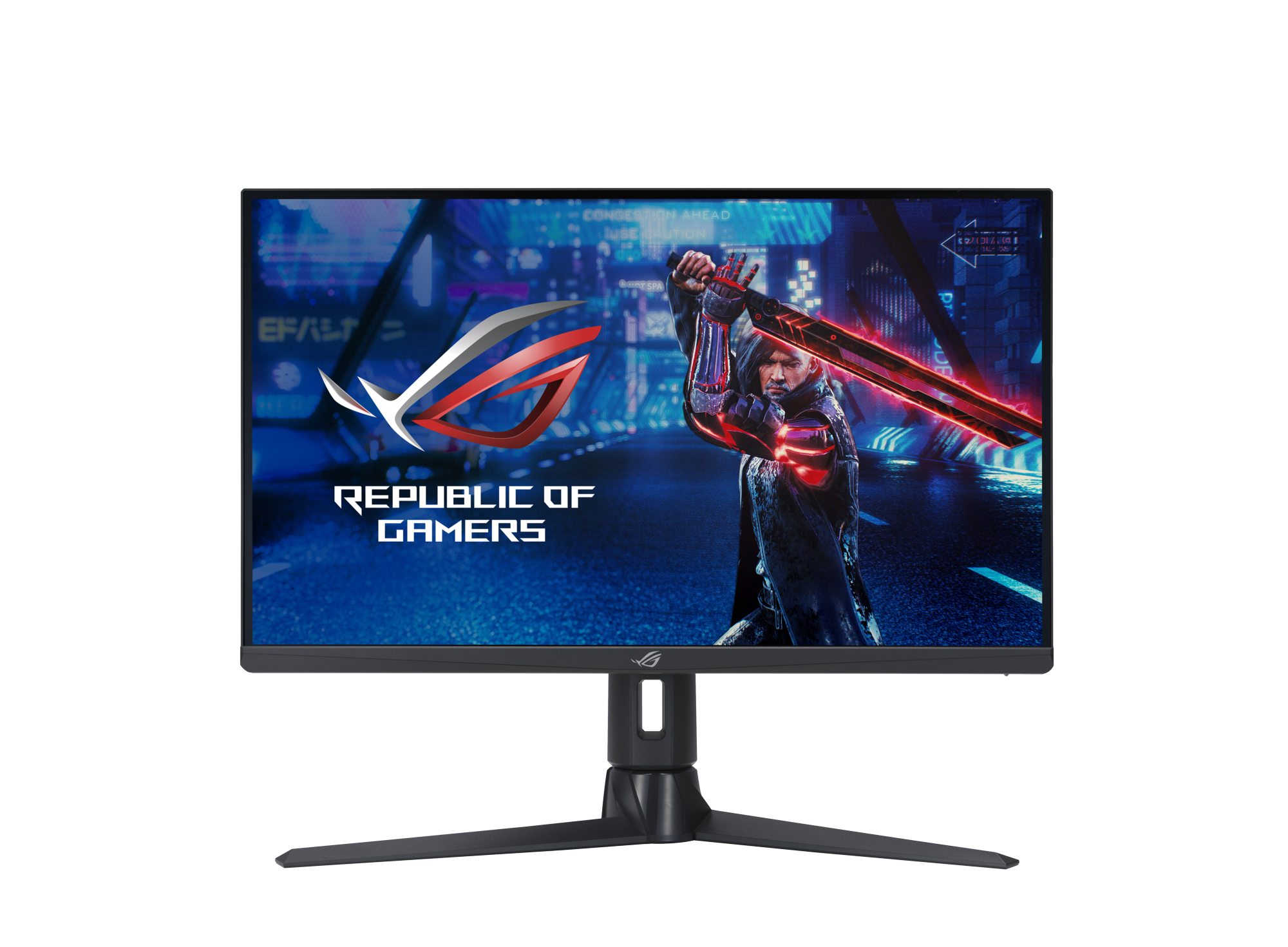
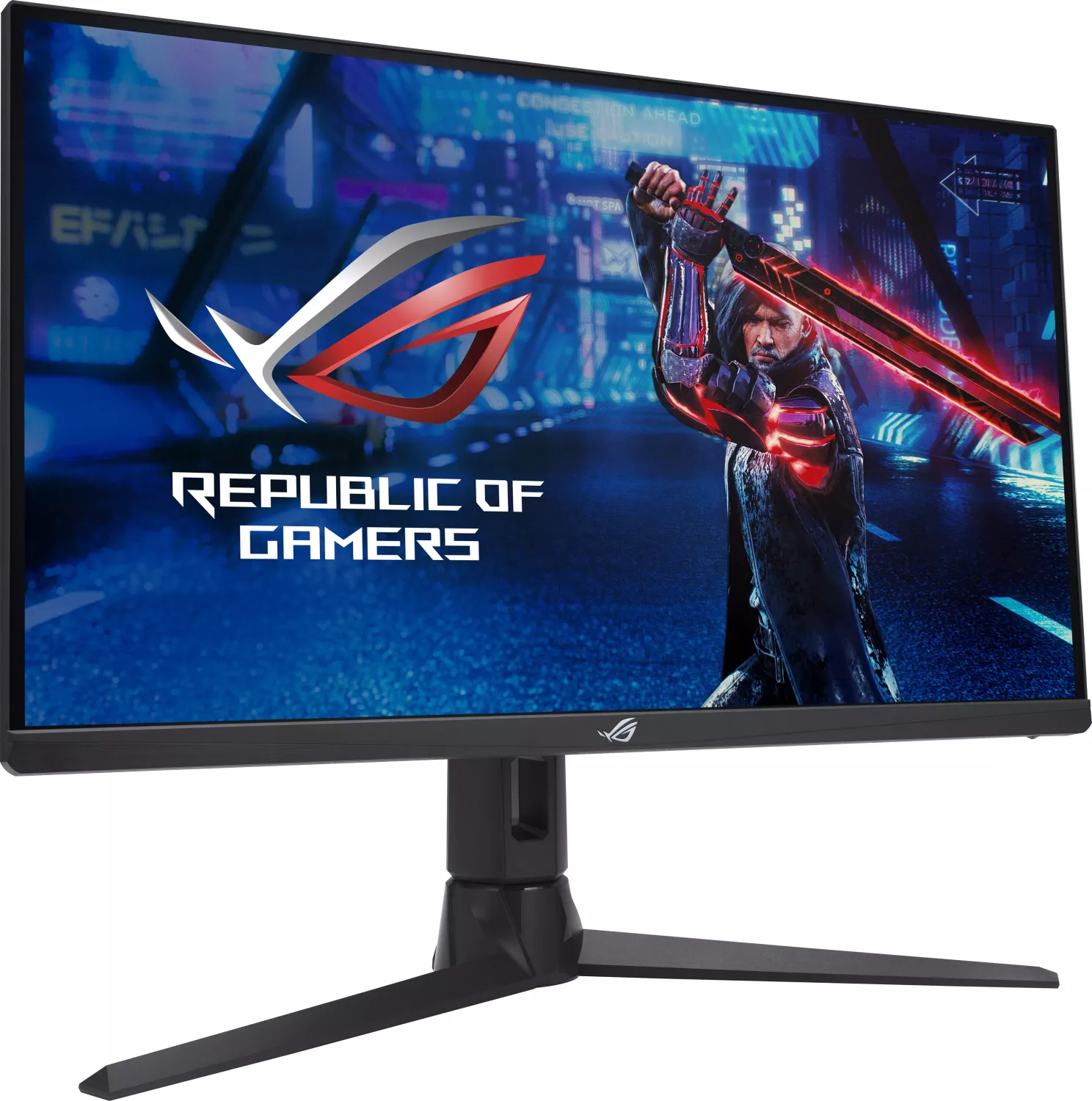
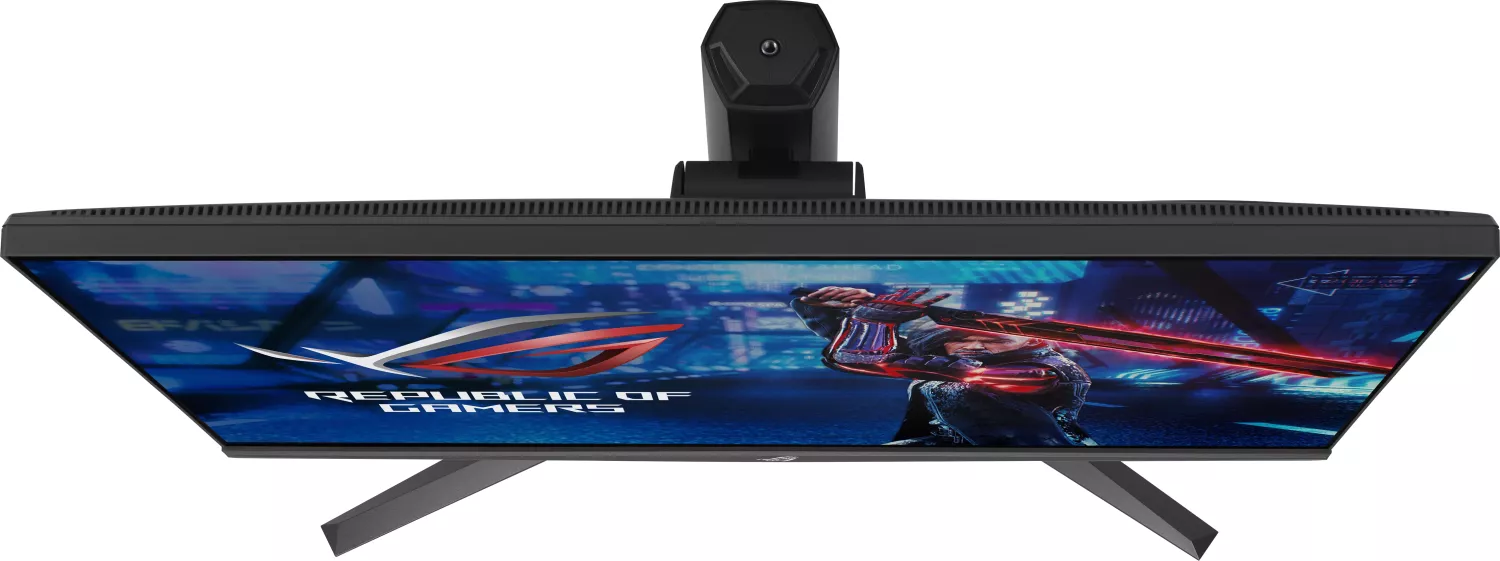
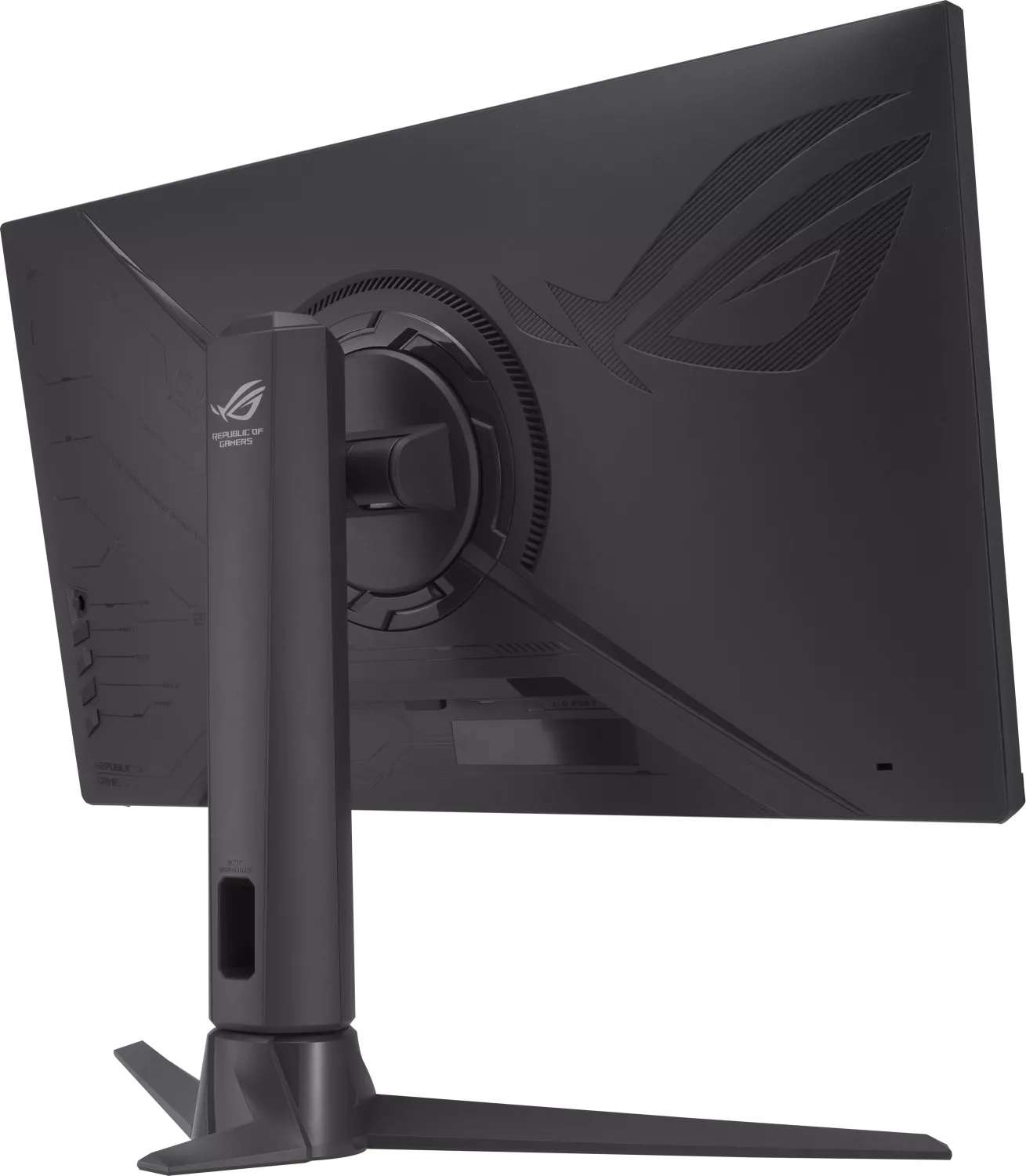
ASUS ROG Strix XG27AQMR 27" Monitor Manual
PDF manual · 30 Pages
English



Advantages and Disadvantages
Advantages

- 300Hz QHD via DisplayPort for esports-grade smoothness
- Adaptive-Sync and ELMB Sync minimize tearing and blur
- HDR with up to 600 nits and dynamic dimming
- Deep OSD controls with GamePlus and GameVisual
- USB hub, dual HDMI, DP, and headphone jack
Disadvantages

- 300Hz limited to DisplayPort, HDMI capped at 144Hz
- ELMB disabled below 85Hz input frequency
- HDR impact varies by content and settings
- No mention of height/swivel; ergos may be basic
- Requires tuning to balance OD and motion clarity
Ask a Question
Frequently Asked Questions
It runs at 2560x1440 (QHD) and supports up to 300Hz via DisplayPort. Over HDMI, it supports up to 144Hz at QHD and higher refresh rates at 1080p depending on the source.
Is this answer helpful?
Yes. It supports Adaptive-Sync, is G-SYNC Compatible, and works with AMD FreeSync Premium Pro to reduce tearing and stutter across a wide frame-rate range.
Is this answer helpful?
ELMB reduces motion blur and ghosting; ELMB Sync allows blur reduction alongside Adaptive-Sync. Note that ELMB is disabled below 85Hz, and image brightness may decrease when enabled.
Is this answer helpful?
It delivers up to 600 nits peak with ASUS Gaming HDR, Cinema HDR, and Console Mode. Dynamic local dimming enhances contrast, though HDR impact depends on content and calibration.
Is this answer helpful?
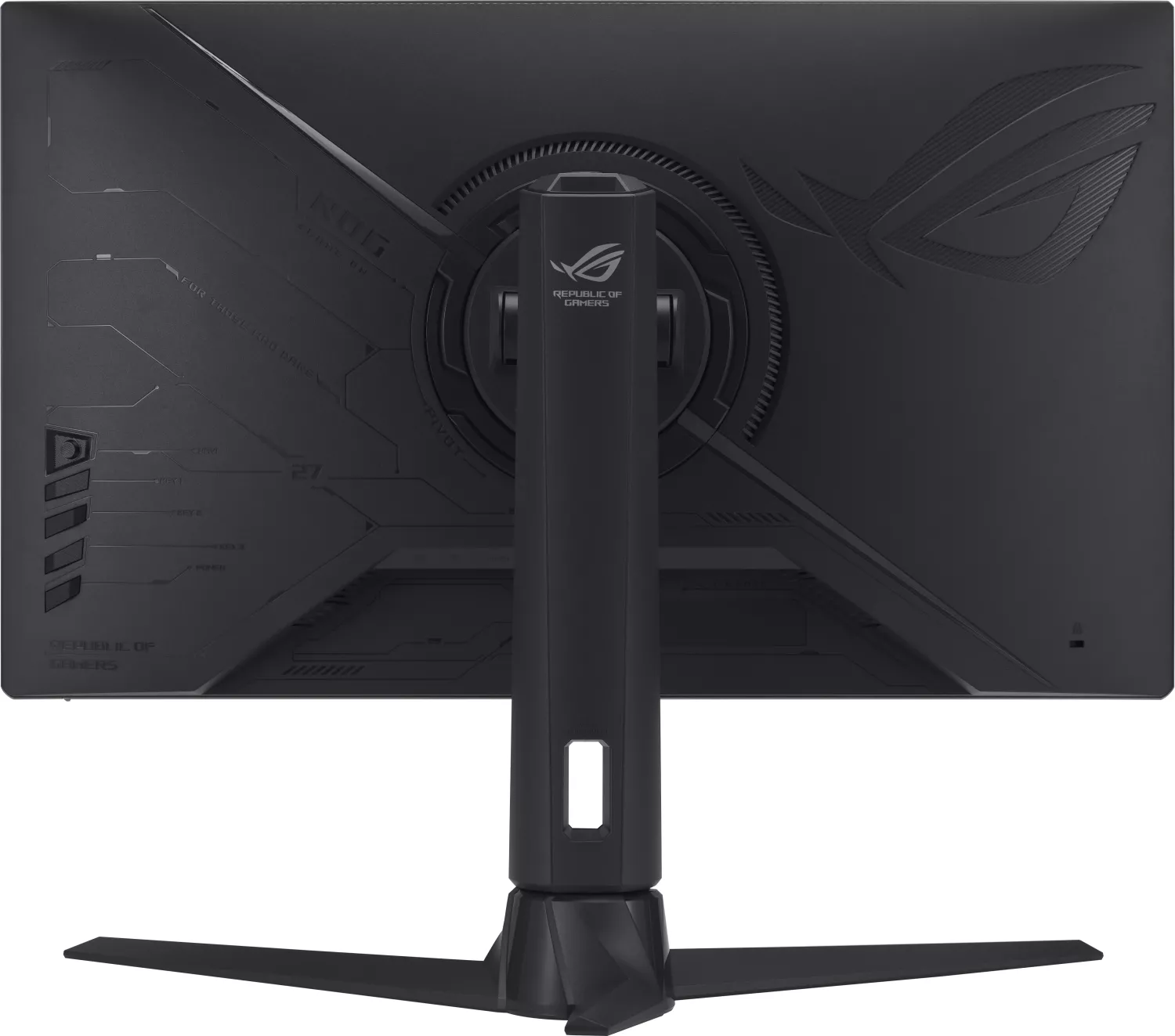
It includes DisplayPort, two HDMI inputs, USB 3.2 Gen1 upstream and two downstream ports, a headphone jack, DC-in, and a Kensington lock slot.
Is this answer helpful?
Yes. You get presets for sRGB, DCI-P3, and Wide Gamut, multiple gamma and color temperatures, plus controls for brightness, contrast, VividPixel, Shadow Boost, and Blue Light Filter.
Is this answer helpful?
With stand: 614.81 x (399.32–509.32) x 264.93 mm. Typical power consumption is around 23W, with power-saving and power-off modes below 0.5W and 0.3W respectively.
Is this answer helpful?
Product Description

ASUS ROG Strix XG27AQMR 27" Monitor Review
Power, Precision, and Play at 300Hz
Why this QHD esports panel stands out
The ASUS ROG Strix XG27AQMR 27" Monitor brings tournament-grade speed and clarity to your desk. With a 2560x1440 QHD panel running up to 300Hz via DisplayPort, it balances razor-sharp detail with ultra-low latency. A 1ms GtG response time, Variable Overdrive, and Adaptive-Sync support (including G-SYNC Compatible and FreeSync Premium Pro) work together to tame ghosting, tearing, and stutter.
HDR performance adds punch to highlights, reaching up to 600 nits peak brightness. ASUS Gaming HDR, Cinema HDR, and a console-focused mode let you tune tone mapping per use case. Dynamic local dimming boosts contrast in darker scenes, while Shadow Boost lifts visibility in shadowed areas—ideal for competitive shooters.
ASUS ROG’s gamer-centric tools are here in force. GamePlus overlays (crosshair, timer, FPS counter, sniper, alignment) and eight GameVisual presets help you dial in settings fast. The five-way joystick and hotkeys speed up OSD navigation, and MyFavorite shortcuts let you save custom profiles.
For comfort, the ASUS ROG Strix XG27AQMR 27" Monitor Manual–inspired Eye Care options include a multi-level Blue Light Filter and ELMB/ELMB Sync to reduce motion blur. Extensive color controls span sRGB, DCI-P3, and Wide Gamut modes, plus multiple gamma and color temperature presets for creators who need accuracy alongside speed.
Connectivity is generous: DisplayPort for 300Hz QHD, dual HDMI for up to 144Hz, USB 3.2 hub (upstream + two downstream), and a headphone jack. At just 23W typical power draw with sub-0.5W standby, it stays efficient. Ergonomics cover tilt adjustments, and VESA compatibility eases wall or arm mounting. Build quality is classic ROG—sturdy, stealthy black with a compact footprint.
Notes
- Best performance: DP + DSC enabled for 2560x1440 at 300Hz.
- ELMB Sync requires Adaptive-Sync to be ON.
- HDR brightness is adjustable in supported modes.\nThere are no reviews available to analyze. Without user feedback, the overall sentiment, standout strengths, and areas needing improvement cannot be determined. Additional reviews would enable identification of consistent themes, notable highlights, and potential pain points across experiences.
Search for 1 Mio. Manuals online


Type-in Brand or Model